
A few months ago a client sent me a worried message: “Our FAQ dropdowns disappeared from Google. Did the new site break our SEO?” They had paid an agency the year before to add FAQ schema to every service page, and they were watching a Search Console report flatline. I opened the pages and found four separate JSON-LD blocks on each one: two Organization blocks with different logos, an FAQPage block on pages that had no visible FAQ, and a Review block giving the business five stars from itself. Nothing on the new site was broken. The markup had simply been written for a version of Google Search that no longer exists.
That conversation is why I wanted to write this guide. JSON-LD structured data is still one of the most useful things a developer can add to a site in 2026, but the list of rich results it unlocks has shrunk, the rules have tightened, and a lot of advice online is two or three years out of date. In this post I will walk through what structured data actually does today, which schema types are still worth your time, how I build one clean, connected graph instead of a pile of random blocks, how I ship it in Next.js, React and WordPress, and how I test it so it never silently breaks.
What structured data actually does in 2026
Structured data is a machine-readable description of a page, written with the shared vocabulary from schema.org. JSON-LD is the format Google recommends because it lives in a single script tag and does not tangle itself into your HTML the way Microdata and RDFa do:
<script type="application/ld+json">
{
  "@context": "https://schema.org",
  "@type": "BlogPosting",
  "headline": "JSON-LD Structured Data in 2026",
  "datePublished": "2026-10-07T09:00:00+05:30"
}
</script>
Before we write a line of it, it helps to be honest about what it does and does not do.
- It is not a ranking factor. Google has said this consistently. Markup helps Google understand the page and can make it eligible for a richer appearance, but it does not push a weak page up the results.
- Eligibility is not a guarantee. Even perfect markup that passes every test only makes a page eligible. Google decides per query, per device and per user whether a rich result is shown at all.
- It must describe what people can see. Google’s general structured data guidelines say not to mark up content that is hidden from readers, and that the markup must be a true representation of the page. Markup that contradicts the page can lead to a structured data manual action, which removes rich result eligibility.
- There is no special schema for AI features. Google’s documentation on AI features in Search says you do not need new machine-readable files or special schema.org markup to appear in AI Overviews or AI Mode. What it does ask is that your structured data matches the visible text on the page.
So the job in 2026 is not “add as much schema as possible”. The job is to describe your real content accurately, in the handful of types that still matter, with markup that is consistent across the whole site.
Which schema types are still worth your time
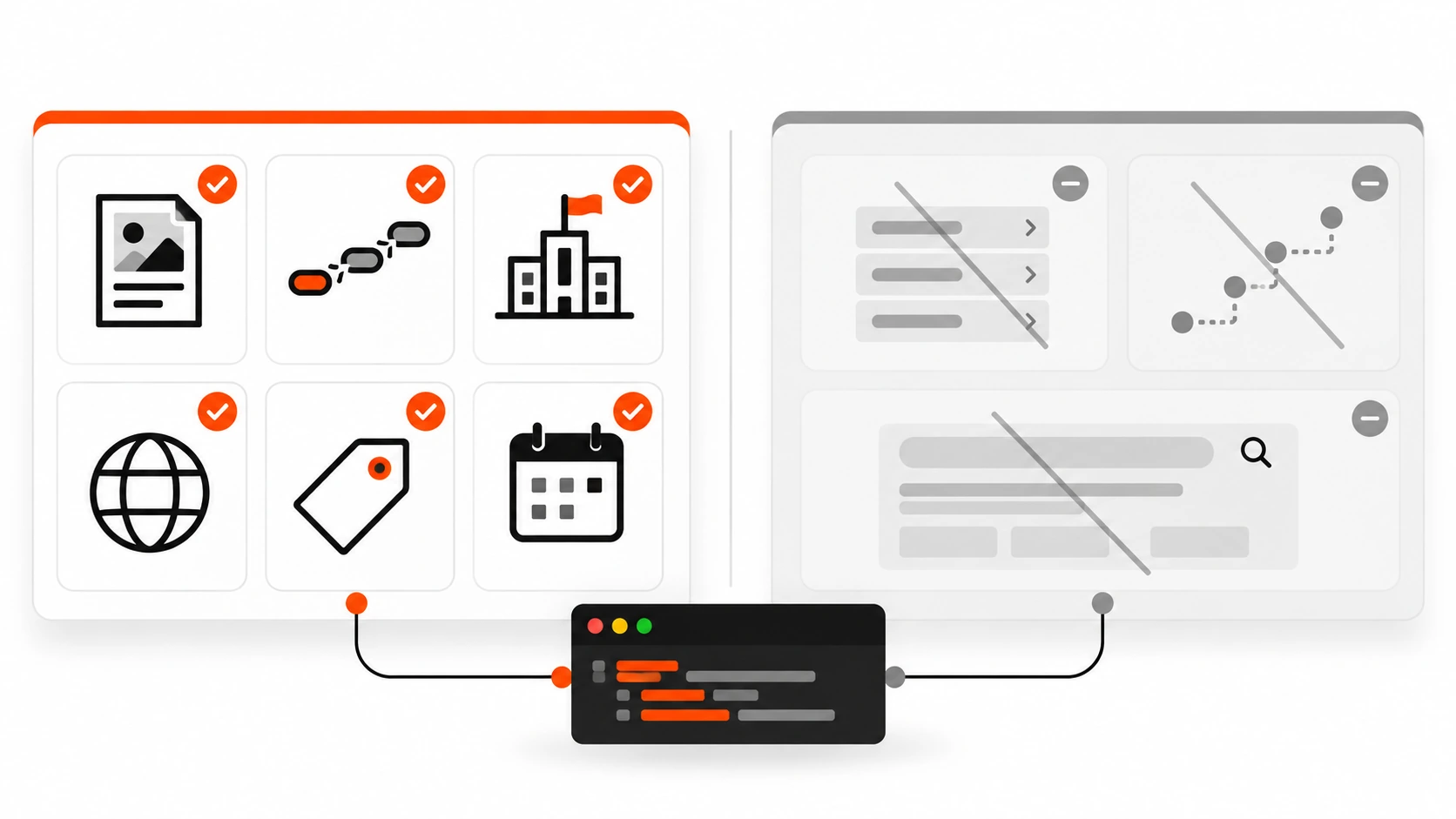
Google’s search gallery has been pruned hard over the last three years. When I audit a site, I sort the markup into two buckets.
Still pulling their weight
- Article, BlogPosting and NewsArticle. Helps Google show the right title, images and dates for articles in Google Search and Google News. There are no required properties, only recommended ones.
- BreadcrumbList. Breadcrumb trails in results. Google’s documentation now lists the feature as available on desktop; on mobile, results show the site name and domain instead, so treat this as a desktop win.
- Organization and its subtypes. Feeds the logo, name and administrative details Google uses in knowledge panels and other visual elements. OnlineStore, LocalBusiness and its subtypes add merchant and local details.
- WebSite. Used on the home page to tell Google your preferred site name with
nameandalternateName. - ProfilePage. For a page that is mainly about one person or organization, such as an author bio or a freelancer’s about page.
- Product, Offer and merchant listings. Still a big one for stores, and Google keeps adding properties here. In 2026 alone it documented
categoryand sale price date guidance for merchant listings. - Event, JobPosting, Recipe, VideoObject, LocalBusiness, review snippets and a few other vertical types, where your content genuinely fits them.
Retired or restricted
- FAQ rich results. Restricted in August 2023 to well-known government and health sites. Then, as of May 7, 2026, Google stopped showing FAQ rich results entirely, removed the documentation on June 15, 2026, dropped the Rich Results Test and Search Console report in June, and removed Search Console API support in August 2026.
- How-to rich results. Gone on desktop and mobile since 2023.
- Sitelinks search box. Removed from results in November 2024, so the
potentialActionSearchAction on your WebSite markup no longer does anything in Google. - The June 2025 batch. Course info, Claim Review, estimated salary, learning video, special announcement and vehicle listing were phased out. Practice problem followed, with its documentation removed in January 2026. Dataset markup is now only used by Dataset Search, not Google Search.
- Self-serving reviews. Star ratings that a LocalBusiness or Organization publishes about itself on its own site have not been eligible for review snippets since 2019.
Should you delete your FAQPage markup?
Not in a panic. FAQPage is still a valid schema.org type, and other search engines, tools and platforms can read it. On my own blog every post has a visible FAQ section and I still output FAQPage for it, because it accurately describes real content on the page. But I no longer expect a Google rich result from it, and I tell clients not to pay anyone to add FAQ schema for that reason. The rule I follow: if the FAQ is visible and useful, the markup can stay; if the markup exists only to game a feature that is gone, remove it. And do not swap it for QAPage. QAPage is for a page with one question and answers submitted by users, like a forum thread, not for a list of questions you wrote yourself.
Build one connected graph, not a pile of blocks
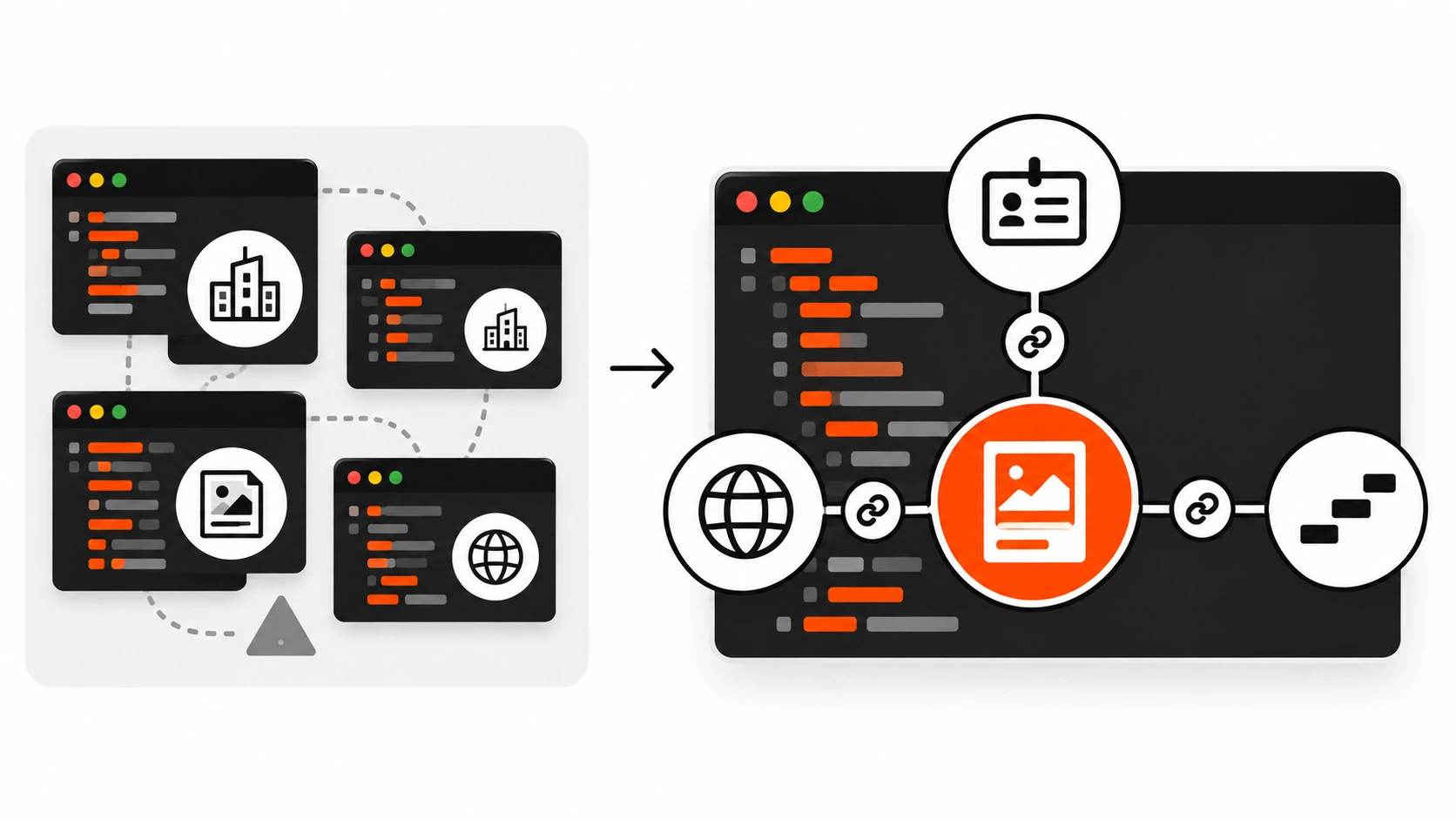
The most common technical mess I find is not invalid JSON. It is fragmentation. A theme outputs an Organization, an SEO plugin outputs another Organization, a reviews widget outputs a third, and nothing tells Google these are the same entity. Each block is valid on its own, and together they are noise.
The fix is to use @graph with stable @id values. An @id is just a URL-shaped identifier for an entity. I use the canonical URL plus a hash fragment, like https://example.com/#organization. Once an entity has an @id, every other node can reference it instead of repeating it.
Here is the graph I use as a starting point for a blog post on a freelancer or small agency site:
{
  "@context": "https://schema.org",
  "@graph": [
    {
      "@type": "Person",
      "@id": "https://example.com/#person",
      "name": "Asha Mehta",
      "url": "https://example.com/about",
      "jobTitle": "Freelance Web Developer",
      "sameAs": [
        "https://www.linkedin.com/in/example",
        "https://github.com/example"
      ]
    },
    {
      "@type": "WebSite",
      "@id": "https://example.com/#website",
      "url": "https://example.com/",
      "name": "Asha Mehta",
      "publisher": { "@id": "https://example.com/#person" }
    },
    {
      "@type": "BlogPosting",
      "@id": "https://example.com/blog/my-post#article",
      "mainEntityOfPage": "https://example.com/blog/my-post",
      "headline": "How I Cut Page Weight in Half",
      "image": [
        "https://example.com/img/my-post-16x9.webp",
        "https://example.com/img/my-post-4x3.webp",
        "https://example.com/img/my-post-1x1.webp"
      ],
      "datePublished": "2026-10-07T09:00:00+05:30",
      "dateModified": "2026-10-07T09:00:00+05:30",
      "author": { "@id": "https://example.com/#person" },
      "publisher": { "@id": "https://example.com/#person" },
      "isPartOf": { "@id": "https://example.com/#website" }
    },
    {
      "@type": "BreadcrumbList",
      "@id": "https://example.com/blog/my-post#breadcrumb",
      "itemListElement": [
        { "@type": "ListItem", "position": 1, "name": "Home", "item": "https://example.com/" },
        { "@type": "ListItem", "position": 2, "name": "Blog", "item": "https://example.com/blog" },
        { "@type": "ListItem", "position": 3, "name": "How I Cut Page Weight in Half" }
      ]
    }
  ]
}
A few details in there are deliberate. The Person is defined once and referenced by @id as both author and publisher. The last breadcrumb has no item, which Google’s breadcrumb documentation allows: if the final item has no URL, Google uses the URL of the page itself. And every URL is absolute, because relative URLs in JSON-LD are a common source of quiet errors.
If you run a company rather than a personal brand, swap the Person for an Organization with a logo, and keep the Person as the author. Google’s Organization guidance recommends putting the full organization details on the home page or a single about page; you do not need to repeat them on every page. On other pages, a reference to the @id is enough.
Article and BlogPosting markup that matches the page
For articles, I treat Google’s recommended properties as a checklist and fill only what is true:
- headline: the real title of the article, concise enough not to be truncated.
- image: images that represent the article, not your logo. Google recommends several high-resolution images of at least 50,000 pixels (width times height) in 16×9, 4×3 and 1×1 ratios, and the URLs must be crawlable and indexable. In March 2026 Google also clarified that it uses both schema.org markup and the
og:imagemeta tag when choosing image thumbnails, so keep those two pointing at the same image. - datePublished and dateModified: ISO 8601 with a timezone offset, like
2026-10-07T09:00:00+05:30. Without the offset, Google falls back to Googlebot’s timezone. Only changedateModifiedwhen the content really changes. Bumping it on every deploy to look fresh is exactly the kind of thing that erodes trust in your dates. - author: a Person or Organization with a
nameand aurlorsameAsthat uniquely identifies them. Google’s author best practices are specific: only the name goes inauthor.name(no job title, no “Posted by”), list every author who appears on the page as a separate entry, and use the Person type for people.
The thing I check most carefully is consistency. The headline in JSON-LD should match the H1, the dates should match the dates printed on the page, and the author should match the byline. If your CMS shows “Updated October 7” in the article but the markup still says July, fix the template, not just the post.
Breadcrumbs and site names
BreadcrumbList is the easiest win on most sites because the data already exists in your navigation. The required pieces are an ordered itemListElement of ListItems, each with a position starting at 1, a name, and an item URL (optional for the last one). Two rules I follow:
- Only mark up breadcrumbs that are visible on the page. If your design has no breadcrumb trail, add one for users first, then mark it up.
- Model the trail on how a person thinks about the site, not on your raw URL structure. A product at
/p/48213can still have the trail Home, Shoes, Running.
For site names, Google reads WebSite structured data on the home page. Put the name you want shown in name, an acronym or shorter version in alternateName, and make sure the same name appears in your title tag, og:site_name and visible branding. Inconsistency here is why some sites show their domain instead of their brand name.
Shipping JSON-LD in Next.js, React and WordPress
The markup is only half of the work. The other half is getting it into the HTML reliably, without introducing a security hole.
Next.js App Router
The current Next.js guide recommends rendering JSON-LD as a native script tag inside your page.tsx or layout.tsx, not with next/script, because structured data is not executable code. The same guide warns that JSON.stringify does not sanitise strings, so a title containing a closing script tag could break out of the block. Its suggested fix is to replace every < with its unicode escape. Here is how I write it for a blog post page:
// app/blog/[slug]/page.tsx
import type { BlogPosting, WithContext } from 'schema-dts'
import { getPost } from '@/lib/posts'

export default async function Page({ params }: { params: Promise<{ slug: string }> }) {
  const { slug } = await params
  const post = await getPost(slug)
  const url = `https://example.com/blog/${slug}`

  const jsonLd: WithContext<BlogPosting> = {
    '@context': 'https://schema.org',
    '@type': 'BlogPosting',
    headline: post.title,
    image: [post.featuredImage],
    datePublished: post.publishedAt,
    dateModified: post.updatedAt,
    mainEntityOfPage: url,
    author: { '@type': 'Person', name: post.author.name, url: post.author.url },
  }

  return (
    <article>
      <script
        type="application/ld+json"
        dangerouslySetInnerHTML={{
          __html: JSON.stringify(jsonLd).replace(/</g, '\\u003c'),
        }}
      />
      <h1>{post.title}</h1>
      {/* ... */}
    </article>
  )
}
The schema-dts package gives you TypeScript types for schema.org, so a typo like datePublised fails the build instead of failing silently in production. If you have a strict Content Security Policy, note that a JSON-LD script is a data block, not a script the browser executes, so it is not blocked the way inline JavaScript is. I covered the rest of that setup in my guide to Content Security Policy in 2026.
Client-side React and headless sites
Google can process structured data that JavaScript adds to the DOM, as long as the rendered page contains it. But rendering is a second step that can be delayed, and Google itself warns that dynamically generated Product markup can make Shopping crawls less frequent and less reliable. My rule is simple: if the markup can be in the server or prerendered HTML, put it there. On headless WordPress builds like my own site, I generate the JSON-LD from the same API data the page uses, so the title, dates and FAQ text can never drift from what is on screen.
WordPress
On WordPress, your SEO plugin probably already outputs a graph. Yoast SEO and Rank Math both build an @graph with WebSite, WebPage, Article and BreadcrumbList nodes. So step one is to look before you add anything, because a second hand-written Organization block next to the plugin’s is how fragmentation starts. If you need to extend the plugin’s output, use its own hooks (Yoast has the wpseo_schema_graph filter, Rank Math has rank_math/json_ld) so your nodes join the same graph.
For a custom theme without an SEO plugin, I output the block from wp_head and let WordPress handle the encoding:
add_action( 'wp_head', function () {
    if ( ! is_singular( 'post' ) ) {
        return;
    }
    $post = get_queried_object();
    $data = array(
        '@context'      => 'https://schema.org',
        '@type'         => 'BlogPosting',
        'headline'      => get_the_title( $post ),
        'datePublished' => get_the_date( 'c', $post ),
        'dateModified'  => get_the_modified_date( 'c', $post ),
        'image'         => get_the_post_thumbnail_url( $post, 'full' ),
        'author'        => array(
            '@type' => 'Person',
            'name'  => get_the_author_meta( 'display_name', $post->post_author ),
            'url'   => get_author_posts_url( $post->post_author ),
        ),
    );
    echo '<script type="application/ld+json">'
        . wp_json_encode( $data, JSON_UNESCAPED_SLASHES | JSON_HEX_TAG )
        . '</script>' . "\n";
} );
JSON_HEX_TAG does the same job as the Next.js replace: it encodes < and > so no post title can close the script tag early. The c date format gives you ISO 8601 with the site’s timezone offset.
Testing and monitoring so it never silently breaks
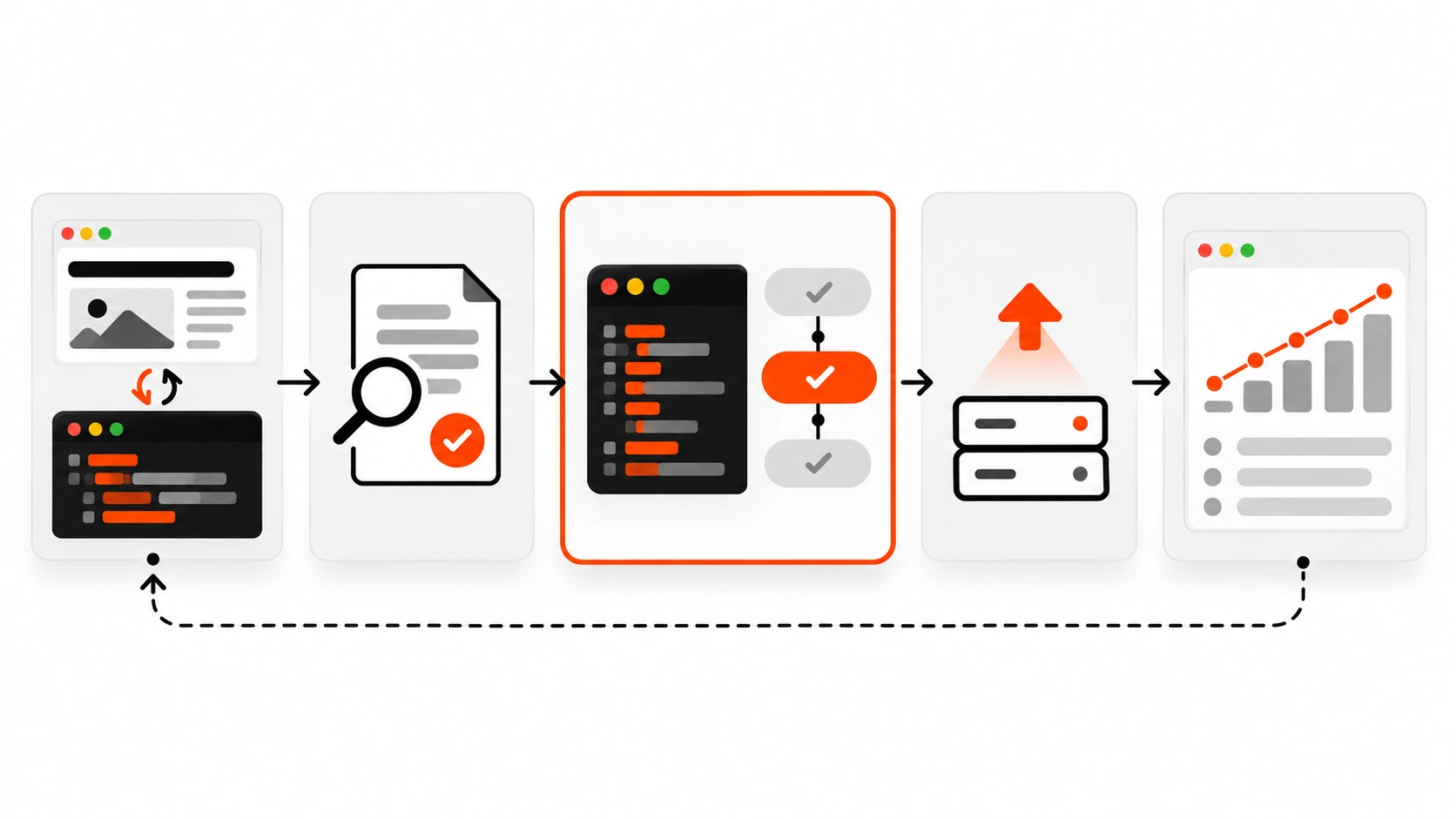
Structured data fails quietly. A template change drops a property, a plugin update adds a duplicate block, and nobody notices until a report dips months later. I use four layers:
- Rich Results Test for the types Google still supports as rich results. It shows exactly which features a URL is eligible for and flags critical errors. Remember it no longer validates FAQ markup.
- Schema Markup Validator at validator.schema.org for everything else, including types Google does not use. It checks your markup against the schema.org vocabulary itself.
- URL Inspection in Search Console after deploy, to see the page as Googlebot rendered it, which matters if any markup comes from JavaScript.
- Search Console rich result reports over time, such as the Breadcrumbs, Product snippets and Merchant listings reports, to catch spikes in invalid items after a release.
On top of that, I add a cheap automated check to the end-to-end suite so a broken block fails CI before it ships. With Playwright it is only a few lines:
import { test, expect } from '@playwright/test'

test('blog post has valid JSON-LD', async ({ page }) => {
  await page.goto('/blog/my-post')
  const blocks = await page.locator('script[type="application/ld+json"]').allTextContents()
  expect(blocks.length).toBeGreaterThan(0)
  const parsed = blocks.map((b) => JSON.parse(b))
  const article = parsed.flatMap((d) => d['@graph'] ?? [d]).find((n) => n['@type'] === 'BlogPosting')
  expect(article?.headline).toBe(await page.locator('h1').innerText())
})
That last assertion is my favourite: it fails the build the moment the markup headline drifts away from the visible H1. If you have not set up Playwright yet, my Playwright testing guide walks through it.
Mistakes I keep finding in audits
- Duplicate entities. Two or three Organization blocks with different names or logos. Pick one source of truth and connect everything with
@id. - Markup for invisible content. FAQPage on pages with no FAQ, Review stars with no reviews on the page, or prices that do not match the visible price.
- Self-serving review stars. A business rating itself on its own site. Not eligible, and risky.
- Stale or fake dates.
dateModifiedthat changes on every deploy, or dates without a timezone offset. - Relative or blocked URLs. Images and
itemURLs that are relative, or that point at files blocked by robots.txt. - Dead features. HowTo blocks, SearchAction for a sitelinks search box, and FAQ schema added purely for a rich result that Google no longer shows.
- Logo problems. Organization logos smaller than the 112×112 pixel minimum, or white logos that disappear on a white background, which Google specifically warns about.
- Unescaped output. JSON-LD built with string concatenation instead of a JSON encoder, which breaks on the first title with a quote mark and can open an XSS hole.
My JSON-LD structured data checklist
This is the list I run before I hand a site over to a client:
- Every page has at most one JSON-LD graph per source, and entities are linked by stable
@idvalues. - The home page has WebSite markup with the preferred site name, plus Organization (or Person) details with a logo of at least 112×112 pixels.
- Every article has BlogPosting or Article with headline, image, datePublished, dateModified and author that match the visible page.
- Article images are crawlable, at least 50,000 pixels, and ideally offered in 16×9, 4×3 and 1×1.
- The image in markup and the
og:imagetag point to the same preferred image. - Dates are ISO 8601 with a timezone offset, and
dateModifiedonly changes with real edits. - BreadcrumbList matches a visible breadcrumb trail, with positions starting at 1 and absolute URLs.
- No markup for hidden content, self-serving reviews, or retired features like HowTo and the sitelinks search box.
- FAQPage is kept only where a real, visible FAQ exists, with no expectation of a Google rich result.
- Output is encoded safely:
JSON_HEX_TAGin PHP, or escaping<in JavaScript. - Markup is in the server-rendered or prerendered HTML wherever possible.
- Key templates pass the Rich Results Test and the Schema Markup Validator.
- An automated test parses every JSON-LD block and compares the headline with the H1.
- Search Console is verified, and rich result reports are checked after each release.
Conclusion
Structured data in 2026 is less about collecting rich results and more about being precise. Google has retired the features that were easiest to abuse, FAQ and HowTo among them, and kept the ones that describe real things: articles, breadcrumbs, organizations, products, people. That is good news for developers who care about doing it properly, because the work is now mostly engineering hygiene. Generate the markup from the same data that renders the page, keep one connected graph, encode it safely, and test it like any other critical output.
If you start with just three things this week, make them these: remove duplicate and dead markup, add a clean BlogPosting and BreadcrumbList to your article template, and add one automated test that fails when the markup drifts from the page. That is a small amount of work, and it keeps paying off long after the next round of search changes.