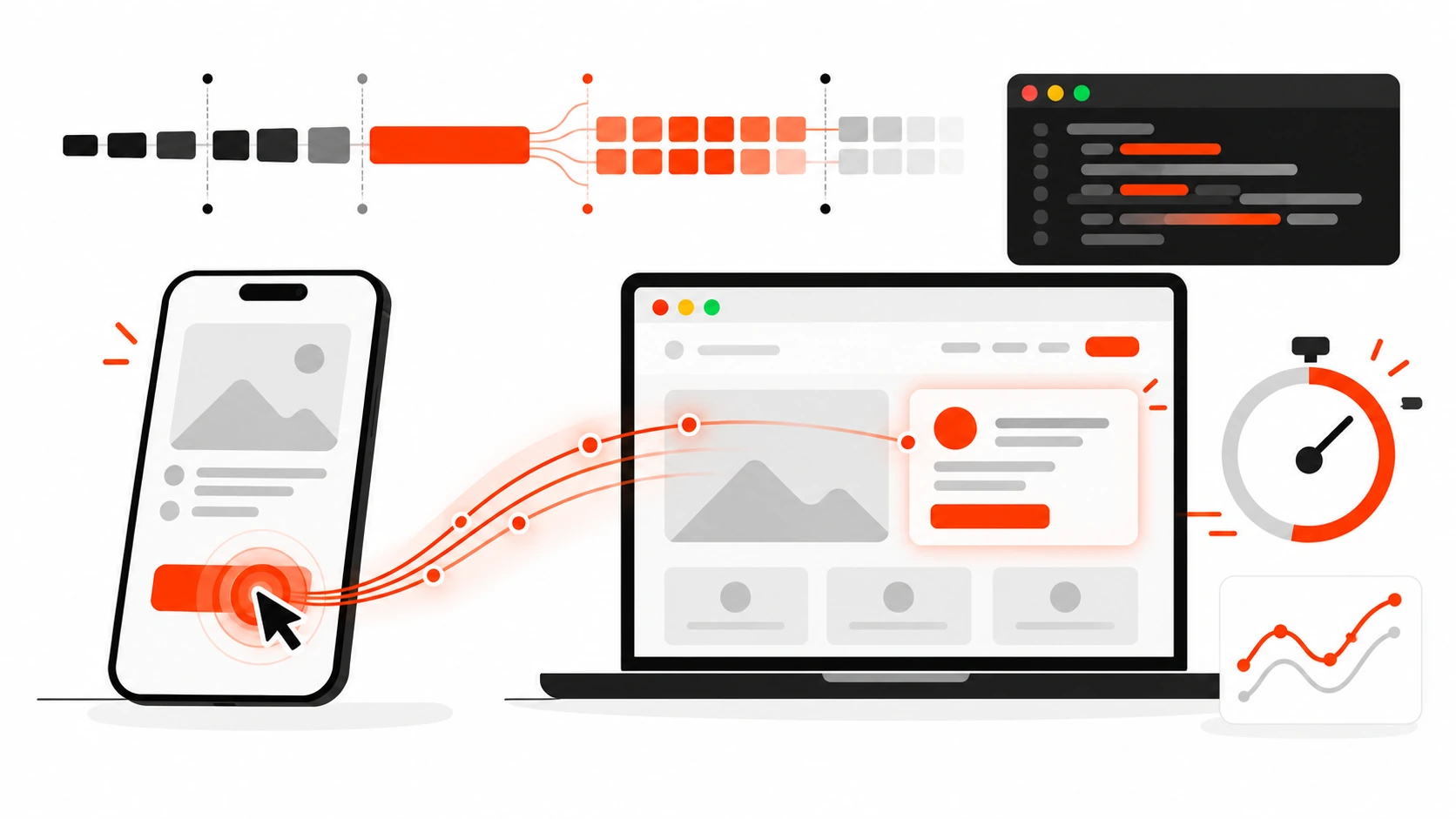
If your site looks fast but feels sticky when people tap a button, Google already knows. Interaction to Next Paint (INP) is the Core Web Vital that measures how quickly your page responds after a click, tap, or keypress. In 2026 it is still one of the clearest signals that separates a polished product from a page that quietly loses trust, conversions, and search visibility.
I spend a lot of time shipping React, WordPress, and hybrid stacks for clients. The pattern I see over and over is the same: teams obsess over Largest Contentful Paint, ship a prettier hero, then ignore the lag when someone opens a menu, submits a form, or filters a product grid. That lag is INP. This guide is the practical playbook I use to find it, fix it, and keep it from coming back.
What INP Actually Measures
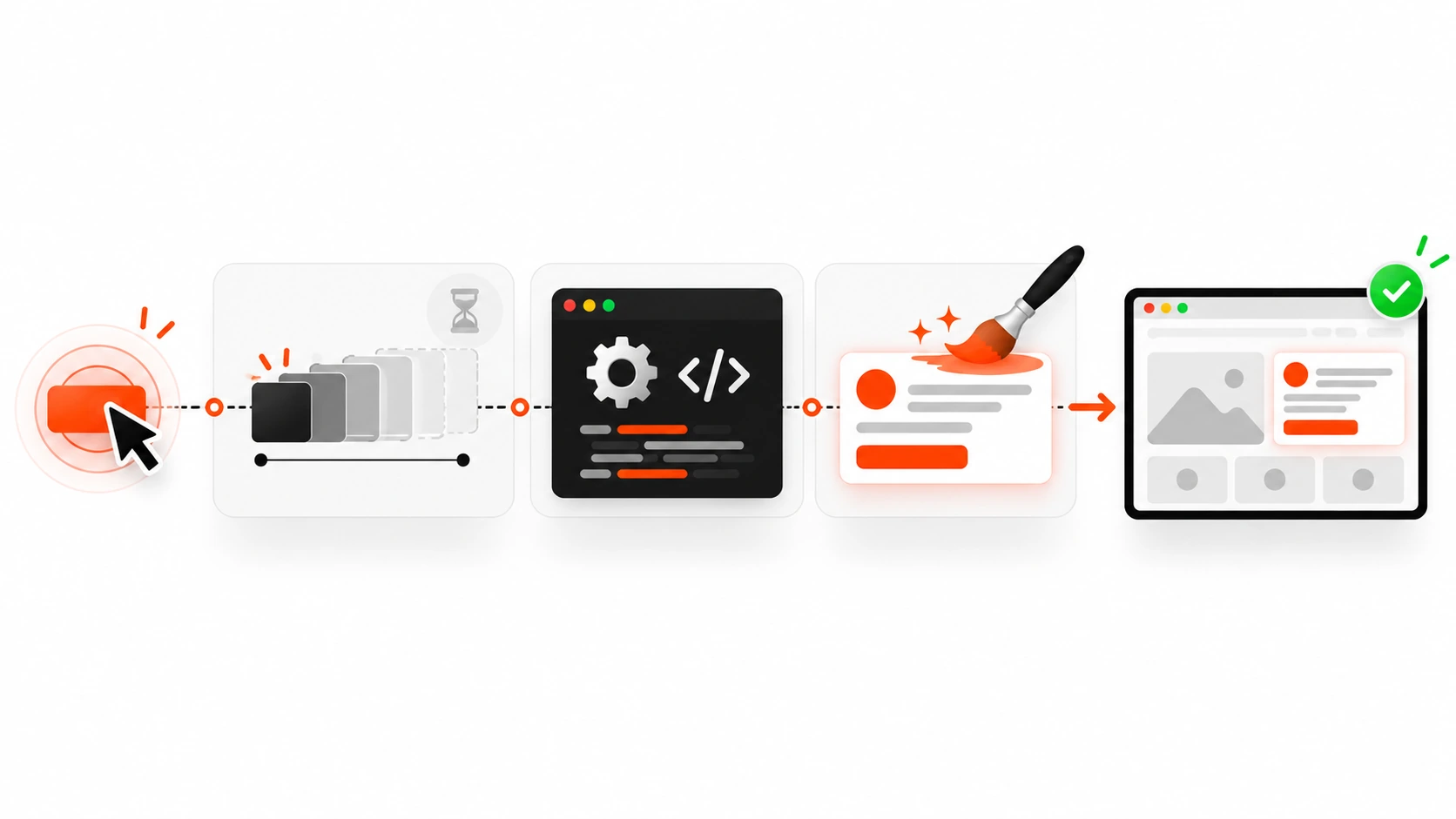
INP looks at the delay between a user interaction and the next visual update the browser paints. It is not a single lab number from one perfect test run. Chrome collects interaction timings during a real session and reports a high percentile of those events. In practice, that means your worst regular interactions matter more than your best demo click.
A good mental model is three phases:
- Input delay: waiting for the main thread to even start your event handler.
- Processing time: running your JavaScript, React state updates, DOM work, or WordPress scripts.
- Presentation delay: style, layout, and paint before the user sees a change.
INP is the sum of those phases for an interaction. If any one of them balloons, the metric suffers. That is why a tiny click handler that triggers a giant re-render can feel just as bad as a page blocked by a huge third-party script.
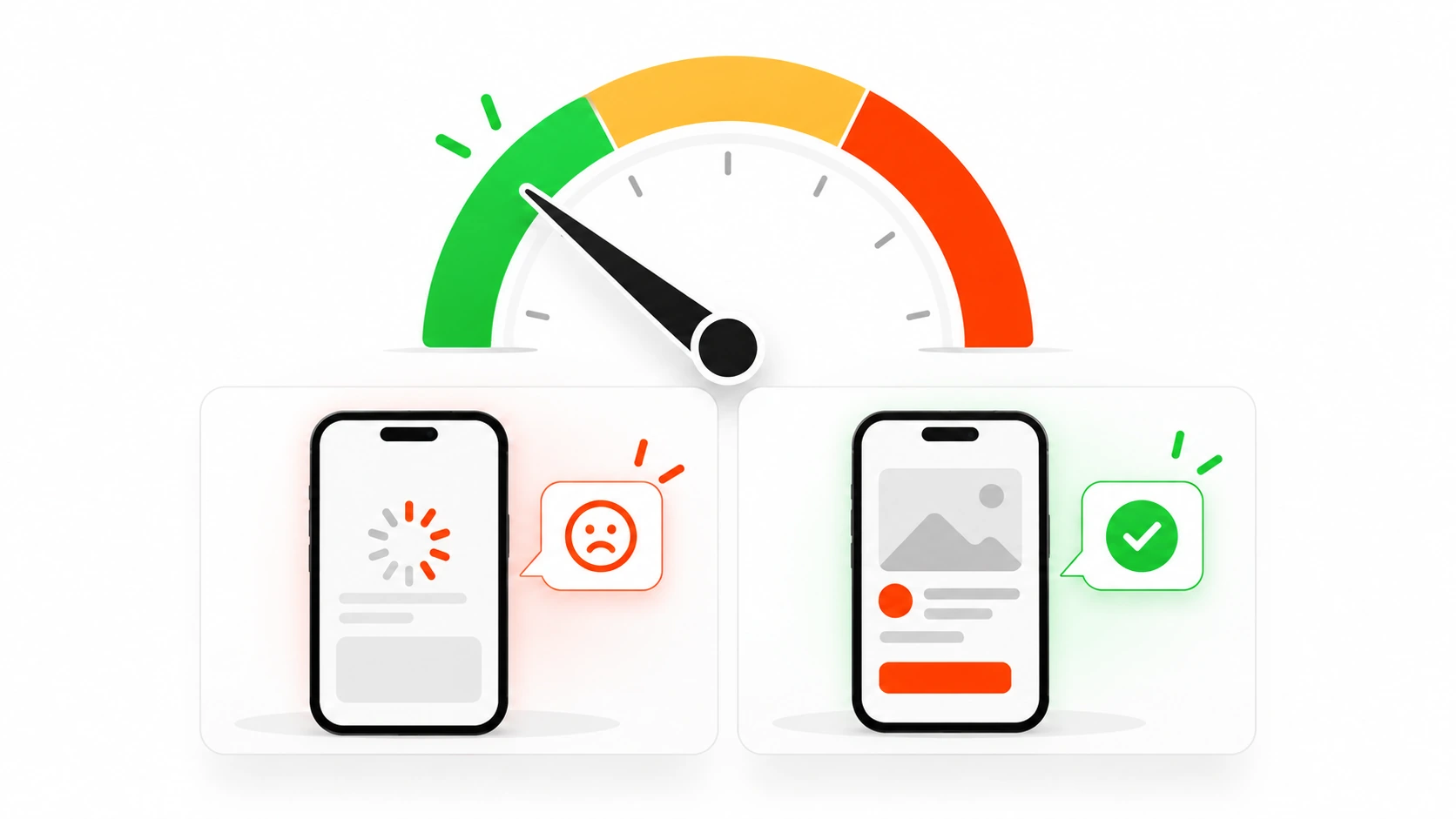
Google’s guidance still treats roughly 200 ms or less as good, 200 to 500 ms as needs improvement, and above 500 ms as poor. Those thresholds are not academic. Users feel the difference long before a Lighthouse score turns red.
Why INP Matters More Than a Pretty Score
Search teams care because Core Web Vitals remain part of page experience signals. Product teams should care for a simpler reason: slow interactions destroy confidence. A checkout button that takes half a second to acknowledge a tap feels broken even when the network is fine. A filter that freezes the page for a second teaches people not to explore.
I have watched clients celebrate a green LCP while their mobile INP sat in the red because a mega-menu, a chat widget, or a client-side filter was doing too much work on every click. Ranking conversations get easier when the site also feels responsive. Conversion conversations get easier even faster.
INP also exposes architecture debt. If every button click waits on a global store update, a synchronous analytics flush, or a theme script that walks the whole DOM, you will see it here. Fixing INP often improves maintainability, not just metrics.
How to Measure INP Without Fooling Yourself
Lab tools are useful, but they are incomplete. Use them to reproduce, not to declare victory.
- Chrome DevTools Performance panel: record a click path, look for long tasks around the interaction, and inspect scripting vs rendering time.
- Lighthouse and PageSpeed Insights: good for spotting likely offenders and field data from the Chrome UX Report when available.
- Web Vitals JavaScript library: send INP attributions from real users to your analytics so you know which selectors and pages hurt most.
- Search Console Core Web Vitals report: the production truth for URL groups Google cares about.
When I debug a client site, I always ask for a real user path: open mobile nav, apply two filters, add to cart, open a modal, type in search. Synthetic homepage loads miss the painful interactions.
Also watch device reality. A MacBook Pro can hide main-thread problems that a mid-range Android phone makes obvious. If your audience is mobile-heavy in India or other markets with mixed device quality, test on those constraints. Throttle CPU in DevTools when you need a quick local stress test.
The Usual Suspects Behind Bad INP
Most INP fires I see fall into a short list.
Heavy event handlers on the main thread
Click handlers that sort big arrays, rewrite large DOM trees, or call expensive libraries synchronously are classic. React setState that re-renders a huge tree on every keystroke is another. WordPress themes that attach jQuery animations to every menu item still show up in 2026 audits more often than people admit.
Third-party scripts that steal the thread
Chat widgets, A/B tools, tag managers with messy containers, heatmaps, and old marketing pixels love to run timers and mutation observers. One slow third party can push an otherwise healthy app into poor INP.
Layout thrash after interaction
If your handler reads layout, writes styles, reads again, and forces reflow in a loop, presentation delay explodes. Animated accordions, sticky headers recalculating on every toggle, and carousels that measure every slide on click are frequent offenders.
Hydration and client islands that wake up late
On React and Next.js sites, a click that lands while hydration is still busy can feel dead. Large client bundles delay the moment your interactive components are ready. Server Components help the first paint, but any client island that mounts a giant dependency graph still owns the interaction cost.
Input delay from long tasks before the click
Sometimes the handler itself is fine. The page is just busy with ads, image decoding work scheduled poorly, or a React concurrent render that never yields. The click waits in line, and INP counts that wait.
A Practical Fix Order That Works on Real Sites
I do not start by rewriting the whole frontend. I start with the highest leverage cuts.
1. Find the exact interaction and element
Use web-vitals attribution or DevTools to name the page, the element, and the event type. “Homepage is slow” is not a bug report. “Mobile product archive, filter chip click, 780 ms INP, main thread blocked 520 ms by FilterDrawer” is a bug report.
2. Show immediate visual feedback
Before the expensive work finishes, update something the user can see: a pressed state, a spinner in the button, an optimistic checkbox, a skeleton in the panel. INP cares about the next paint. A cheap style change that acknowledges the tap can dramatically improve perceived responsiveness even while data is still loading. Just do not fake completion. Acknowledge first, complete second.
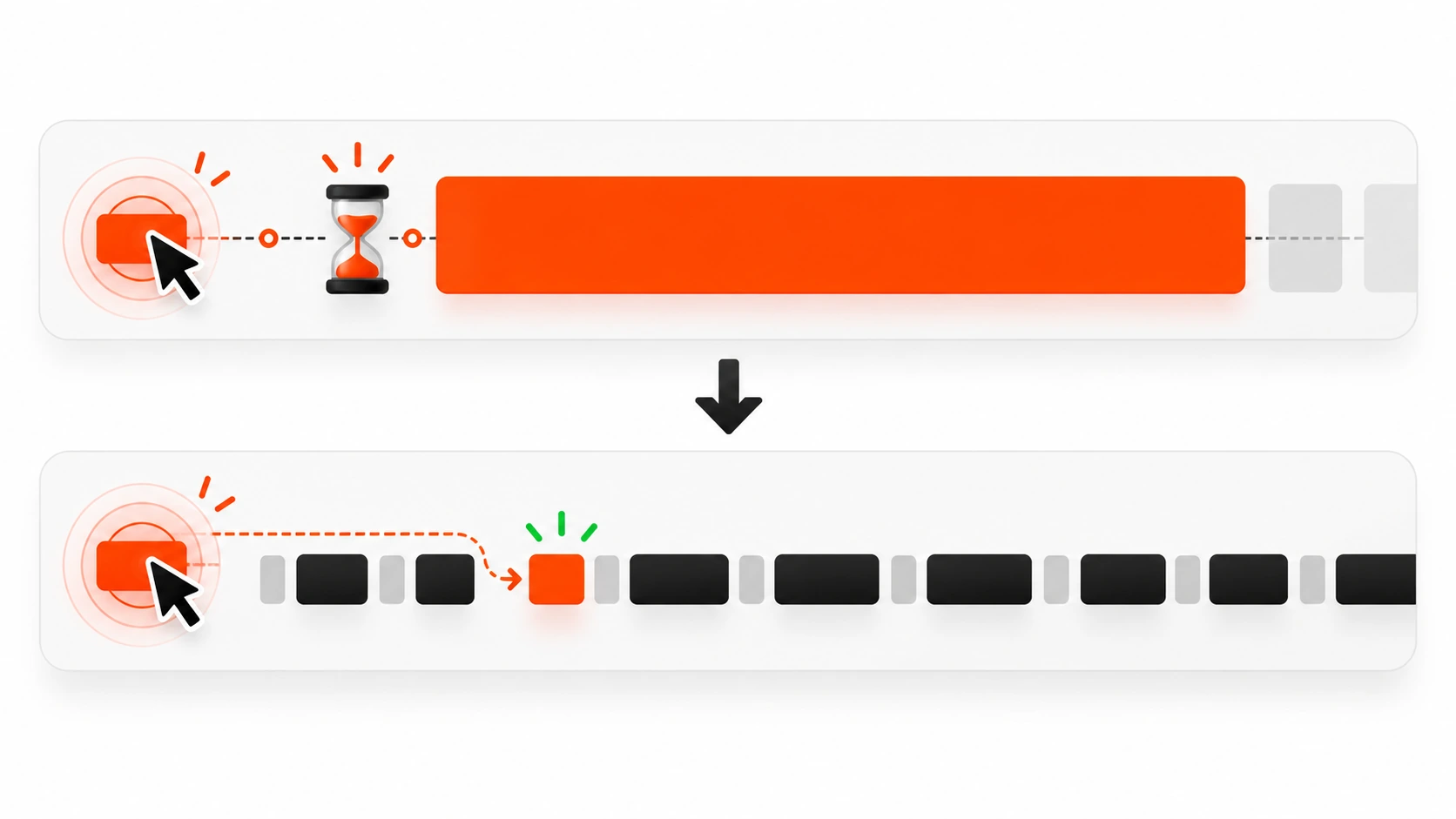
3. Break up long tasks
If a handler needs more than roughly 50 ms, yield to the browser. In modern browsers, scheduler.yield() (with a setTimeout fallback) or smaller chunks of work help. In React 18+, startTransition marks non-urgent updates so urgent input can paint sooner. For plain JavaScript, split array work, defer non-critical analytics, and move pure computation to a worker when it is truly heavy.
4. Reduce what re-renders or reflows
In React, memoize expensive lists, push state down, and avoid putting rapidly changing values in a top-level context. In WordPress or vanilla DOM land, update the smallest node you can. Replace whole-table innerHTML rewrites with targeted row updates. Cache DOM queries. Avoid reading layout properties unless you need them.
5. Defer or remove third parties
If a widget is not needed for the first interaction on a page, load it after idle or after the user opens the feature. I have fixed more INP issues by delaying a chat script until the chat button is clicked than by micro-optimizing application code. Audit your tag manager. One unused tag with a fat bundle is still a tax on every click.
6. Prefetch wisely, hydrate selectively
For Next.js and similar stacks, keep interactive islands small. Lazy-load editors, maps, carousels, and dashboards. Do not hydrate the whole page just because one button needs state. Partial hydration patterns and Server Components exist so your click handlers are not buried under unused client JS.
React and Next.js Patterns I Reach For
When the stack is React, these patterns repeatedly help INP:
- Use startTransition for filter and sort updates that can wait a frame.
- Keep controlled inputs light; debounce server fetches, not the character paint itself when possible.
- Virtualize long lists so a click does not reconcile hundreds of nodes.
- Move analytics to requestIdleCallback or a queue after paint.
- Avoid giant useEffect chains that run on every interaction-driven prop change.
- Prefer concurrent-friendly libraries; some date pickers and rich text editors are still expensive on open.
For Next.js App Router apps, Server Components reduce the default client surface, which is good for INP, but only if you stay disciplined. A “use client” boundary around a whole page brings the old problem back. Put client state at the leaf: the menu, the filter, the modal, the form.
WordPress-Specific INP Cleanup
WordPress sites often fail INP for theme and plugin reasons rather than content reasons.
- Disable unused plugin scripts on templates that do not need them.
- Replace jQuery UI animations with CSS transitions where a simple open and close is enough.
- Load mega-menu logic only on header interaction, not on every page load as a blocking suite.
- Beware page builders that inject large frontend runtimes for a single accordion.
- Turn off chat, popup, and social proof widgets on checkout and other high-intent templates if they are not essential.
- Use a performance plugin carefully: caching helps TTFB and LCP more than INP, while deferring scripts can help INP if you do not break needed interactivity.
I still see themes enqueueing slider scripts sitewide. If the homepage slider is the only consumer, the blog post page should not pay for it when someone clicks a TOC link.
Accessibility and INP Are Allies
Keyboard users trigger INP too. Focus changes, Enter and Space on buttons, and Escape to close dialogs are interactions. If your focus trap or modal library does expensive querySelectorAll work on every keydown, both accessibility and INP suffer.
Build the interaction to be correct first: visible focus, sane tab order, immediate open and close feedback. Then optimize the path. An accessible control that paints a state change quickly is usually good INP as well.
A Field Checklist You Can Run This Week
Use this on any site you maintain.
- Pull CrUX or Search Console data for INP by template type.
- Pick the worst mobile URL group with traffic.
- Record three real interactions on a mid-tier phone profile.
- Note the longest task and the script URL responsible.
- Ship one fix: delay a third party, split a handler, or add optimistic UI.
- Re-measure field data over several days, not only one Lighthouse run.
- Add a regression guard: performance budget on JS for interactive routes, plus a synthetic click path in CI if you have the maturity for it.
You do not need a perfect observability stack to start. You need one painful interaction, one owner, and one deploy that makes the next paint sooner.
Common Mistakes That Waste a Sprint
- Chasing Lighthouse green while field INP stays red.
- Optimizing images again when the click path never waited on images.
- Wrapping everything in memo without measuring, which can add overhead.
- Moving work to setTimeout(0) chaos instead of structured yielding and prioritization.
- Removing a feature users need just to win a metric. Cut waste, not value.
- Declaring victory from a desktop-only test.
INP is a product quality metric dressed as a search metric. Treat it that way and the SEO benefit becomes a side effect of a better site.
What Good Looks Like in 2026
On a healthy marketing site, opening the mobile nav, toggling an FAQ, and submitting the newsletter form should feel instant. On an ecommerce template, filter chips and add-to-cart should acknowledge immediately, with heavier catalog work streamed afterward. On a SaaS dashboard, table sorting can be slightly heavier, but typing and button presses should still stay responsive.
Teams that win here usually share habits: small client bundles, strict third-party reviews, interaction profiling in code review for UI-heavy PRs, and field monitoring tied to specific components.
Final Takeaway
If you only improve one performance habit this quarter, make it this: every important click should paint feedback fast. Measure INP from the field, attribute it to a real element, then remove main-thread work or defer it until after that paint. Whether you ship Next.js, WordPress, or a mixed stack, the browser does not care about your framework loyalty. It cares whether the next frame arrives while the user still trusts your UI.
Fix the sticky clicks. Rankings, conversions, and your own product pride tend to follow.
Leave a Reply