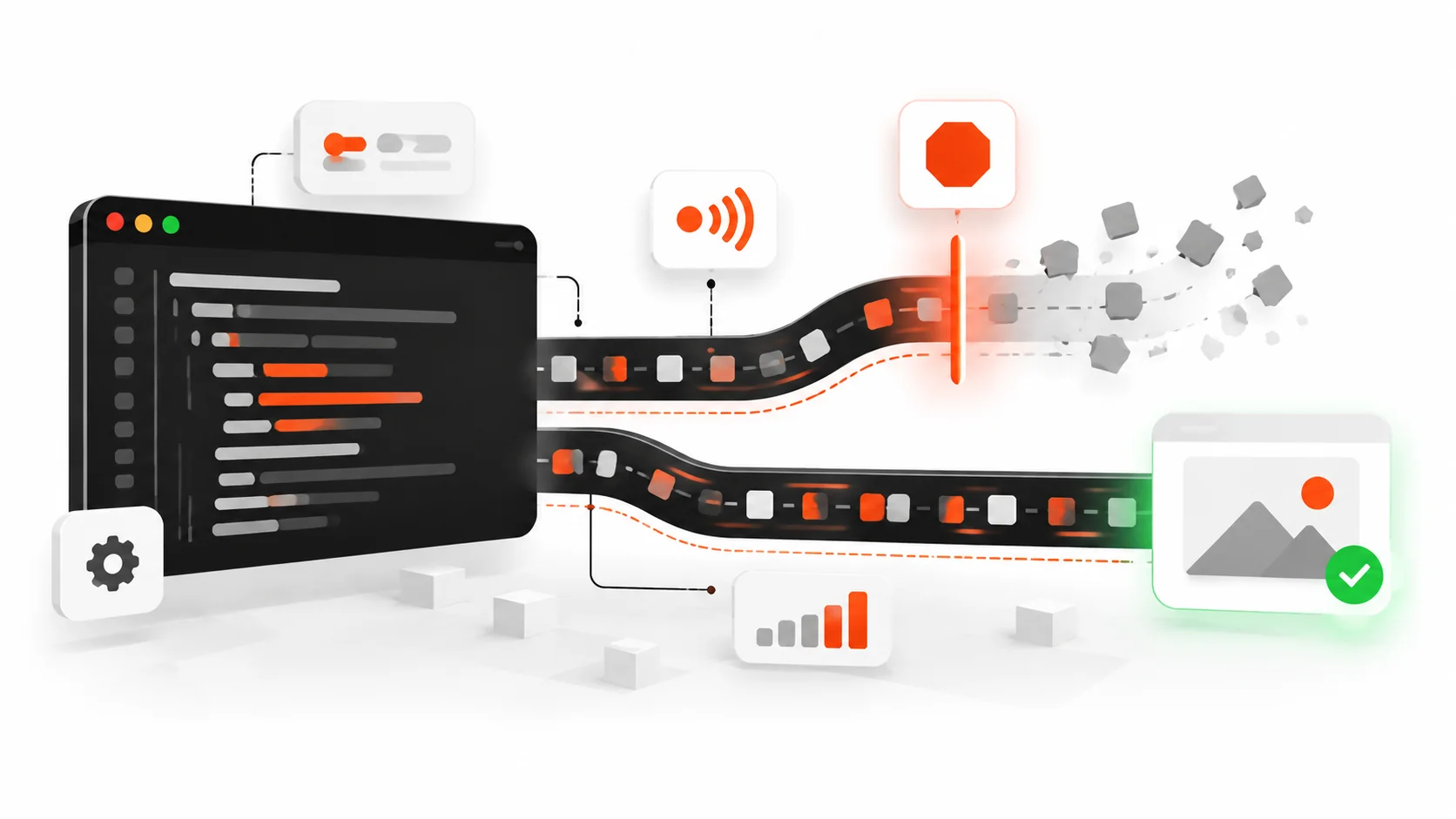
If you have ever typed into a search box, changed routes mid-load, or closed a modal while a spinner was still spinning, you have already met the problem AbortController solves.
The UI moved on. The network did not.
In 2026, that gap is no longer a cute edge case. Mobile data still costs money. Battery still matters. Stale responses still overwrite fresher UI state. And Core Web Vitals care about how responsive your page feels after each interaction. Leaving orphan fetches alive is how “fast on paper” apps feel laggy in real hands.
This guide is the practical AbortController playbook I wish every codebase shipped with: how the API works, how to cancel fetch, how AbortSignal.timeout() and AbortSignal.any() change the patterns, how to wire React cleanup without drama, and the mistakes that make abort look broken when it is not.
What AbortController actually is
AbortController is a small browser built-in with one job: create a signal you can flip from “keep going” to “stop.”
const controller = new AbortController();
const { signal } = controller;

// later, when the work should die:
controller.abort();
// optional reason in modern browsers:
// controller.abort(new Error("User left the page"));
Anything that accepts an AbortSignal can listen for that flip. The big one is fetch:
const controller = new AbortController();

const response = await fetch("/api/search?q=hooks", {
  signal: controller.signal,
});
When you call controller.abort(), the browser rejects the fetch promise with a DOMException named AbortError (or, if you passed a custom reason, that reason may surface depending on the browser and call site). Your job is to treat that rejection as an expected exit, not a toast-worthy failure.
That is the whole mental model:
- Create a controller when a unit of work starts.
- Pass
signalinto every async API that supports it. - Call
abort()when the result no longer matters. - Catch
AbortErrorand stay quiet.
Why canceling fetch matters more in 2026
Three forces make this a default skill, not an advanced trick.
1. UI is more interruptible. Soft navigations, typeahead, infinite scroll, optimistic UI, and streaming responses mean users constantly invalidate in-flight work.
2. Bandwidth is not free. A 2 MB JSON payload for a search the user already abandoned is not “harmless.” On flaky networks it also queues behind real requests.
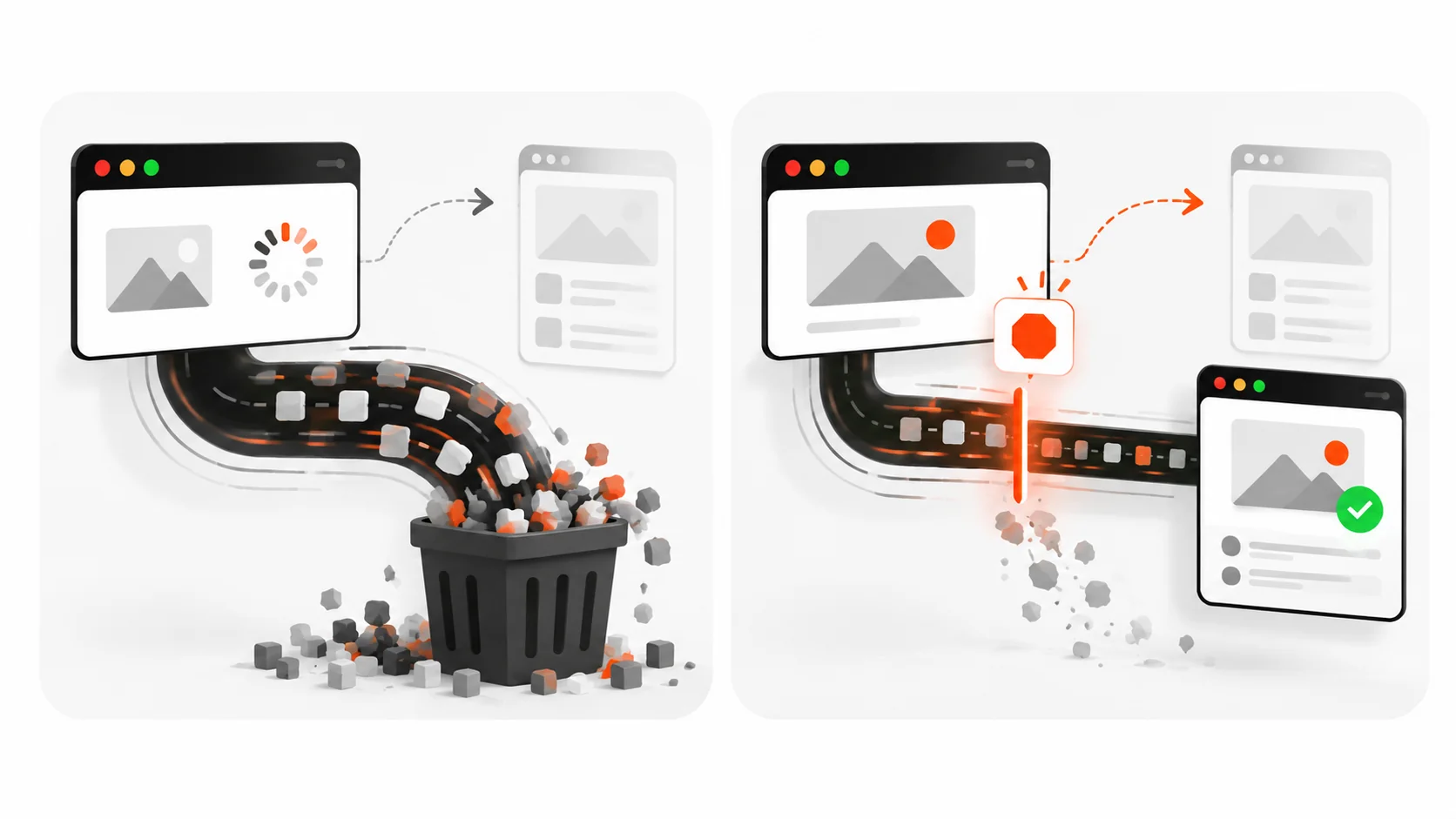
3. Correctness races are ugly. Request A starts. Request B starts. A finishes last and paints yesterday’s data over today’s screen. Aborting A when B starts is the boring, correct fix.
If your product has search, filters, tabs, or route changes, you need abort (or an equivalent cancellation token) somewhere in the stack.
The minimal cancelable fetch
Here is the pattern I use in plain JavaScript when a user action should kill the previous request:
let activeController = null;

async function search(query) {
  if (activeController) {
    activeController.abort();
  }

  const controller = new AbortController();
  activeController = controller;

  try {
    const res = await fetch(`/api/search?q=${encodeURIComponent(query)}`, {
      signal: controller.signal,
      headers: { Accept: "application/json" },
    });

    if (!res.ok) {
      throw new Error(`Search failed: ${res.status}`);
    }

    const data = await res.json();

    // Only apply if this controller is still the latest one.
    if (activeController !== controller) return;
    renderResults(data);
  } catch (err) {
    if (err?.name === "AbortError") {
      return; // expected
    }
    showError(err);
  }
}
Key details:
- Abort the previous controller before starting a new one.
- Still guard with “am I still the latest controller?” after
await, because abort is cooperative around your own post-processing. - Swallow only
AbortError. Real network failures should still surface.
AbortSignal.timeout(): deadlines without duct tape
For years we all wrote the same fragile timeout helper: setTimeout plus abort() plus cleanup. In modern browsers you can skip that.
const res = await fetch("/api/report", {
  signal: AbortSignal.timeout(8_000),
});
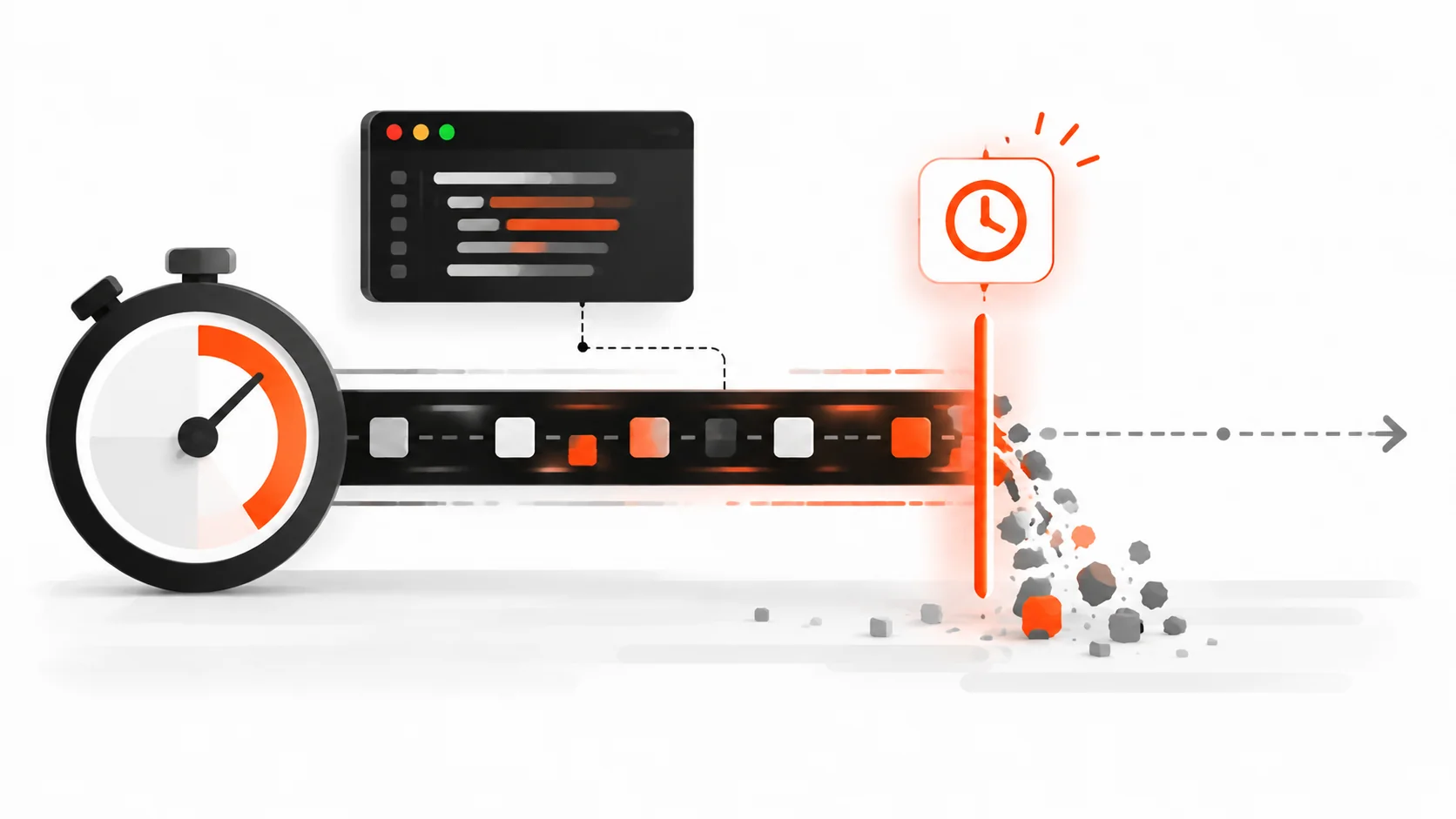
AbortSignal.timeout(8000) returns a signal that aborts automatically after 8 seconds. The rejection is still an abort-style error (commonly TimeoutError in timeout cases — check err.name in your catch and handle both AbortError and TimeoutError if you care about messaging).
Use timeouts when an API is known to hang under load, when you would rather fail fast and let the user retry than leave a spinner forever, or when you are calling a third-party endpoint you do not control. Do not use absurdly short timeouts on large downloads. Canceling a legitimate slow response is still a cancellation.
AbortSignal.any(): user cancel OR timeout
Sometimes you want either a manual cancel or a deadline to win. AbortSignal.any() combines signals:
const controller = new AbortController();

const signal = AbortSignal.any([
  controller.signal,
  AbortSignal.timeout(10_000),
]);

button.addEventListener("click", () => controller.abort());

try {
  const res = await fetch("/api/export", { signal });
  // ...
} catch (err) {
  if (err?.name === "AbortError" || err?.name === "TimeoutError") {
    // user canceled or deadline hit
    return;
  }
  throw err;
}
This is cleaner than nesting controllers or sharing mutable timeout IDs across helpers.
React: cancel on unmount (and on dependency change)
React Strict Mode double-invokes effects in development. That used to make people scared of abort. The right response is not “skip abort.” It is “treat AbortError as normal.”
import { useEffect, useState } from "react";

export function UserProfile({ userId }) {
  const [user, setUser] = useState(null);
  const [error, setError] = useState(null);

  useEffect(() => {
    const controller = new AbortController();

    async function load() {
      try {
        setError(null);
        const res = await fetch(`/api/users/${userId}`, {
          signal: controller.signal,
        });
        if (!res.ok) throw new Error("Failed to load user");
        const json = await res.json();
        setUser(json);
      } catch (err) {
        if (err?.name === "AbortError") return;
        setError(err);
      }
    }

    load();
    return () => controller.abort();
  }, [userId]);

  if (error) return <p>Could not load profile.</p>;
  if (!user) return <p>Loading…</p>;
  return <h1>{user.name}</h1>;
}
When userId changes, React runs cleanup for the previous effect, which aborts the old fetch, then starts a new one. That is exactly what you want.
Typeahead with debounce + abort
Debounce reduces how often you fire. Abort makes sure an older fire cannot win.
import { useEffect, useState } from "react";

export function SearchBox() {
  const [query, setQuery] = useState("");
  const [results, setResults] = useState([]);

  useEffect(() => {
    if (!query.trim()) {
      setResults([]);
      return;
    }

    const controller = new AbortController();
    const handle = setTimeout(async () => {
      try {
        const res = await fetch(`/api/search?q=${encodeURIComponent(query)}`, {
          signal: controller.signal,
        });
        const data = await res.json();
        setResults(data.items ?? []);
      } catch (err) {
        if (err?.name === "AbortError") return;
        console.error(err);
      }
    }, 250);

    return () => {
      clearTimeout(handle);
      controller.abort();
    };
  }, [query]);

  return (
    <>
      <input value={query} onChange={(e) => setQuery(e.target.value)} />
      <ul>
        {results.map((item) => (
          <li key={item.id}>{item.title}</li>
        ))}
      </ul>
    </>
  );
}
Cleanup clears the pending debounce timer and aborts an in-flight request. Fast typists stop creating a pile of zombie network calls.
Next.js / App Router notes
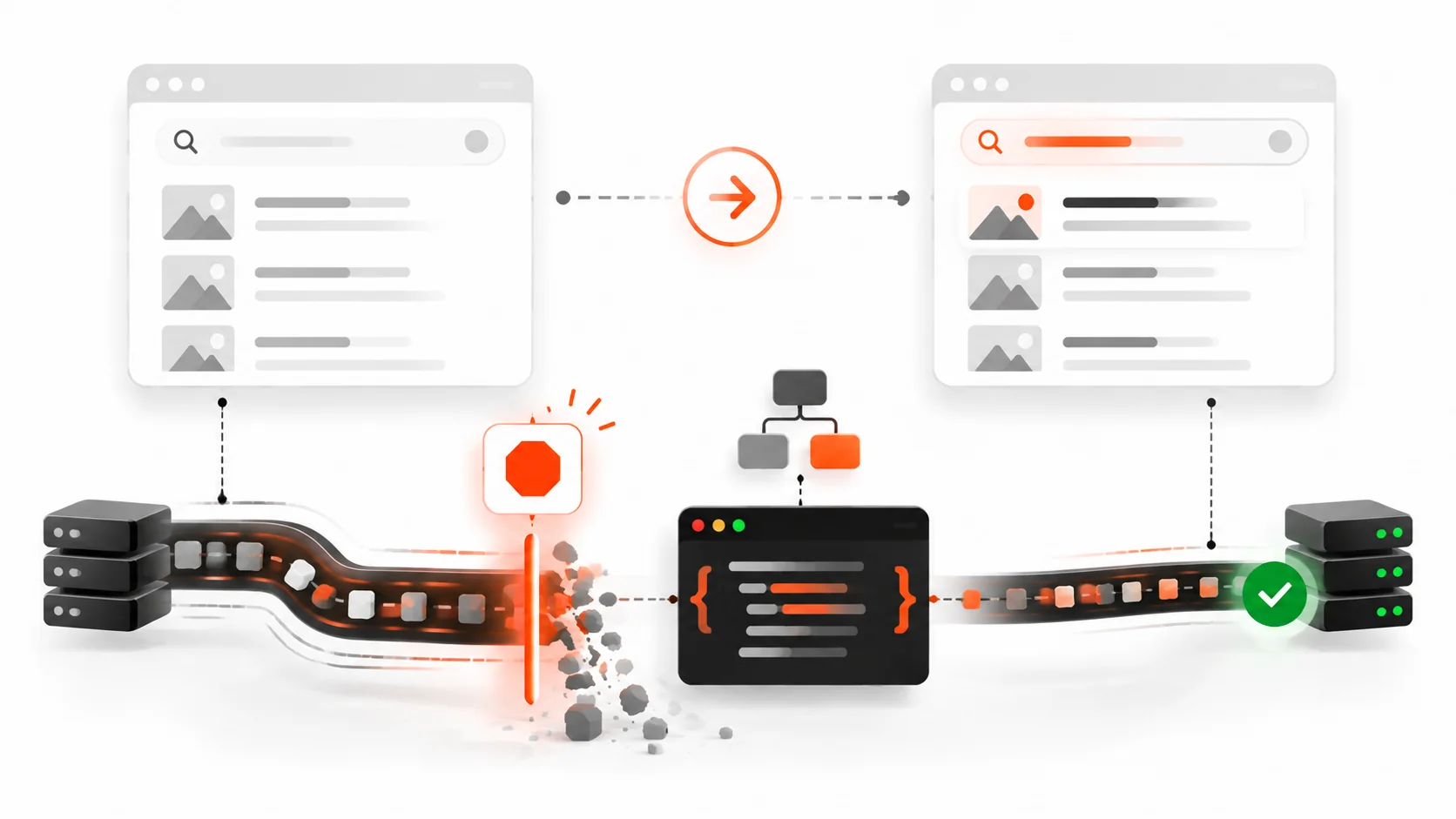
Server Components can still benefit from cancellation when you pass a signal into fetch during a request that may be aborted by the platform, but the everyday product win is on the client: route transitions, client components, and interactive widgets.
If you wrap data fetching in a client hook (SWR, React Query / TanStack Query, or your own), prefer libraries that already accept or create abort signals. TanStack Query aborts outgoing queries when they become obsolete. If you roll your own loader in a Client Component, use the useEffect cleanup pattern above.
On the server, prefer short timeouts for upstream calls you control with AbortSignal.timeout, and fail loudly in logs when upstreams hang. Do not confuse “server took 12 seconds” with “browser should keep a spinner forever.”
Aborting more than fetch
fetch is the headline feature, but signals show up elsewhere:
addEventListenersupports an options object withsignalso the listener auto-removes on abort.- Streams and readers can be canceled; pair them with the same user intent that aborted the fetch.
- Your own async functions can check
signal.abortedor listen tosignal.addEventListener("abort", ...).
Example: a long client-side job that should stop when the user navigates away.
async function processChunks(chunks, signal) {
  for (const chunk of chunks) {
    if (signal.aborted) {
      throw new DOMException("Aborted", "AbortError");
    }
    await heavyWork(chunk);
  }
}
Once you start passing signals through your async stack, cancellation becomes a design feature instead of a pile of boolean flags named isCancelled.
What happens on the wire
People ask: “Does abort really stop the download?”
Practically:
- Your JavaScript stops waiting. You will not parse the body into JSON after an abort you handled correctly.
- Browsers generally cancel the HTTP request. You may still see a canceled request in DevTools Network.
- Proxies, HTTP/2 multiplexing, and already-buffered bytes mean you should think of abort as best-effort network savings plus hard client-side correctness — not a guarantee that zero bytes left the server.
That is still enough reason to do it. Correctness alone pays for the pattern.
Axios, ky, and friends
Native fetch takes { signal }. So do most modern wrappers.
ky
import ky from "ky";

await ky.get("/api/items", { signal: controller.signal }).json();
axios (modern)
await axios.get("/api/items", { signal: controller.signal });Older axios code used CancelToken. If you maintain a legacy app, migrate toward signal so one AbortController can cancel fetch and axios the same way.
Testing cancellation
You do not need a flaky integration test to prove abort works. A focused unit test is enough:
- Start a fetch against a delayed mock (Mock Service Worker, undici MockAgent, or a local handler that waits).
- Abort the controller.
- Assert the promise rejects with
AbortError. - Assert your UI store did not apply the late payload.
In Playwright or Cypress, assert that rapid typing does not leave the results list on an older query. That UI-level check catches missing abort faster than reading source.
Common mistakes (and how to spot them)
1. Creating a controller but never passing signal. Aborting does nothing if nobody is listening. Grep for new AbortController and confirm each one reaches fetch or equivalent.
2. Catching all errors and showing a toast. Users should not see “Something went wrong” because they typed another character. Branch on err.name === "AbortError".
3. Aborting in the wrong place. If you abort inside the success path, or share one global controller for unrelated requests, you will cancel work you still need. Scope controllers to one logical operation.
4. Forgetting to abort on dependency change. Unmount-only cleanup is incomplete for search boxes and filters. Cleanup must run whenever the effect re-runs.
5. Assuming abort replaces request IDs. Abort helps, but after await res.json() you may still want a generation counter or “is this controller still current?” check before writing to state.
6. Using timeouts that are shorter than your p95 latency. You will manufacture failures. Measure first.
7. Trying to abort completed work. Calling abort() after the promise settled is a no-op for that request. Harmless, but it will not roll back state you already applied — that is your responsibility.
A production checklist
Before you merge a feature that fires network requests from the client, ask:
- Can the user invalidate this request before it finishes?
- Do we abort the previous request when a newer one starts?
- Do we ignore
AbortErrorin UI error reporting? - Do lists/search/filters debounce and abort?
- Do route transitions cancel in-flight loaders?
- Do long upstream calls on the server use
AbortSignal.timeout? - Do DevTools show canceled requests when we navigate away mid-flight?
If you can answer yes to the ones that apply, you are ahead of most apps I audit.
Copy-paste utility I keep around
export function createCancellableFetch(baseFetch = fetch) {
  let controller = null;

  return {
    abort() {
      controller?.abort();
      controller = null;
    },
    async fetch(input, init = {}) {
      controller?.abort();
      controller = new AbortController();

      const userSignal = init.signal;
      const signal = userSignal
        ? AbortSignal.any([controller.signal, userSignal])
        : controller.signal;

      return await baseFetch(input, { ...init, signal });
    },
  };
}
Wire that into a search module or a small data client and you stop re-implementing the same eight lines in every feature.
When you should not obsess over abort
Not every GET of a 2 KB config file on first paint needs a ceremony. Focus abort where invalidation is common: search, filters, live polling you replace with newer polls, tabbed panels, and navigations. For fire-and-forget analytics pings, cancellation may not be worth the noise — though you still should not let analytics block UI.
Also remember: abort is not an authorization boundary. Never assume “we aborted, so the server did not process it.” Mutations need idempotency keys and honest server semantics.
Wrap-up
AbortController is not exotic anymore. It is how you keep client-side async honest.
- Create a controller per logical operation.
- Pass
signalintofetch(and anything else that accepts it). - Abort when the user or the UI moves on.
- Use
AbortSignal.timeout()for deadlines andAbortSignal.any()to combine reasons. - In React, abort in effect cleanup and treat
AbortErroras success-path silence. - Guard state updates so a late response cannot win a race.
Ship those habits and you will waste less bandwidth, see fewer “wrong results flashed on screen” bugs, and make interactions feel as snappy as your Lighthouse scores claim they are.
If you want the deeper performance angle after you clean up request races, pair this with solid INP work: less main-thread contention plus fewer late network completions is how responsive UIs actually feel in 2026.