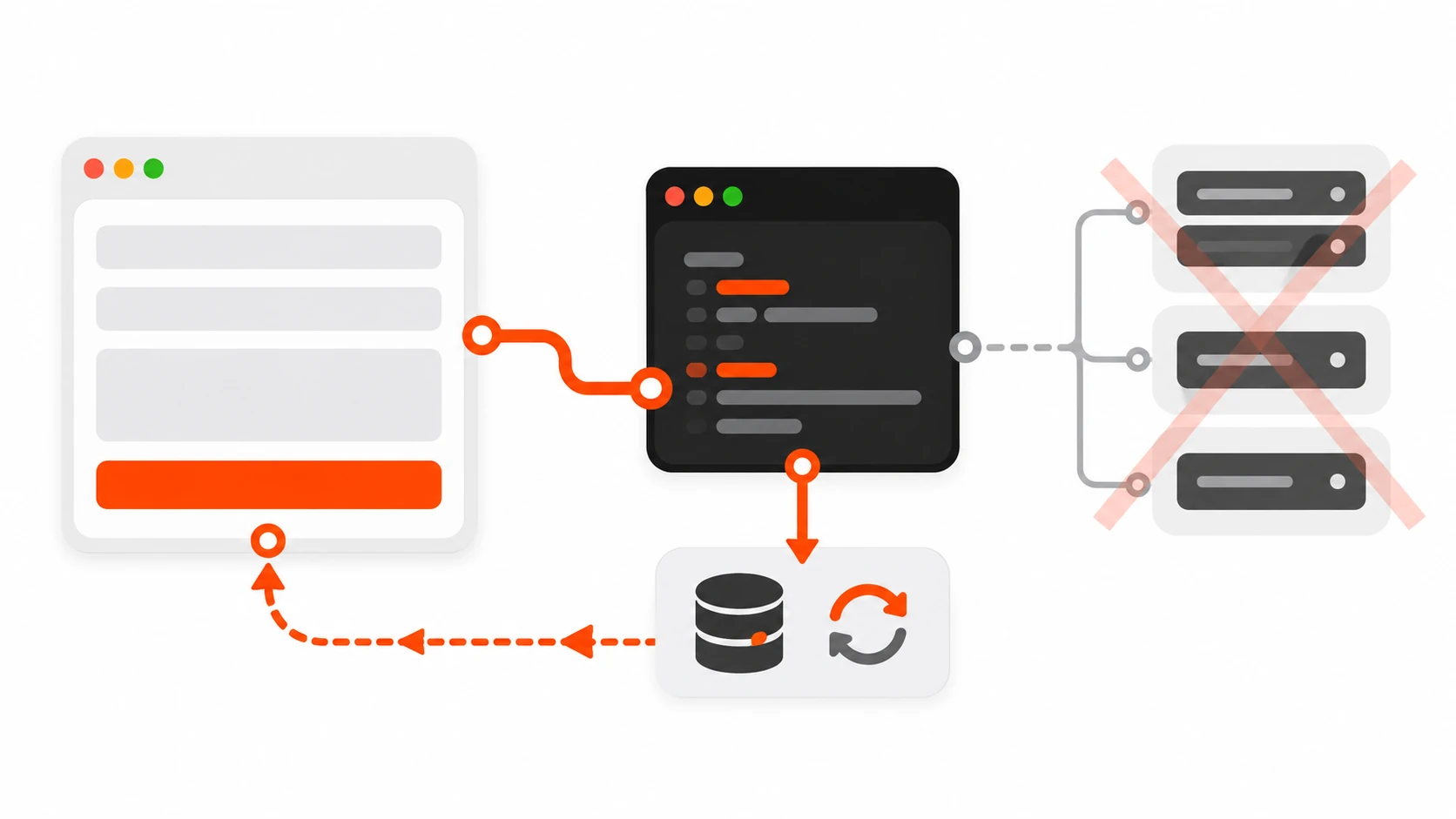
I used to open every client Next.js project the same way: App Router for pages, then a folder of Route Handlers for anything that wrote data. Contact form? /api/contact. Newsletter? /api/subscribe. Profile update? /api/profile. Each endpoint got a fetch wrapper on the client, a JSON shape that drifted after the first sprint, and a quiet little pile of CORS and CSRF edge cases I would rather not revisit.
In 2026 I still write Route Handlers. I just write fewer of them. For progressive forms and page-bound mutations on App Router sites, React Server Actions are the default I reach for first — and then I decide, deliberately, when they are the wrong tool.
This is the practical playbook I use on freelancer and agency client work: how Server Actions fit next to Server Components, how to wire forms with useActionState and useFormStatus, how to validate and return field errors, how to read auth cookies safely, how to revalidate caches after a write, and where people still get burned on serialization, CSRF, caching, and large payloads.
What Server Actions Actually Are (And Are Not)
A Server Action is an async function marked with "use server". React and Next.js can call it from a form action, a button formAction, an event handler, or even a useEffect — and the call runs on the server. You do not invent a URL. You do not hand-roll a JSON POST. The framework posts for you, serializes the arguments, and can return updated UI in the same round trip.
Two vocabulary notes that matter in 2026 docs:
- Server Function is the broader React term for an async function that runs on the server and can be invoked from the client.
- Server Action is that function used for mutations — especially form submissions and
startTransition-wrapped updates.
Behind the scenes, Next.js only allows POST to invoke these functions. That is not a full security model by itself, but it is a better starting point than accidental GET mutations.
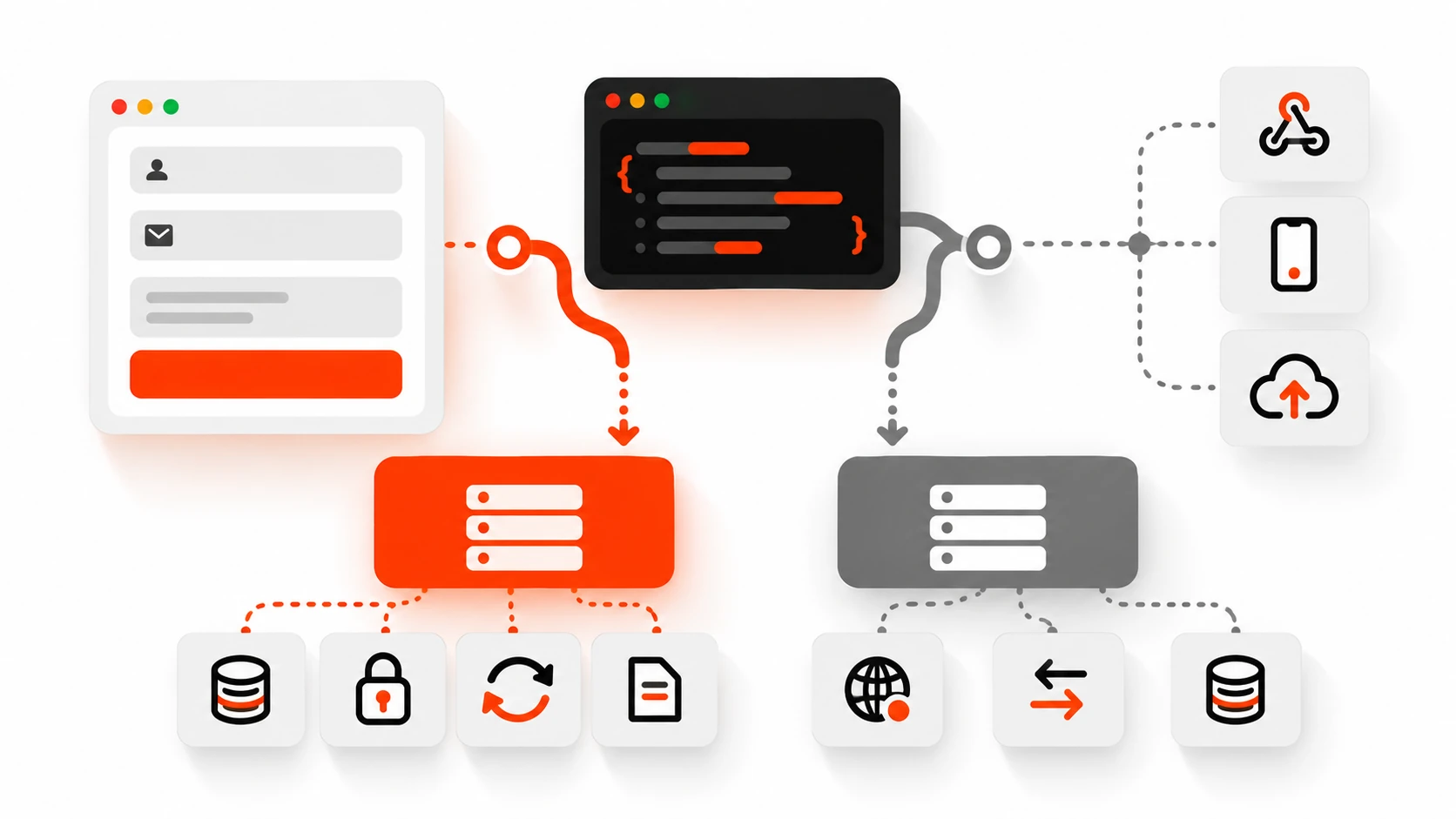
What they are not: a replacement for every HTTP API. If a mobile app, a webhook, or a partner integration needs a stable REST or GraphQL contract, you still want a Route Handler (or a dedicated API). Server Actions shine when the caller is your App Router UI.
Progressive Enhancement: The Form That Works Before Hydration
The feature that sold me on Server Actions for client marketing sites is progressive enhancement. In a Server Component you can define an inline action and pass it straight to a native form:
export default function ContactPage() {
  async function sendMessage(formData: FormData) {
    'use server'
    const email = String(formData.get('email') || '')
    const message = String(formData.get('message') || '')
    // validate, store, email the team...
  }

  return (
    <form action={sendMessage}>
      <input name="email" type="email" required />
      <textarea name="message" required />
      <button type="submit">Send</button>
    </form>
  )
}
If JavaScript is still loading — or blocked — the browser submits the form like a classic HTML form. On a brochure site where the contact form is the money button, that reliability matters more than a fancy optimistic spinner.
Client Components cannot define Server Actions inline, but they can import them from a "use server" file or receive them as props. After hydration, submissions stay in the client without a full document reload. Queueing before hydration is handled for you — another detail that used to require custom glue code.
useActionState: Errors and Pending Without a DIY Store
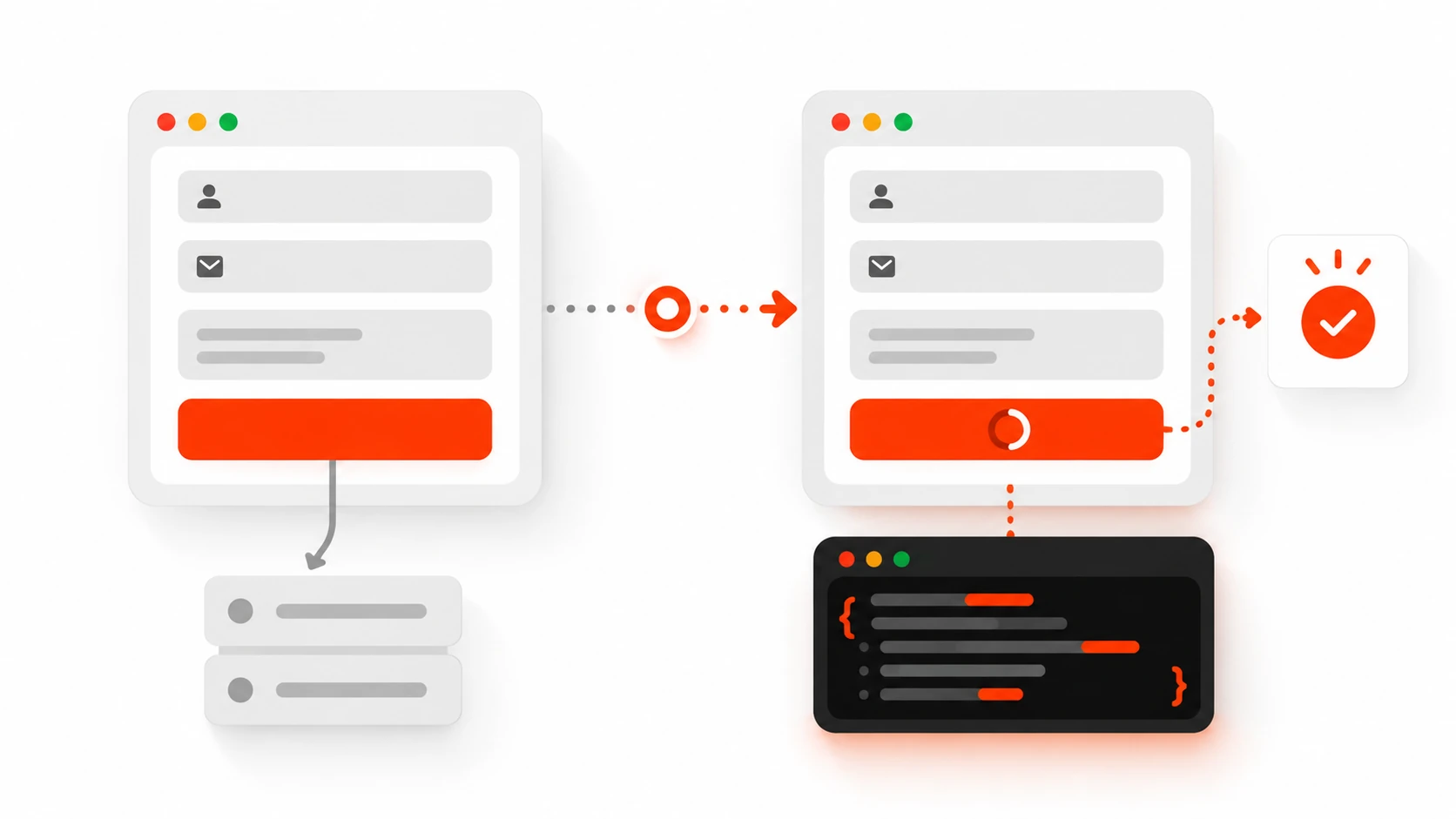
Early Server Action demos either threw errors (ugly) or returned nothing useful (also ugly). React’s useActionState is the pattern I ship now for almost every interactive form.
The action signature changes: the first argument is previous state, then FormData:
'use server'

import { z } from 'zod'
import { revalidatePath } from 'next/cache'

const schema = z.object({
  email: z.string().email(),
  message: z.string().min(10).max(2000),
})

export type ContactState = {
  ok: boolean
  message?: string
  fieldErrors?: Record<string, string[]>
}

export async function sendContact(
  _prev: ContactState,
  formData: FormData
): Promise<ContactState> {
  const parsed = schema.safeParse({
    email: formData.get('email'),
    message: formData.get('message'),
  })

  if (!parsed.success) {
    return {
      ok: false,
      message: 'Please fix the highlighted fields.',
      fieldErrors: parsed.error.flatten().fieldErrors,
    }
  }

  // await db.messages.create(parsed.data)
  revalidatePath('/admin/inbox')
  return { ok: true, message: 'Thanks — we will reply within one business day.' }
}
On the client:
'use client'

import { useActionState } from 'react'
import { sendContact, type ContactState } from './actions'

const initial: ContactState = { ok: false }

export function ContactForm() {
  const [state, formAction, pending] = useActionState(sendContact, initial)

  return (
    <form action={formAction}>
      <input name="email" type="email" disabled={pending} />
      {state.fieldErrors?.email && (
        <p aria-live="polite">{state.fieldErrors.email[0]}</p>
      )}
      <textarea name="message" disabled={pending} />
      {state.fieldErrors?.message && (
        <p aria-live="polite">{state.fieldErrors.message[0]}</p>
      )}
      <button type="submit" disabled={pending}>
        {pending ? 'Sending…' : 'Send'}
      </button>
      {state.message && <p aria-live="polite">{state.message}</p>}
    </form>
  )
}
Expected failures become return values. Unexpected failures can still throw into an error boundary. That split keeps validation UX calm and keeps real outages loud.
useFormStatus: Pending UI Inside the Submit Button
useFormStatus from react-dom reads the status of the parent <form>. It must live in a child component — calling it in the same component that renders the form will not see the pending state you expect.
'use client'

import { useFormStatus } from 'react-dom'

export function SubmitButton({ label }: { label: string }) {
  const { pending } = useFormStatus()
  return (
    <button type="submit" disabled={pending}>
      {pending ? 'Working…' : label}
    </button>
  )
}
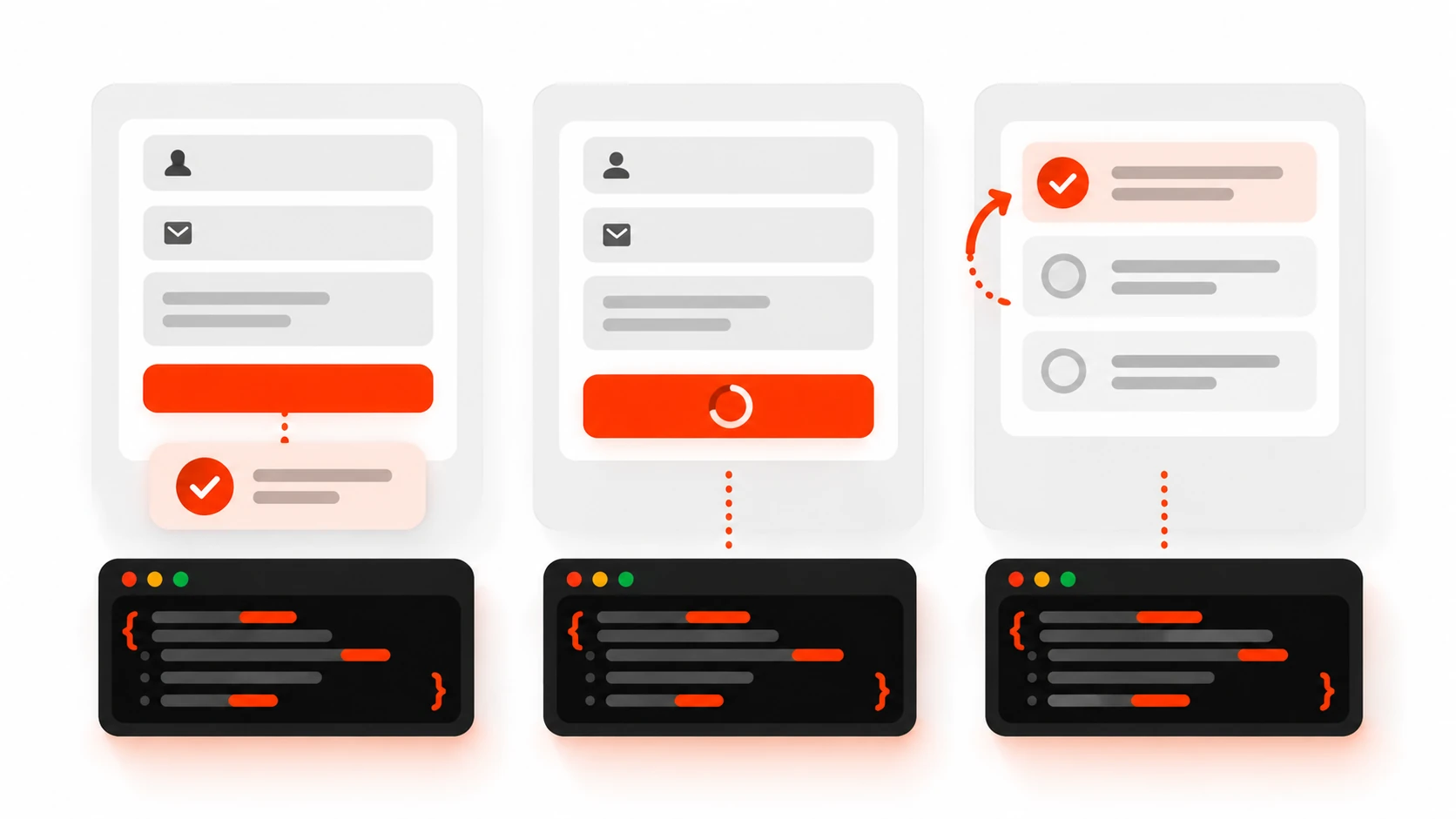
In React 19 you also get data, method, and action on the returned object. For most client forms I still only need pending. Use useActionState when you need the action result. Use useFormStatus when a reusable button only cares about busy state.
useOptimistic: Instant UI, Real Mutation Behind It
For toggles, likes, and checklist items, useOptimistic keeps the UI feeling local while the Server Action catches up:
'use client'

import { useOptimistic, useTransition } from 'react'
import { toggleDone } from './actions'

export function TaskRow({ id, done, title }: { id: string; done: boolean; title: string }) {
  const [optimisticDone, setOptimisticDone] = useOptimistic(done)
  const [isPending, startTransition] = useTransition()

  return (
    <button
      disabled={isPending}
      onClick={() => {
        startTransition(async () => {
          setOptimisticDone(!optimisticDone)
          await toggleDone(id, !optimisticDone)
        })
      }}
    >
      {optimisticDone ? '✓' : '○'} {title}
    </button>
  )
}
Optimistic UI is optional sugar. Progressive forms plus useActionState cover most brochure and dashboard needs without it.
Auth Cookies: Check Inside Every Action
A page that only renders for logged-in users is not enough. Server Actions are reachable by direct POST — Next.js encrypts action IDs, but you must still treat every exported action as a public entry point.
'use server'

import { cookies } from 'next/headers'
import { redirect } from 'next/navigation'

export async function updateProfile(formData: FormData) {
  const jar = await cookies()
  const session = jar.get('session')?.value
  if (!session) {
    redirect('/login')
  }

  // verify session, authorize ownership, then mutate
}
In current Next.js App Router, cookies() and headers() are async. Await them. Prefer SameSite=Strict (or at least Lax) on auth cookies. Setting or deleting a cookie inside an action triggers a server re-render of the current tree so the UI can reflect the new session without a hand-rolled refetch loop.
Authorization is not authentication. After you know who they are, confirm they own the resource before delete or update. I have seen too many “admin-looking” dashboards that trusted a hidden form field for the record id.
revalidatePath, revalidateTag, redirect, refresh
Mutations without cache updates look like bugs. After a successful write:
revalidatePath('/posts')— invalidate that path’s cached output.revalidateTag('posts')— invalidate everything tagged during fetch / cache.redirect('/posts')— after revalidation if the user should leave the form page.redirectthrows a framework control-flow exception; put it after revalidate calls, never before work you still need.refresh()fromnext/cache— refresh the client router for the current page without the same semantics as tagged revalidation. Use when you need the current view to catch up; use tags/paths when shared cached data must invalidate.
On client sites I tag list queries (posts, products, invoices) and revalidate the tag from create/update/delete actions. Path revalidation is fine for one-off marketing pages. Mixing both without a convention is how stale cards appear on the homepage while the detail page looks fresh.
When NOT to Use Server Actions
I still open a Route Handler when:
- External clients need a contract — mobile apps, Zapier, Stripe webhooks, partner APIs.
- Streaming uploads or large binary bodies — default Server Action body size is 1MB. You can raise
experimental.serverActions.bodySizeLimit, but for multi-megabyte uploads I prefer a dedicated upload route or direct-to-storage flow. - Non-POST semantics matter — public
GETJSON feeds,HEADhealth checks, CORS preflight-heavy third-party browsers. - Long-running or queue-backed work — accept the job via a Route Handler, push to a queue, return 202.
- You need fine-grained HTTP status codes for API consumers — actions are optimized for UI round trips, not for crafting a public HTTP surface.
Server Actions and Route Handlers can coexist. Use actions for the admin form that edits a post. Use a Route Handler for the webhook that publishes the same post from a headless CMS.
Pitfalls I Still See on Client Projects
Serialization limits
Arguments and return values must be serializable across the network boundary. Do not pass class instances, functions, or Magical Map objects through an action. Prefer plain objects, strings, numbers, and FormData for forms. File inputs work through FormData, subject to the body size limit.
Caching surprises
A Server Component that fetches with a long revalidate window will keep serving stale HTML until you revalidate. If an action updates the database but forgets revalidatePath / revalidateTag, users will swear “the save button is broken.” Pair every write with an explicit cache update, or document why the page is fully dynamic.
connection() from next/server (stable since Next.js 15) replaces the older unstable_noStore idea: await it when a component must wait for a real request even though it never calls cookies() or headers(). Inside Server Actions you are already in a request context — the footgun is usually the page that reads after the mutation, not the action itself.
CSRF and origins
Next.js compares the request Origin to Host / X-Forwarded-Host and aborts mismatches. For reverse proxies or multi-domain setups, configure experimental.serverActions.allowedOrigins. Do not casually allow "null". Keep sensitive cookies SameSite-strict. Origin checks reduce CSRF risk; they do not replace authz checks inside the action.
Stay current on framework patches. Origin-check gaps have shipped before; treating “framework CSRF protection exists” as “I can skip session checks” is how incidents start.
Large payloads
The default 1MB body limit exists to keep memory and abuse in check. Bumping bodySizeLimit to 5mb because a form “sometimes” attaches PDFs is a product decision — consider object storage uploads with a short-lived signed URL instead.
Throwing for validation
Throwing turns expected user mistakes into error UI or blank pages. Return { ok: false, fieldErrors } from the action and render with useActionState. Throw for programming errors and authz failures you do not want to pretty-print as form messages.
Hidden “API route” habits
Calling a Server Action from useEffect on every keystroke, or chaining five sequential actions where one batched action would do, recreates the chatty client API you just deleted. Actions currently dispatch sequentially from the client — design mutations as intentional user events, not as a replacement for React Query polling.
A Freelance-Friendly Checklist
Before I mark a Next.js form “done” on a client site:
- Action lives in a
"use server"module or inline Server Component function. - Authn + authz run inside the action.
- Input validated with a schema; field errors returned, not thrown.
- Success path calls
revalidatePathand/orrevalidateTag. - Pending state uses
useActionStateand/oruseFormStatus. - Sensitive cookies are
HttpOnly+Secure+ sensibleSameSite. - Body size and file uploads are intentional, not accidental.
- If an external system must call this logic, extract a shared domain function and expose a Route Handler too — do not force partners through an action ID.
A Mini Contact-Form Walkthrough I Actually Ship
On a typical freelance marketing site the contact form is the conversion. My default wiring in 2026 looks like this:
- Keep the page a Server Component so the initial HTML includes a real
<form>. - Put
sendContactinapp/contact/actions.tswith"use server"at the top of the file. - Validate with Zod; return field errors; never throw for “invalid email.”
- Persist the lead (database or transactional email). Log failures server-side without leaking internals to the browser.
- Call
revalidatePath('/admin/leads')if an internal inbox page is cached. - Wrap the client UI with
useActionStatefor messages and disable inputs whilependingis true. - Use a child
SubmitButtonwithuseFormStatusso the button can be reused on other forms.
That stack replaces an /api/contact Route Handler plus a client fetch helper for the common case. If the marketing team later wants Zapier to push leads into a CRM from an external tool, I extract the domain createLead() function and expose it from both the Server Action and a small Route Handler — shared logic, two entry points, no duplicated business rules.
Closing
Server Actions did not delete HTTP. They deleted a class of boilerplate that freelancers were copying into every App Router repo: tiny JSON endpoints that only the same origin ever called. Used with progressive forms, useActionState, careful auth, and honest cache revalidation, they make client sites feel simpler without making them fragile.
Used as a blunt “no more APIs ever” rule, they create serialization surprises, 1MB walls, and security theater. Know the seam. Prefer actions for UI mutations. Keep Route Handlers for real HTTP boundaries. That split is the 2026 version of pragmatism I actually ship.