
I used to treat Content Security Policy like a nice-to-have header. Ship the site, ship the features, worry about XSS “later.” Later never came — until a client staging site ate a reflected payload through a forgotten admin notice plugin and started loading a sketchy script from a domain nobody recognized. The page still looked fine. Analytics still fired. The damage window was quiet. That is when CSP stopped being theory and started being the lock on the door.
In 2026, XSS is still the everyday web vulnerability. Frameworks got safer. Sanitizers got smarter. Attackers still win when third-party tags, CMS plugins, and “just one more analytics script” open the back door. A well-tuned CSP header will not replace secure coding — but it will turn a successful injection into a blocked request instead of a silent compromise.
This guide is the practical path I use: mental model, report-only rollout, nonces versus hashes versus strict-dynamic, WordPress friction, Next.js middleware headers, Google Tag Manager without nuking UX, violation monitoring, and a checklist you can finish in a sprint.
Why XSS Still Wins in 2026
Cross-site scripting survives because modern sites are assembly kits. You own the React tree or the WordPress theme. You do not fully own the chatbot widget, the A/B testing snippet, the pixel, the CDN-hosted font CSS, or the marketing team’s “temporary” GTM container that somehow became permanent.
XSS is not only “attacker types <script> into a comment form.” It is also:
- A compromised npm package that ships an unexpected remote script.
- A WordPress plugin that echoes unsanitized query params into an admin page.
- A CDN subdomain takeover that still matches your
script-srcallowlist. - An inline event handler left behind in legacy theme code.
Browser defaults still allow scripts from the same origin and inline scripts unless you say otherwise. Content Security Policy is how you say otherwise — loudly, in a header the browser enforces before the payload runs.
The CSP Mental Model (Without the Fog)
Think of CSP as a browser-side allowlist for where resources may load and how scripts may execute. You send a Content-Security-Policy response header (or a <meta http-equiv> fallback for limited cases). The browser parses directives and blocks anything that does not match.
Core directives you will actually use:
default-src— fallback for other fetch directives. Start strict; open only what you need.script-src— who may run JavaScript. This is the XSS battle line.style-src— stylesheets and often inline styles (painful with CSS-in-JS and WP customizers).img-src— images, including data URIs and CDN hosts.connect-src—fetch, XHR, WebSocket, EventSource destinations.frame-ancestors— who may embed your page (clickjacking defense; replacesX-Frame-Optionsfor modern browsers).upgrade-insecure-requests— rewrite http subresources to https when possible.base-uriandform-action— stop sneaky base tag and form hijacks.object-src 'none'— kill plugins/Flash leftovers; almost always set this.
A starter policy that looks serious but is still tunable:
Content-Security-Policy:
  default-src 'self';
  script-src 'self';
  style-src 'self' 'unsafe-inline';
  img-src 'self' data: https:;
  font-src 'self' data:;
  connect-src 'self';
  frame-ancestors 'self';
  base-uri 'self';
  form-action 'self';
  object-src 'none';
  upgrade-insecure-requests;
Notice style-src still allows 'unsafe-inline'. That is a common compromise while you migrate. For XSS, script-src is the directive that matters most — do not casually add 'unsafe-inline' or 'unsafe-eval' there just to silence console noise.

Report-Only First: Roll Out Without Breaking Production
Never flip a strict CSP on a live marketing site on Friday afternoon. Use Content-Security-Policy-Report-Only first. The browser still evaluates the policy and sends violation reports, but it does not block resources. You learn what would break before users feel it.
Content-Security-Policy-Report-Only:
  default-src 'self';
  script-src 'self' 'nonce-{RANDOM}';
  report-to csp-endpoint;
  report-uri https://example.com/csp-report;
Two reporting mechanisms exist. report-uri is the older directive browsers still support widely. report-to (paired with a Reporting-Endpoints or legacy Report-To header) is the newer Reporting API path. In 2026 I ship both during transition so older and newer browsers both phone home.
My rollout pattern:
- Inventory every script, style, font, iframe, and API host (DevTools Network + a crawl of key templates).
- Deploy Report-Only with a tight
script-src. - Collect 3–7 days of violation reports from real traffic.
- Fix legitimate gaps (add hosts, switch to nonces) or remove dead third parties.
- Switch the same policy to enforcing
Content-Security-Policy. - Keep Report-Only as a canary for the next tightening pass.
Cloudflare, many CDNs, and reverse proxies can inject CSP headers at the edge. That is useful when you cannot touch every origin app — but keep one source of truth. Duplicate headers from app + edge often merge into a messier effective policy than you expect.
Nonces vs Hashes vs strict-dynamic
Allowlisting entire CDNs with script-src https://cdn.example.com is fragile. If that CDN hosts anything, an XSS that injects a script tag pointing at a known-good host can still run. Nonces and hashes move trust from “this domain” to “this exact script instance.”
Nonces
A nonce is a cryptographically random per-response value. You put it on the CSP header and on every legitimate inline <script> tag:
Content-Security-Policy: script-src 'nonce-r4nd0mValueHere';

<script nonce="r4nd0mValueHere">
  // bootstrap
</script>
Attacker-injected inline scripts lack the nonce and fail. Generate a fresh nonce every response — never reuse a static string in config. Frameworks and middleware that can inject attributes into the HTML stream make this workable; naive static HTML hosts struggle.
Hashes
For fixed inline snippets (a tiny bootloader, a JSON-LD block if you insist on inline), compute a SHA-256 of the exact script body and allow 'sha256-...' in script-src. Change one character and the hash breaks — which is the point. Hashes are great for stable snippets and painful for frequently changing inline JS.
strict-dynamic
'strict-dynamic' (CSP Level 3) says: scripts that were allowed by nonce or hash may load additional scripts, and host allowlists are ignored for script loading in supporting browsers. That unlocks modern bundlers and tag managers that inject child scripts — without opening every CDN on earth.
script-src 'nonce-{RANDOM}' 'strict-dynamic' 'unsafe-inline' https: http:;The 'unsafe-inline' and host tokens look scary, but browsers that understand strict-dynamic ignore those fallback tokens. Older browsers fall back to the allowlist path. That dual behavior is intentional backward compatibility, not a bug — document it for your team so nobody “cleans up” the policy and breaks Safari edge cases.

WordPress CSP: Plugin and Theme Friction
WordPress is where CSP idealism meets plugin soup. Themes print inline styles. Page builders inject inline scripts. WooCommerce, forms plugins, and “optimization” tools rewrite markup. A nonce-based CSP that works on a blank Twenty Twenty-Five child theme can shatter the moment Elementor or a popup plugin loads.
Practical WordPress CSP tactics I use:
- Prefer sending CSP from the host/CDN (Cloudflare Transform Rules, nginx
add_header, LiteSpeed) so PHP plugins cannot casually override it — unless you need per-page nonces, which then must be generated in PHP and injected into both header and markup. - Audit
wp_enqueue_scriptusage. Move inlinewp_add_inline_scriptblocks behind nonces if your mu-plugin can filter script tags. - Expect
style-src 'unsafe-inline'longer than you want. Many customizers and block editor front-end styles still assume inline CSS. - Block
object-src 'none'and tightenframe-ancestorsearly — low breakage, high win. - Watch admin separately. A public CSP that breaks
/wp-adminmakes editors revolt. Often you need a looser policy (or none) on admin routes.
Security plugins that “add CSP” with a GUI checkbox are fine for first drafts. Treat their output as Report-Only candidates, then harden. Blindly enabling “strict” in a plugin without reading the generated header is how you brick checkout on Black Friday.
Next.js and Middleware Headers
Next.js apps fit CSP well because you control the response pipeline. In the App Router era, middleware or next.config headers are the usual place to attach policy. For nonces, middleware is the cleanest: generate a nonce, set it on the CSP header, and expose it to Server Components / the document so script tags can read the same value.
// Conceptual middleware sketch
import { NextResponse } from 'next/server';

export function middleware(request) {
  const nonce = Buffer.from(crypto.randomUUID()).toString('base64');
  const csp = [
    "default-src 'self'",
    `script-src 'self' 'nonce-${nonce}' 'strict-dynamic'`,
    "style-src 'self' 'unsafe-inline'",
    "img-src 'self' data: https:",
    "connect-src 'self' https://api.example.com",
    "frame-ancestors 'none'",
    "object-src 'none'",
    "base-uri 'self'",
  ].join('; ');

  const response = NextResponse.next();
  response.headers.set('Content-Security-Policy', csp);
  response.headers.set('x-nonce', nonce); // read downstream carefully
  return response;
}
Wire the nonce into your root layout scripts. Avoid shipping a static CSP string in next.config.js alone if you need per-request nonces — static config cannot rotate them. Also remember preview deployments, Storybook, and third-party auth popups: each environment may need its own connect-src and frame-src carve-outs documented in env-specific config, not tribal knowledge.
Google Tag Manager and Third-Party Scripts Without Nuking UX
GTM is the usual CSP villain. Marketing needs tags. Security needs boundaries. You have three honest options:
- Nonce + strict-dynamic — bootstrap GTM with a nonce; let it load children under
strict-dynamic. Still review what the container publishes. - Server-side tagging — move collection to a first-party endpoint you control; shrink browser-side third parties. More work, cleaner CSP.
- Allowlist specific hosts — brittle, but sometimes required for older stacks. Prefer the smallest host set, not
*.google.comforever.
Also budget for:
- Analytics beacons in
connect-srcand sometimesimg-src. - YouTube/Vimeo embeds in
frame-src. - Payment iframes with explicit origins.
- Font CDNs in
font-src— or better, self-host fonts and delete the third-party hop.
Every third-party script is a trust decision. CSP makes that decision visible. When a stakeholder asks why a new heatmaps vendor “does not work,” show the violation report instead of arguing vibes.
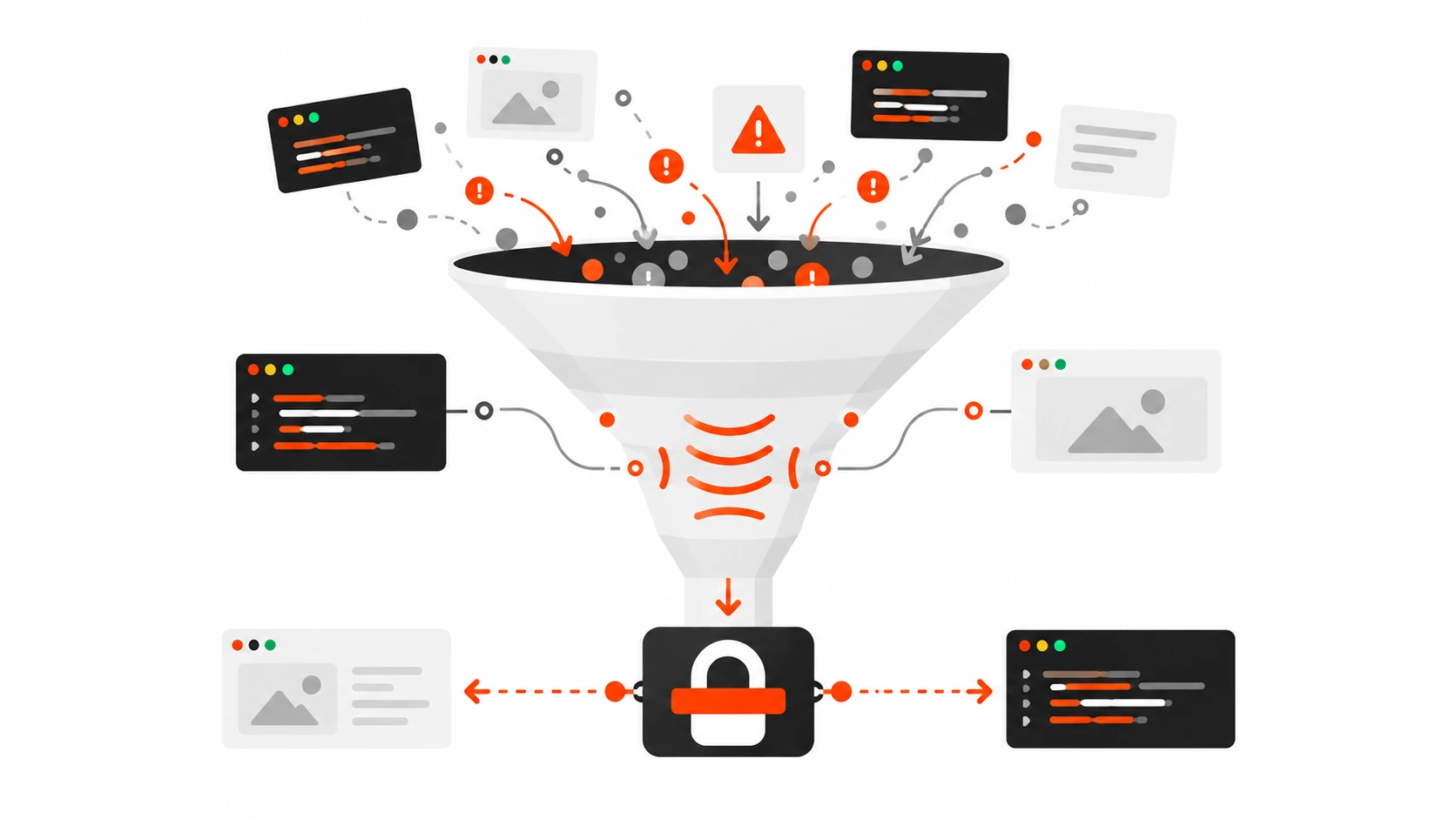
Monitoring Violations Like a Product Metric
A CSP you never read is theater. Wire reports to something searchable: your own endpoint, Cloudflare logging, a SIEM, or a dedicated CSP SaaS. Sample if volume is high, but do not discard admin or checkout paths — those are where silent breakage hurts revenue.
When a report arrives, ask:
- Is this a real user browser hitting a legitimate feature we forgot?
- Is this an extension injecting scripts (common false positive)?
- Is this an actual XSS attempt worth escalating?
- Did a deploy change hashes or remove a nonce attribute?
Browser extensions generate a surprising amount of noise. Filter by blocked-uri, document-uri, and user-agent patterns before you widen script-src “just to quiet Slack.”
Trusted Types: The Next Layer After CSP
CSP stops many script injections. DOM XSS via innerHTML, eval-like sinks, and sticky legacy APIs still happens inside allowed scripts. Trusted Types (enforced with require-trusted-types-for 'script' and trusted-types ...) make dangerous sinks reject raw strings unless they pass through a policy you define.
In 2026, Trusted Types are worth piloting on high-value apps once your CSP is stable. Do not bolt them on the same week you first meet Report-Only — sequence matters. CSP first, then Trusted Types on the hottest sinks.
Common Breakages and Fixes
- Blank pages / hydration failures — inline bootstrap scripts missing nonces. Fix attributes or move logic to external files covered by
'self'. - Styles look broken — inline style attributes blocked. Prefer classes; temporarily keep
style-src 'unsafe-inline'while you migrate. - Fonts missing — add the font host or self-host and point
font-src 'self'. - API calls failing — expand
connect-srcfor your API and auth issuer. - Embedded videos gone — set
frame-srcfor the player origin. - Admin / preview broken — scope CSP by path; do not force the public policy onto every route.
- GTM “half working” — child scripts blocked without
strict-dynamicor missing hosts. - Mixed content remnants — add
upgrade-insecure-requestsand fix hard-coded http URLs.
A Practical CSP Checklist
- Inventory scripts, styles, frames, fonts, and API hosts on key templates.
- Ship
Content-Security-Policy-Report-Onlywithobject-src 'none', tightbase-uri, and a realisticscript-src. - Add
report-uriandreport-to; verify reports arrive. - Introduce per-request nonces (or hashes for fixed snippets); prefer
'strict-dynamic'where supported. - Carve out WordPress admin / preview / Storybook if needed.
- Decide GTM strategy: nonce bootstrap, server-side tagging, or minimal host allowlist.
- Flip to enforcing CSP after a quiet report week.
- Document the policy in the repo next to header config — not only in a Notion page.
- Schedule a quarterly tighten: remove unused hosts, kill leftover
'unsafe-eval'. - Pilot Trusted Types after CSP is boringly stable.
Closing
Content Security Policy will not make insecure code secure. It will make successful XSS much harder to turn into a lasting foothold — especially when third-party scripts and CMS plugins expand your attack surface every quarter.
Start in Report-Only. Earn the right to enforce. Prefer nonces and strict-dynamic over eternal CDN allowlists. Treat WordPress and GTM as first-class design constraints, not afterthoughts. Monitor violations like uptime. That is how you lock down XSS in 2026 without breaking the scripts your product actually needs.