
I have a confession. For years, my TypeScript config objects looked type-safe and were not. I would write a route map or a theme object, slap a type annotation on it, and feel good. Then a typo would sneak through, or worse, the annotation would quietly erase the exact information I needed later, and I would end up writing as casts to get it back.
The fix was one small keyword that a lot of developers still skip: satisfies. It shipped in TypeScript 4.9, and if you work on React apps, Node APIs, or any codebase with configuration objects, it is probably the most useful operator you are not using yet. Pair it with as const and you get something close to the best of both worlds: strict checking and precise inferred types.
In this guide I will walk through the problem it solves, the patterns I use in client projects every week, the mistakes I see in code reviews, and when you should still reach for a plain annotation instead.
The problem: annotations widen your types
Let me start with the pattern almost everyone writes first. You have a set of colors for a design system and you want to be sure each value is either a hex string or an RGB tuple.
type Color = string | [number, number, number];

const palette: Record<string, Color> = {
  accent: "#FF3E00",
  surface: [242, 242, 242],
  text: "#1E1E1E",
};

palette.accent.toUpperCase();
// Error: Property 'toUpperCase' does not exist on type 'Color'.
The annotation did its job: every value is checked against Color. But it also threw away what TypeScript knew. It no longer knows that accent is a string. It no longer knows which keys exist, so palette.acent (a typo) is allowed, because Record<string, Color> says any string key is fine.
So you have two bad options. Keep the annotation and lose precision, or remove it and lose validation. Without the annotation, a typo in a value like [242, 242] passes silently until something breaks at runtime.
What satisfies actually does
The satisfies operator checks that an expression matches a type, without changing the type that gets inferred. Validation and inference become two separate things.
const palette = {
  accent: "#FF3E00",
  surface: [242, 242, 242],
  text: "#1E1E1E",
} satisfies Record<string, Color>;

palette.accent.toUpperCase();   // OK, accent is string
palette.surface.map((n) => n);  // OK, surface is a number tuple
palette.acent;                  // Error: property does not exist
Now the object is validated against Record<string, Color>, so a bad value is caught right where you wrote it. But the inferred type of palette is the literal shape you typed, so keys are known and each value keeps its own type.
My mental model is simple. A type annotation says: “treat this value as this type from now on.” satisfies says: “prove this value fits this type, then forget I asked.”

Adding as const for literal precision
satisfies keeps the inferred type, but the inferred type of a string property is still string, not the literal "#FF3E00". When you need the literals (for union types, lookup keys, or exhaustive switches), add as const before satisfies.
const routes = {
  home: "/",
  blog: "/blog",
  post: "/blog/:slug",
} as const satisfies Record<string, `/${string}`>;

type RoutePath = (typeof routes)[keyof typeof routes];
// "/" | "/blog" | "/blog/:slug"
The order matters. as const first makes the object readonly with literal types, then satisfies checks that readonly literal object against the constraint. Here the template literal type ` /${string} means every path must start with a slash. Write blog: “blog”` and you get an error on that exact line.
This one pattern has replaced a lot of hand-written union types in my projects. The object is the source of truth, and the type is derived from it, so they can never drift apart.
Pattern 1: exhaustive config maps
The pattern I use most is a map keyed by a union, where every key must be present. Think status labels, feature flags, or per-plan pricing.
type OrderStatus = "pending" | "paid" | "shipped" | "refunded";

const statusLabel = {
  pending: "Waiting for payment",
  paid: "Paid",
  shipped: "On the way",
  refunded: "Refunded",
} satisfies Record<OrderStatus, string>;
If someone adds "cancelled" to OrderStatus six months later, this object fails to compile until the label is added. That is exactly the safety net you want. And because satisfies also flags excess properties in an object literal, a leftover "canceled" key with a typo is caught too.
You could do the same with an annotation, and for this specific case the annotation works fine. The difference shows up when the values are different shapes, which brings me to the next one.
Pattern 2: handlers with different payloads
Here is a typical example from a dashboard. Each event type had a handler, and each handler needed its own specific payload type.
type Events = {
  login: { userId: string };
  purchase: { orderId: string; total: number };
  logout: Record<string, never>;
};

type Handlers = { [K in keyof Events]: (payload: Events[K]) => void };

const handlers = {
  login: ({ userId }) => console.log("login", userId),
  purchase: ({ orderId, total }) => track(orderId, total),
  logout: () => clearSession(),
} satisfies Handlers;
Notice that the handler parameters are not annotated, yet userId, orderId and total are all correctly typed. satisfies provides a contextual type, the same way an annotation does, so inference flows into the function parameters. You get autocomplete on the payload and an error if the shape is wrong, without writing the payload types twice.
Pattern 3: typed JSON and API fixtures
Testing is where satisfies saves me the most time. Mock data and fixtures are usually plain objects, and they rot quietly when the API type changes.
import type { User } from "./api-types";

export const adminUser = {
  id: "u_1",
  email: "admin@example.com",
  role: "admin",
  createdAt: "2026-01-01T00:00:00Z",
} satisfies User;
If User gains a required field, every fixture fails to compile, so you fix the fixtures before the tests start lying to you. And because the inferred type keeps role as the literal you wrote (with as const, or when the target type is itself a literal union), your test code can narrow on it.

Pattern 4: framework config files
Many tools now ship a Config type for exactly this purpose. Instead of wrapping your config in a helper function only to get types, you can write:
import type { Config } from "tailwindcss";

export default {
  content: ["./src/**/*.{ts,tsx}"],
  theme: { extend: {} },
} satisfies Config;
The same works for many ESLint, Vite or Playwright setups where a type is exported. It is a small thing, but it keeps the exported value exactly as written while still catching a misspelled option name. Check what your tool exports before assuming the name, since not every library calls it Config.
Mistakes I see in code reviews
After introducing satisfies across a few teams, the same mistakes come up again and again.
Mistake 1: using satisfies when you want a contract
If a value is part of a public API, like a function return type or an exported object other modules depend on, you usually want the annotation. An annotation is a promise about the type that consumers can rely on. With satisfies, a later edit that adds a property silently changes the exported type, and that change ripples into every file that imports it.
My rule: annotate boundaries, use satisfies for local data and config.
Mistake 2: putting as const after satisfies
{...} satisfies X as const is a compile error, because a const assertion can only be applied to a literal, and the result of a satisfies expression is not one. Write as const satisfies X. Read it left to right: freeze it, then check it.
Mistake 3: expecting satisfies to narrow later
satisfies only affects the expression it is attached to. It is not a type guard, and it does nothing at runtime. If data comes from fetch or JSON.parse, it is still unknown at runtime. You need a real runtime validator such as Zod, Valibot or a hand-written guard for that. satisfies is for values you write in source code.
Mistake 4: replacing every as cast blindly
as is an assertion: it tells the compiler to trust you. satisfies is a check: it asks the compiler to verify you. They are not interchangeable. When I see const x = {...} as Foo, I almost always swap it to satisfies Foo, because the cast would also hide a missing required property. But casts that convert between genuinely different types, like DOM element narrowing, still need as or a guard.
A before and after: a typical config file
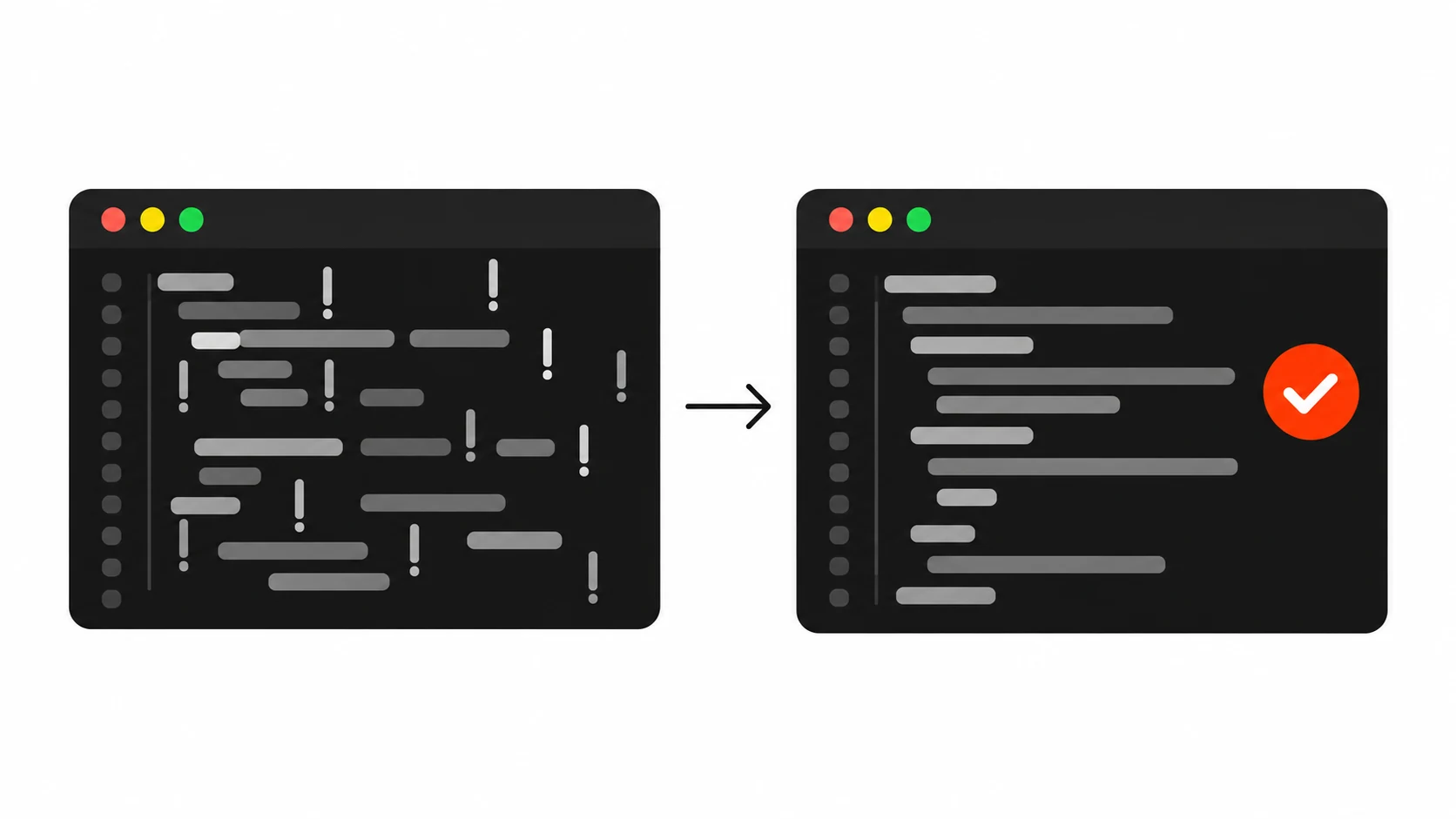
Here is an illustrative pattern you will probably recognise: a typical config file full of non-null assertions. Picture a pricing module with a plans object annotated as Record<string, Plan>. To read the monthly price of the “pro” plan, the code does plans["pro"]!.monthly, with a non-null assertion, because the annotation makes every lookup possibly undefined under noUncheckedIndexedAccess. Multiply that by every component that reads a plan, and the ! operators spread across the codebase.
Now change the declaration to as const satisfies Record<PlanId, Plan>. Three things follow:
- Every
!on known plan lookups can be deleted, because the keys are now part of the type. - A plan id union type maintained by hand can be replaced by
keyof typeof plans. - If
PlanIdno longer lists a key that is still in the object, such as an old “enterprise” plan, the compiler flags it as an excess property right away.
No runtime code changes. The emitted JavaScript is the same. The type information just gets honest.
When to use annotation, satisfies, or as
Here is the quick decision table I share with junior developers on my team:
- Use a type annotation when the value is a contract: exported APIs, function parameters and return types, class fields, and anything other code depends on.
- Use
satisfieswhen you want validation but also want the precise inferred type: config objects, lookup maps, fixtures, theme tokens, route tables. - Use
as const satisfieswhen you also need literal types and readonly values, usually so you can derive union types from the object. - Use
asonly when you know something the compiler cannot, and keep it rare.
Compatibility and tooling notes
satisfies needs TypeScript 4.9 or newer. That is old enough now that any maintained project should have it, but double-check if you inherit a legacy repo. Babel, esbuild, SWC and tsc all strip it at build time like any other type syntax.
If your editor shows a red squiggle on satisfies in a recent project, the usual cause is that VS Code is using an older bundled TypeScript version instead of the workspace one. Use the “TypeScript: Select TypeScript Version” command and pick the workspace version.
A related feature worth knowing is const type parameters from TypeScript 5.0. Writing function defineRoutes<const T>(routes: T) makes the function infer literal types from its argument as if the caller had written as const. It is handy for library authors who want the as const satisfies behavior without asking callers to type it.
Why this matters for client work
I build websites and apps for clients, and the bugs that cost the most are rarely clever algorithm problems. They are typos in a config key, a missing label for a new status, a fixture that no longer matches the API. Those bugs are boring, and they are exactly what the type system should catch.
satisfies makes it cheap to catch them. It is one word, it costs nothing at runtime, and it makes your types match what you actually wrote. If you take one thing from this post, try this: search your codebase for : Record< on const objects, and see how many of them should be satisfies instead. Often, a good share of them should be.
Small habits like this are what keep a codebase pleasant to work in a year later, for you and for whoever inherits it.