Category: JavaScript & TypeScript

Modern JavaScript and TypeScript techniques, type safety patterns and end-to-end testing with Playwright.

  • TypeScript satisfies Operator: Type-Safe Config Without Losing Inference

    TypeScript satisfies Operator: Type-Safe Config Without Losing Inference

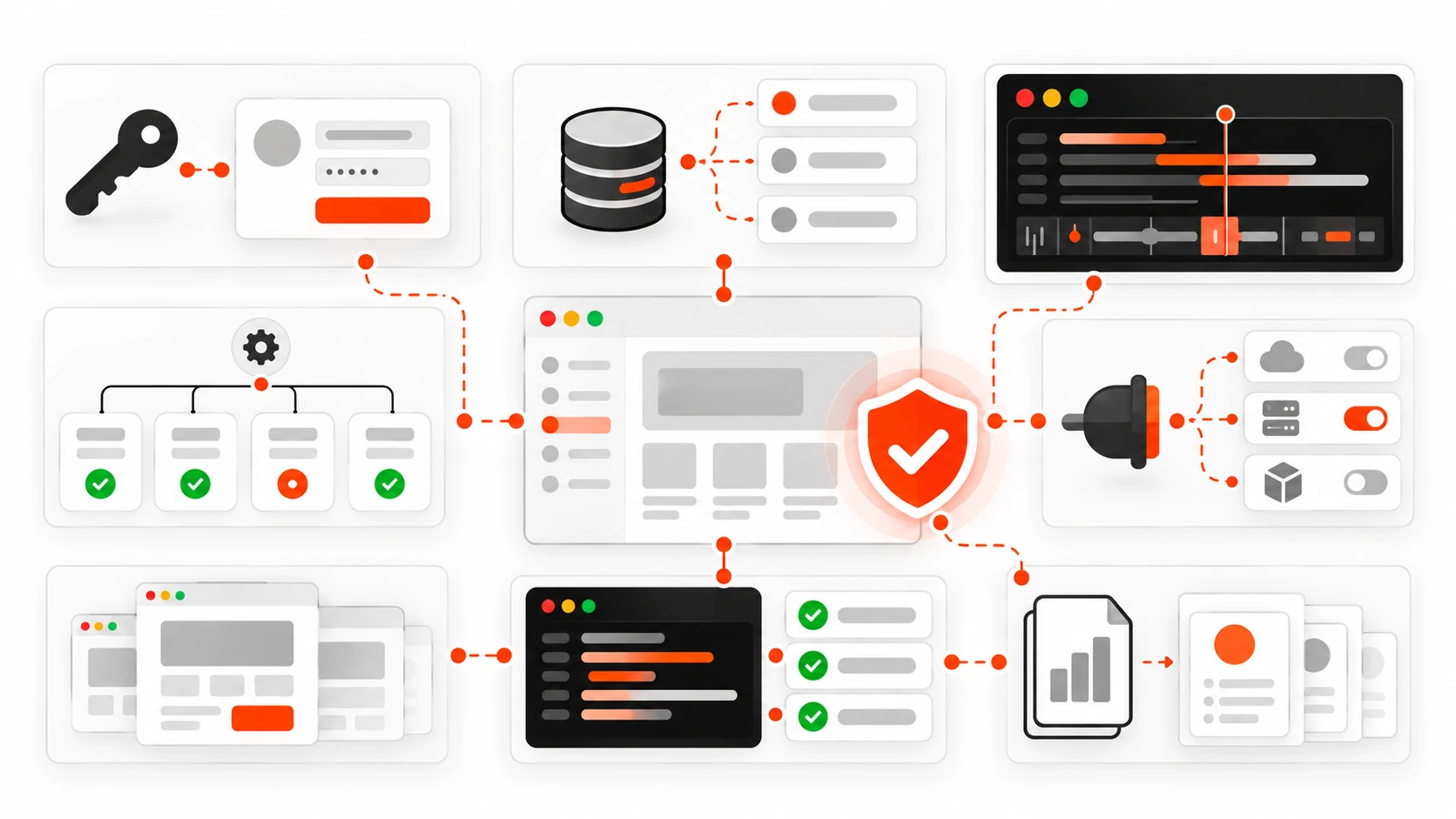
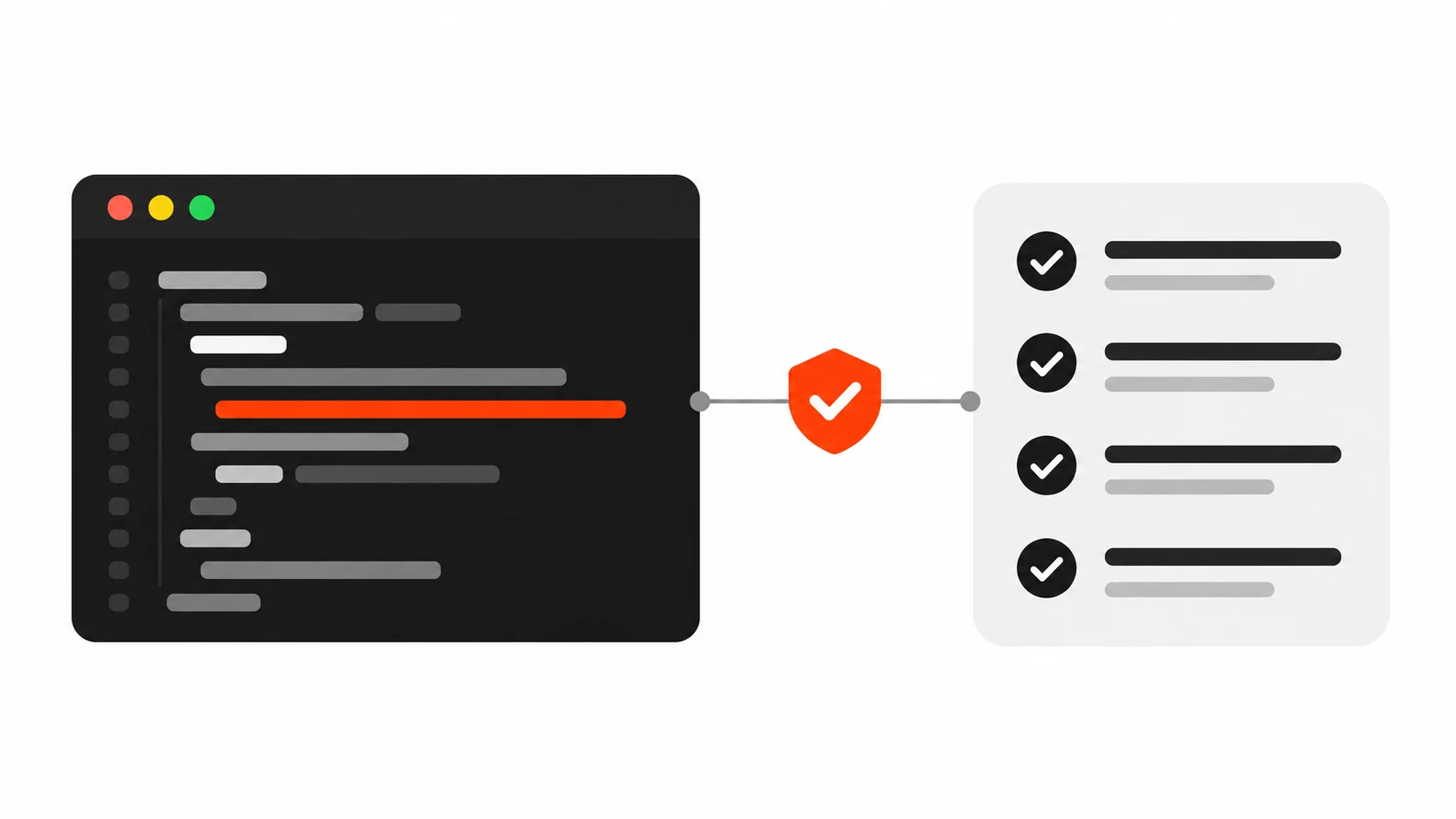
    Flat vector illustration of a dark code panel with one line underlined in orange-red, linked through an orange-red check badge to a light-gray checklist card, showing TypeScript satisfies validating a config object

    I have a confession. For years, my TypeScript config objects looked type-safe and were not. I would write a route map or a theme object, slap a type annotation on it, and feel good. Then a typo would sneak through, or worse, the annotation would quietly erase the exact information I needed later, and I would end up writing as casts to get it back.

    The fix was one small keyword that a lot of developers still skip: satisfies. It shipped in TypeScript 4.9, and if you work on React apps, Node APIs, or any codebase with configuration objects, it is probably the most useful operator you are not using yet. Pair it with as const and you get something close to the best of both worlds: strict checking and precise inferred types.

    In this guide I will walk through the problem it solves, the patterns I use in client projects every week, the mistakes I see in code reviews, and when you should still reach for a plain annotation instead.

    The problem: annotations widen your types

    Let me start with the pattern almost everyone writes first. You have a set of colors for a design system and you want to be sure each value is either a hex string or an RGB tuple.

    type Color = string | [number, number, number];
    
    const palette: Record<string, Color> = {
      accent: "#FF3E00",
      surface: [242, 242, 242],
      text: "#1E1E1E",
    };
    
    palette.accent.toUpperCase();
    // Error: Property 'toUpperCase' does not exist on type 'Color'.

    The annotation did its job: every value is checked against Color. But it also threw away what TypeScript knew. It no longer knows that accent is a string. It no longer knows which keys exist, so palette.acent (a typo) is allowed, because Record<string, Color> says any string key is fine.

    So you have two bad options. Keep the annotation and lose precision, or remove it and lose validation. Without the annotation, a typo in a value like [242, 242] passes silently until something breaks at runtime.

    What satisfies actually does

    The satisfies operator checks that an expression matches a type, without changing the type that gets inferred. Validation and inference become two separate things.

    const palette = {
      accent: "#FF3E00",
      surface: [242, 242, 242],
      text: "#1E1E1E",
    } satisfies Record<string, Color>;
    
    palette.accent.toUpperCase();   // OK, accent is string
    palette.surface.map((n) => n);  // OK, surface is a number tuple
    palette.acent;                  // Error: property does not exist

    Now the object is validated against Record<string, Color>, so a bad value is caught right where you wrote it. But the inferred type of palette is the literal shape you typed, so keys are known and each value keeps its own type.

    My mental model is simple. A type annotation says: “treat this value as this type from now on.” satisfies says: “prove this value fits this type, then forget I asked.”
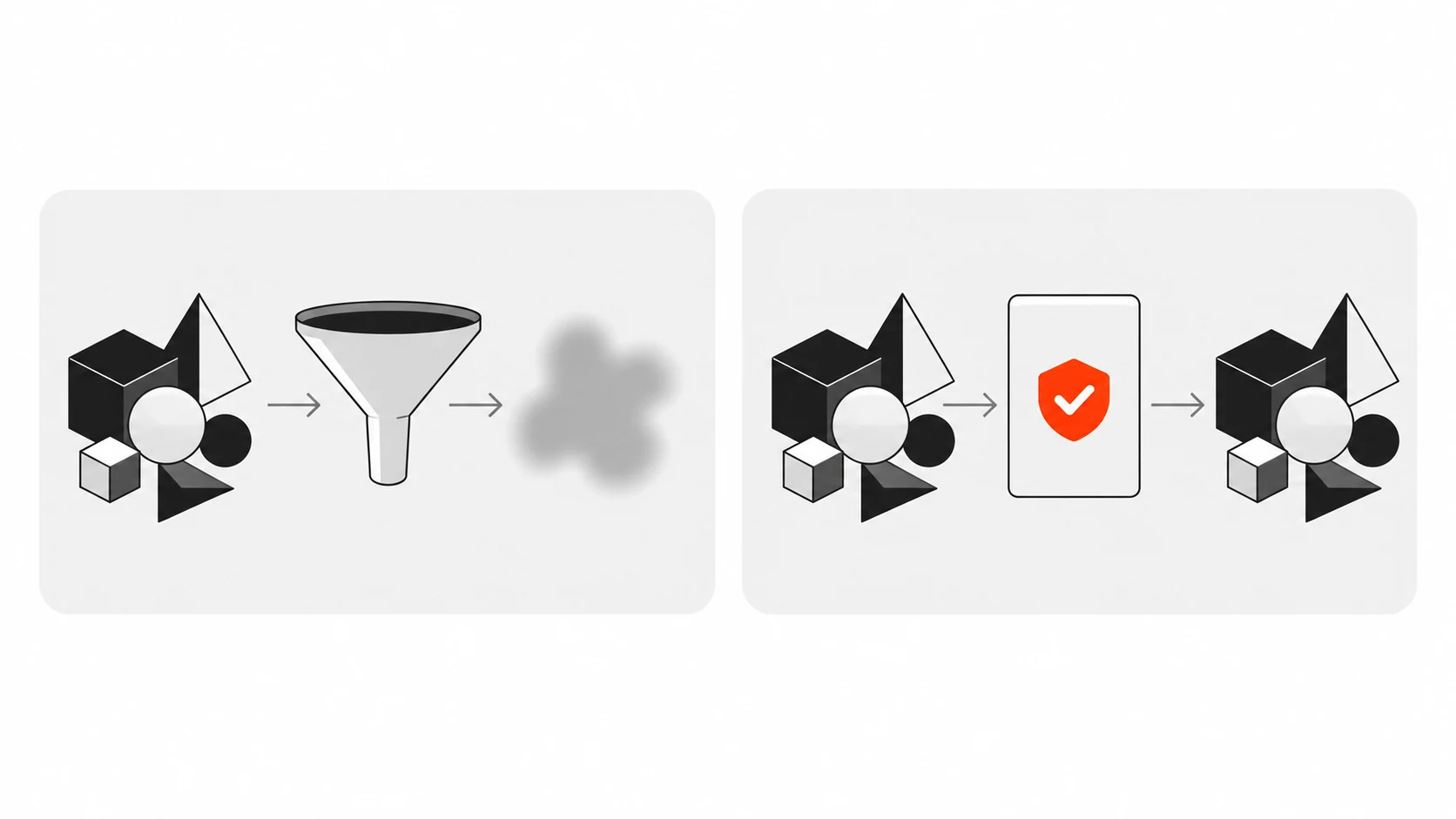
    Infographic comparing a type annotation, which squeezes a detailed shape into a blurred generic one, with satisfies, which checks the shape against a frame and lets it through unchanged
    Infographic 1: Annotation vs satisfies – an annotation widens the value to the declared type, while satisfies checks the value and keeps its exact inferred type.

    Adding as const for literal precision

    satisfies keeps the inferred type, but the inferred type of a string property is still string, not the literal "#FF3E00". When you need the literals (for union types, lookup keys, or exhaustive switches), add as const before satisfies.

    const routes = {
      home: "/",
      blog: "/blog",
      post: "/blog/:slug",
    } as const satisfies Record<string, `/${string}`>;
    
    type RoutePath = (typeof routes)[keyof typeof routes];
    // "/" | "/blog" | "/blog/:slug"

    The order matters. as const first makes the object readonly with literal types, then satisfies checks that readonly literal object against the constraint. Here the template literal type ` /${string} means every path must start with a slash. Write blog: “blog”` and you get an error on that exact line.

    This one pattern has replaced a lot of hand-written union types in my projects. The object is the source of truth, and the type is derived from it, so they can never drift apart.

    Pattern 1: exhaustive config maps

    The pattern I use most is a map keyed by a union, where every key must be present. Think status labels, feature flags, or per-plan pricing.

    type OrderStatus = "pending" | "paid" | "shipped" | "refunded";
    
    const statusLabel = {
      pending: "Waiting for payment",
      paid: "Paid",
      shipped: "On the way",
      refunded: "Refunded",
    } satisfies Record<OrderStatus, string>;

    If someone adds "cancelled" to OrderStatus six months later, this object fails to compile until the label is added. That is exactly the safety net you want. And because satisfies also flags excess properties in an object literal, a leftover "canceled" key with a typo is caught too.

    You could do the same with an annotation, and for this specific case the annotation works fine. The difference shows up when the values are different shapes, which brings me to the next one.

    Pattern 2: handlers with different payloads

    Here is a typical example from a dashboard. Each event type had a handler, and each handler needed its own specific payload type.

    type Events = {
      login: { userId: string };
      purchase: { orderId: string; total: number };
      logout: Record<string, never>;
    };
    
    type Handlers = { [K in keyof Events]: (payload: Events[K]) => void };
    
    const handlers = {
      login: ({ userId }) => console.log("login", userId),
      purchase: ({ orderId, total }) => track(orderId, total),
      logout: () => clearSession(),
    } satisfies Handlers;

    Notice that the handler parameters are not annotated, yet userId, orderId and total are all correctly typed. satisfies provides a contextual type, the same way an annotation does, so inference flows into the function parameters. You get autocomplete on the payload and an error if the shape is wrong, without writing the payload types twice.

    Pattern 3: typed JSON and API fixtures

    Testing is where satisfies saves me the most time. Mock data and fixtures are usually plain objects, and they rot quietly when the API type changes.

    import type { User } from "./api-types";
    
    export const adminUser = {
      id: "u_1",
      email: "admin@example.com",
      role: "admin",
      createdAt: "2026-01-01T00:00:00Z",
    } satisfies User;

    If User gains a required field, every fixture fails to compile, so you fix the fixtures before the tests start lying to you. And because the inferred type keeps role as the literal you wrote (with as const, or when the target type is itself a literal union), your test code can narrow on it.
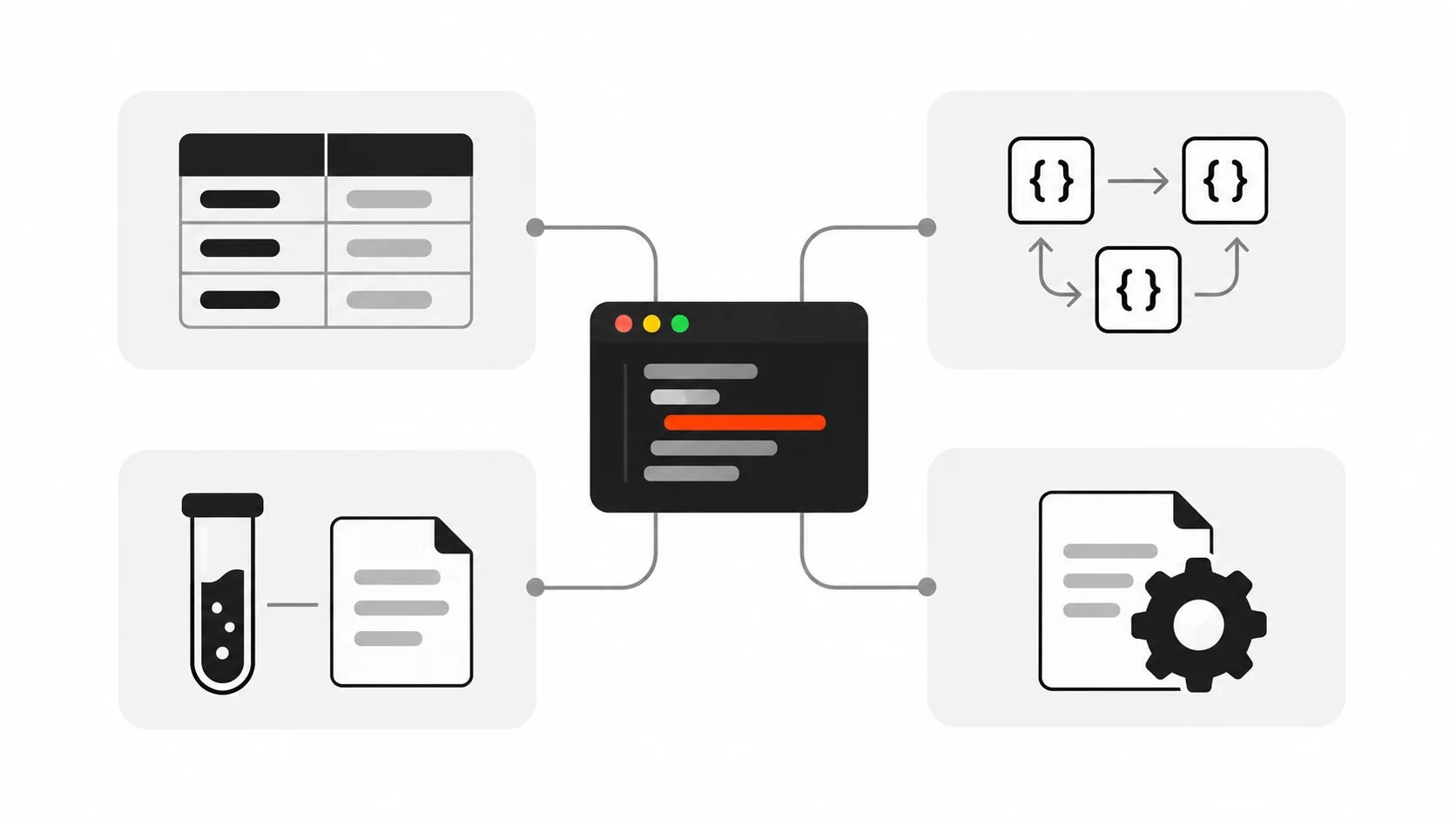
    Infographic of four places to use satisfies: lookup maps, typed handler maps, test fixtures and config files, all connected to one central code panel
    Infographic 2: Four patterns for satisfies – lookup maps, handler maps, test fixtures and config objects.

    Pattern 4: framework config files

    Many tools now ship a Config type for exactly this purpose. Instead of wrapping your config in a helper function only to get types, you can write:

    import type { Config } from "tailwindcss";
    
    export default {
      content: ["./src/**/*.{ts,tsx}"],
      theme: { extend: {} },
    } satisfies Config;

    The same works for many ESLint, Vite or Playwright setups where a type is exported. It is a small thing, but it keeps the exported value exactly as written while still catching a misspelled option name. Check what your tool exports before assuming the name, since not every library calls it Config.

    Mistakes I see in code reviews

    After introducing satisfies across a few teams, the same mistakes come up again and again.

    Mistake 1: using satisfies when you want a contract

    If a value is part of a public API, like a function return type or an exported object other modules depend on, you usually want the annotation. An annotation is a promise about the type that consumers can rely on. With satisfies, a later edit that adds a property silently changes the exported type, and that change ripples into every file that imports it.

    My rule: annotate boundaries, use satisfies for local data and config.

    Mistake 2: putting as const after satisfies

    {...} satisfies X as const is a compile error, because a const assertion can only be applied to a literal, and the result of a satisfies expression is not one. Write as const satisfies X. Read it left to right: freeze it, then check it.

    Mistake 3: expecting satisfies to narrow later

    satisfies only affects the expression it is attached to. It is not a type guard, and it does nothing at runtime. If data comes from fetch or JSON.parse, it is still unknown at runtime. You need a real runtime validator such as Zod, Valibot or a hand-written guard for that. satisfies is for values you write in source code.

    Mistake 4: replacing every as cast blindly

    as is an assertion: it tells the compiler to trust you. satisfies is a check: it asks the compiler to verify you. They are not interchangeable. When I see const x = {...} as Foo, I almost always swap it to satisfies Foo, because the cast would also hide a missing required property. But casts that convert between genuinely different types, like DOM element narrowing, still need as or a guard.

    A before and after: a typical config file

    Here is an illustrative pattern you will probably recognise: a typical config file full of non-null assertions. Picture a pricing module with a plans object annotated as Record<string, Plan>. To read the monthly price of the “pro” plan, the code does plans["pro"]!.monthly, with a non-null assertion, because the annotation makes every lookup possibly undefined under noUncheckedIndexedAccess. Multiply that by every component that reads a plan, and the ! operators spread across the codebase.

    Now change the declaration to as const satisfies Record<PlanId, Plan>. Three things follow:

    1. Every ! on known plan lookups can be deleted, because the keys are now part of the type.
    2. A plan id union type maintained by hand can be replaced by keyof typeof plans.
    3. If PlanId no longer lists a key that is still in the object, such as an old “enterprise” plan, the compiler flags it as an excess property right away.

    No runtime code changes. The emitted JavaScript is the same. The type information just gets honest.
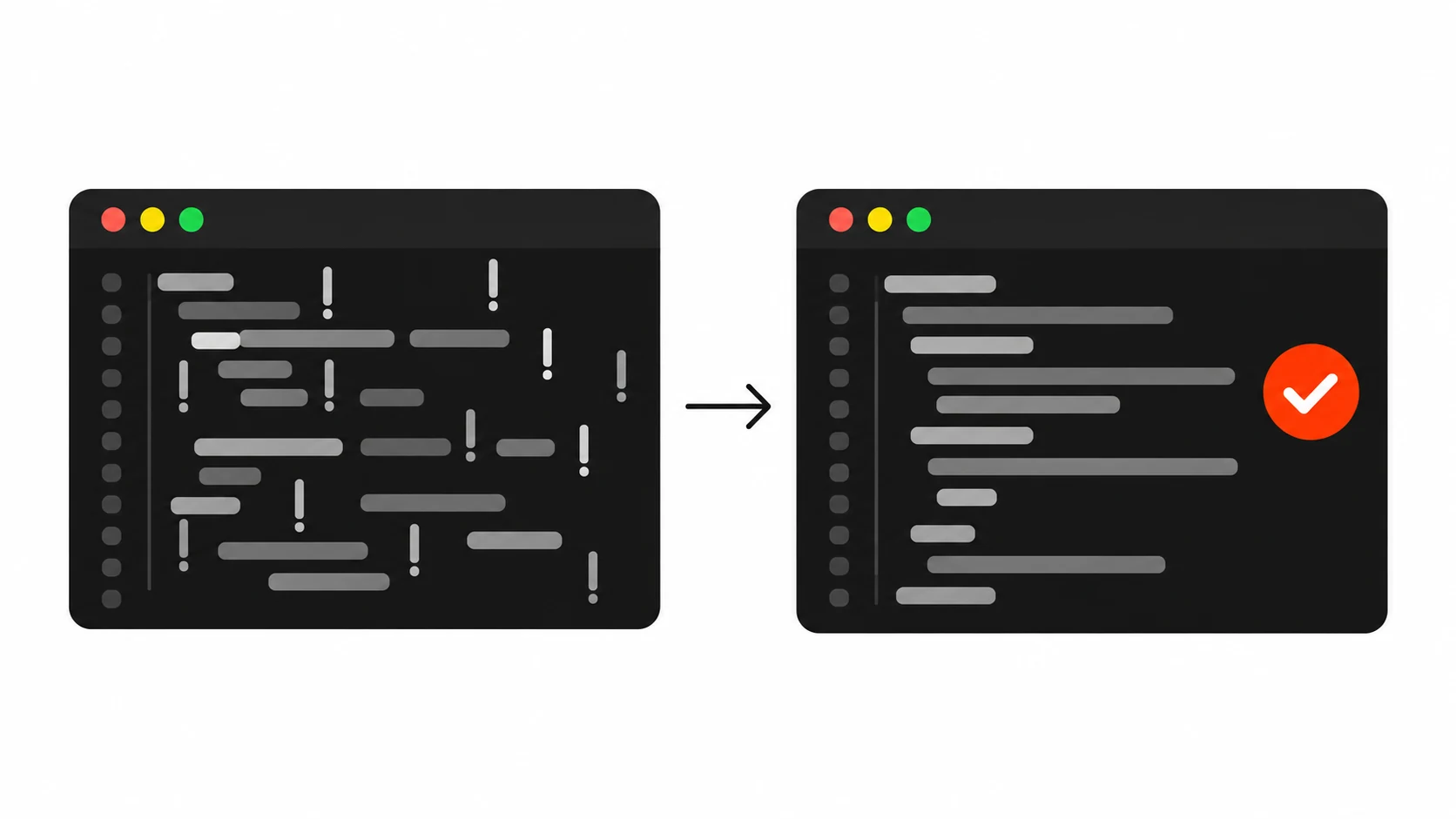
    Before and after infographic: a cluttered code panel full of non-null assertion marks next to the same panel cleaned up with a single orange-red check mark
    Infographic 3: Before and after – a config typed with an annotation needs non-null assertions everywhere; as const satisfies removes them on known keys.

    When to use annotation, satisfies, or as

    Here is the quick decision table I share with junior developers on my team:

    • Use a type annotation when the value is a contract: exported APIs, function parameters and return types, class fields, and anything other code depends on.
    • Use satisfies when you want validation but also want the precise inferred type: config objects, lookup maps, fixtures, theme tokens, route tables.
    • Use as const satisfies when you also need literal types and readonly values, usually so you can derive union types from the object.
    • Use as only when you know something the compiler cannot, and keep it rare.

    Compatibility and tooling notes

    satisfies needs TypeScript 4.9 or newer. That is old enough now that any maintained project should have it, but double-check if you inherit a legacy repo. Babel, esbuild, SWC and tsc all strip it at build time like any other type syntax.

    If your editor shows a red squiggle on satisfies in a recent project, the usual cause is that VS Code is using an older bundled TypeScript version instead of the workspace one. Use the “TypeScript: Select TypeScript Version” command and pick the workspace version.

    A related feature worth knowing is const type parameters from TypeScript 5.0. Writing function defineRoutes<const T>(routes: T) makes the function infer literal types from its argument as if the caller had written as const. It is handy for library authors who want the as const satisfies behavior without asking callers to type it.

    Why this matters for client work

    I build websites and apps for clients, and the bugs that cost the most are rarely clever algorithm problems. They are typos in a config key, a missing label for a new status, a fixture that no longer matches the API. Those bugs are boring, and they are exactly what the type system should catch.

    satisfies makes it cheap to catch them. It is one word, it costs nothing at runtime, and it makes your types match what you actually wrote. If you take one thing from this post, try this: search your codebase for : Record< on const objects, and see how many of them should be satisfies instead. Often, a good share of them should be.

    Small habits like this are what keep a codebase pleasant to work in a year later, for you and for whoever inherits it.

  • Playwright Testing in 2026: Catch Broken User Flows Before Clients Do

    Playwright Testing in 2026: Catch Broken User Flows Before Clients Do

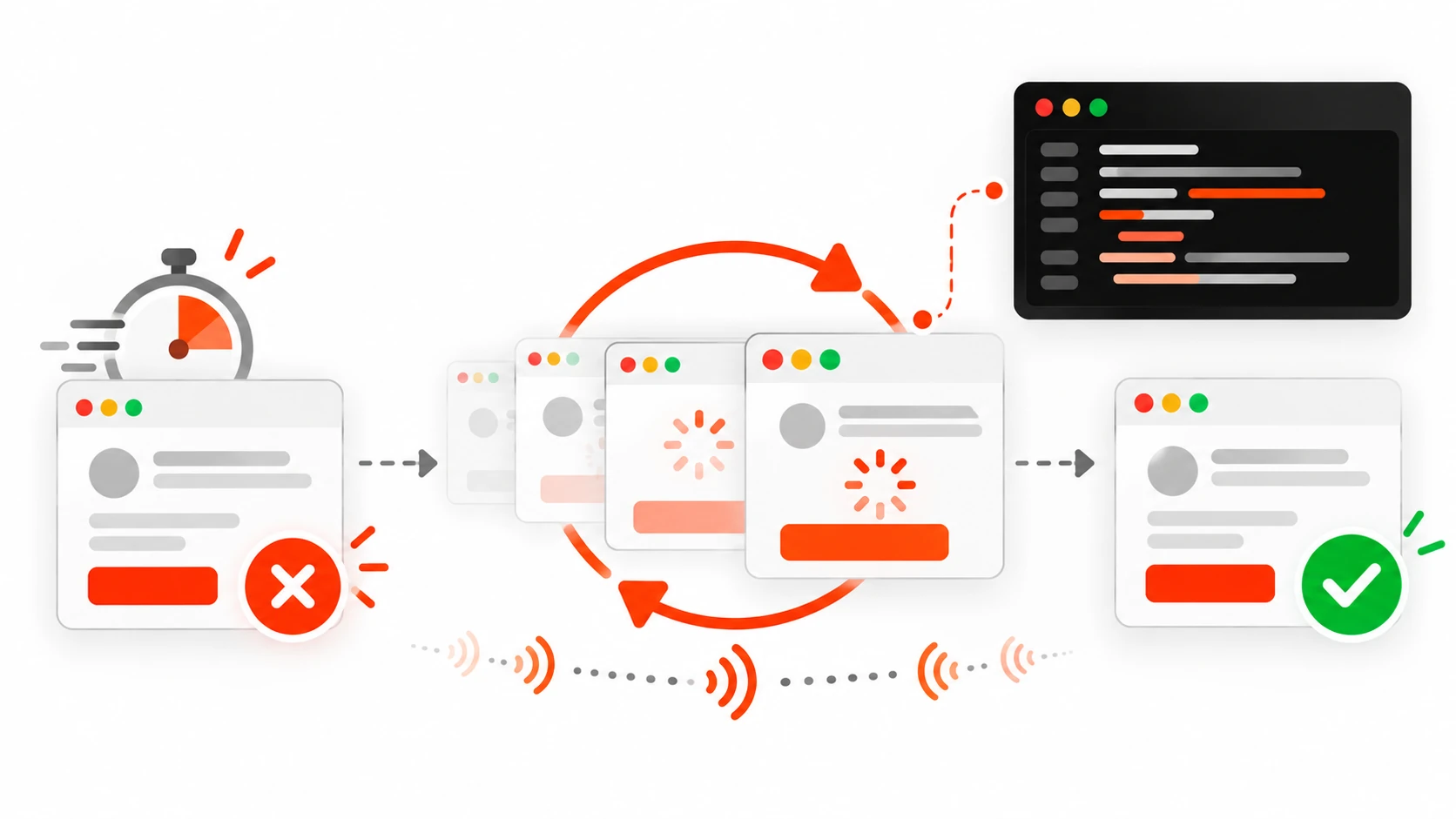
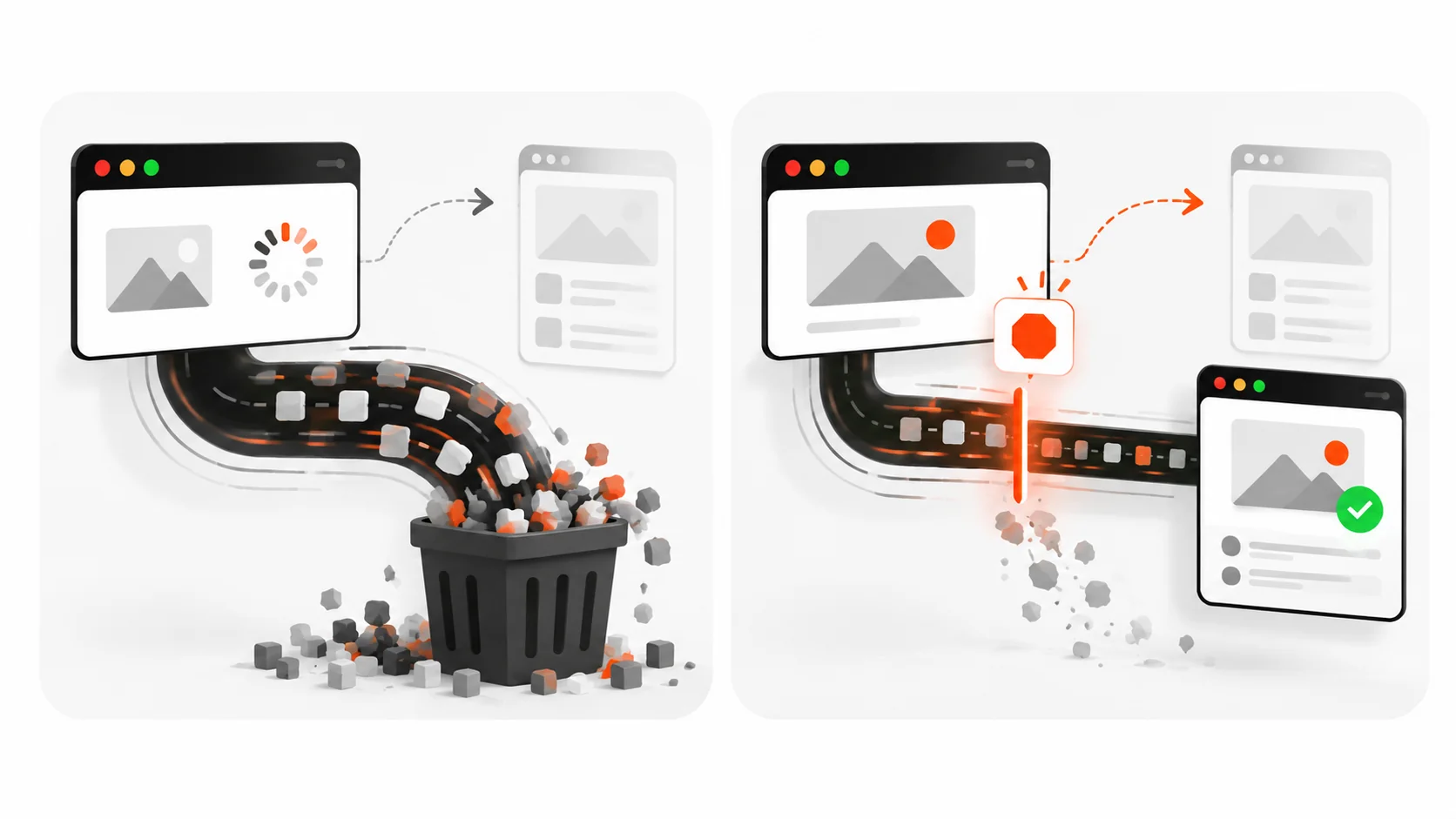
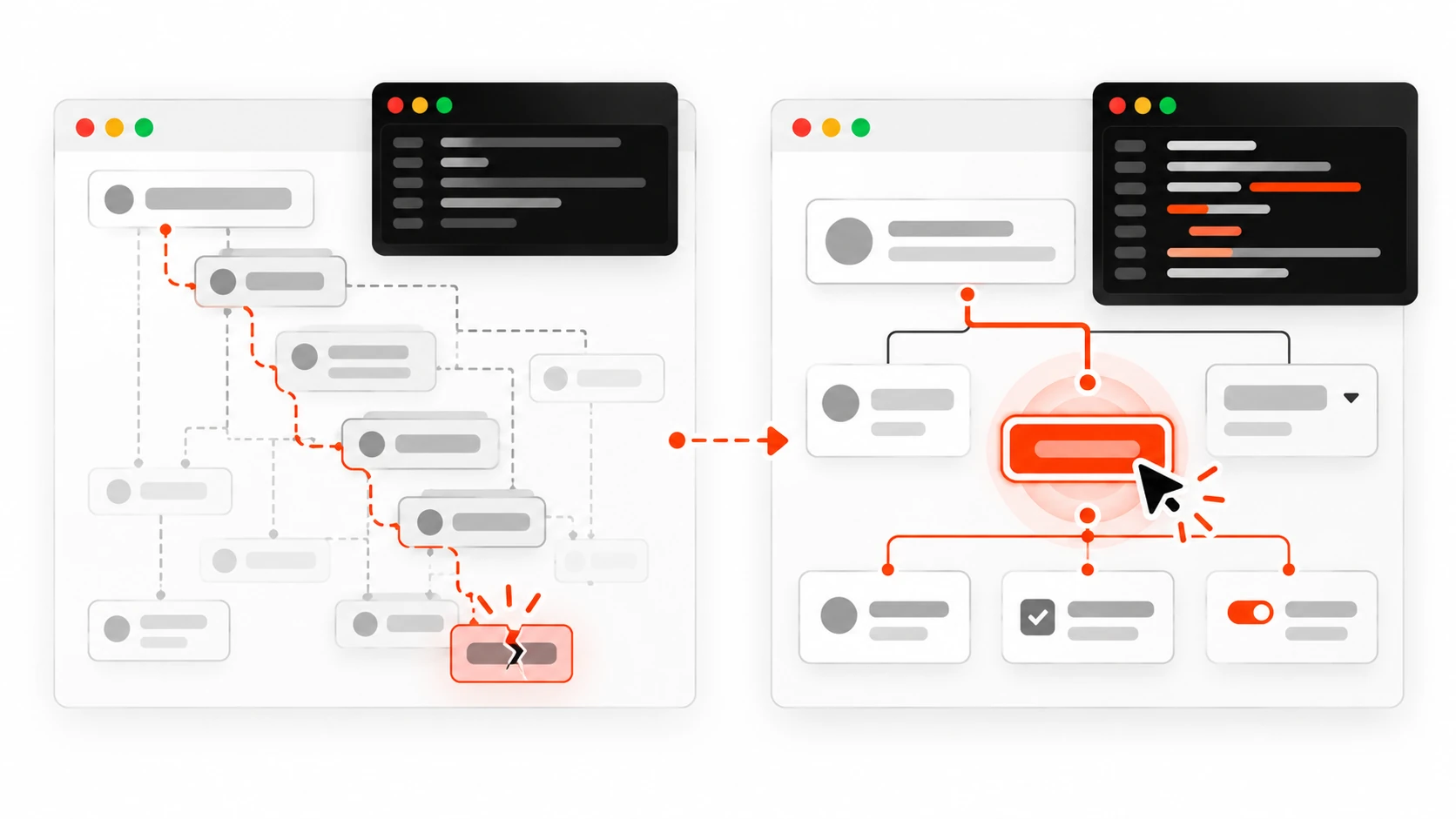
    Vector illustration of Playwright end-to-end testing catching a broken checkout flow before a client finds it

    I still get messages that start with a screenshot and a sinking feeling.

    The client clicked “Pay now.” The button spun. Nothing happened. Or worse: the order looked placed on their screen, then the confirmation email never arrived. Nobody broke the homepage. Nobody shipped a red console error on load. A real user path just failed in the quiet middle of the product.

    That is the gap end-to-end tests are for.

    In 2026, Playwright is still the tool I reach for when a marketing site, a WordPress checkout, or a Next.js app needs proof that the flows people pay for still work. Not a pile of brittle CSS selectors. Not a CI job that flakes three times and gets muted. A small suite that behaves like a careful human: find the button by its name, wait for the page to settle the way Playwright already knows how, assert what the user can see, and leave a trace when something fails.

    This is the practical playbook I use on client projects and on my own work: how to structure a Playwright project that stays maintainable, how to pick locators that survive redesigns, how to use web-first assertions instead of sleep timers, how to share auth with storage state, how to seed data through the API, how to debug with the trace viewer, and how to run the suite on CI without burning an hour of minutes on every pull request.

    Why end-to-end still matters when you already have unit tests

    Unit tests are great at proving a function returns the right shape. They are terrible at proving that the submit button is covered by a sticky cookie banner, that the success toast never appears because the API returned 422, or that the mobile menu traps keyboard focus after login.

    Clients do not experience your reducer. They experience a path:

    1. Land on a page
    2. Find the thing they came for
    3. Fill a form or click a primary action
    4. See a clear result

    Playwright sits in that path. It drives a real browser. It sees the same DOM, the same network, the same layout quirks. When you assert on user-visible behavior, you catch the failures that never show up in a Jest green checkmark.

    I do not replace unit or component tests with Playwright. I reserve Playwright for the flows that hurt when they break: signup, login, checkout, contact forms that actually send, account settings that save, and the one admin action your client uses every Monday morning.

    Install a boring, modern baseline

    Start from the official runner. Keep the first commit boring on purpose.

    npm init -y
    npm install -D @playwright/test
    npx playwright install

    A minimal playwright.config.ts that has served me well:

    import { defineConfig, devices } from '@playwright/test';
    
    export default defineConfig({
      testDir: './e2e',
      fullyParallel: true,
      forbidOnly: !!process.env.CI,
      retries: process.env.CI ? 2 : 0,
      workers: process.env.CI ? 2 : undefined,
      reporter: [['list'], ['html', { open: 'never' }]],
      use: {
        baseURL: process.env.PLAYWRIGHT_BASE_URL || 'http://127.0.0.1:3000',
        trace: 'on-first-retry',
        screenshot: 'only-on-failure',
        video: 'retain-on-failure',
      },
      projects: [
        { name: 'chromium', use: { ...devices['Desktop Chrome'] } },
        { name: 'Mobile Chrome', use: { ...devices['Pixel 7'] } },
      ],
      webServer: {
        command: 'npm run start',
        url: 'http://127.0.0.1:3000',
        reuseExistingServer: !process.env.CI,
      },
    });

    A few opinions baked into that file:

    • Trace on first retry, not on every run. Traces are gold for debugging and expensive if you keep them always-on in CI.
    • Retries only in CI. Locally you want the flake to slap you in the face.
    • One desktop and one mobile project is enough for most marketing and product sites. Add Firefox and WebKit when the client actually has browser-specific bugs, not because a checklist told you to.
    • baseURL keeps every test free of hardcoded hosts so staging and preview URLs are just an env var away.

    Write the first test like a user, not like a CSS engineer

    Infographic comparing brittle CSS selectors with resilient role-based Playwright locators
    Prefer getByRole and getByLabel over brittle CSS chains.

    Here is the shape I want every new test to follow.

    import { test, expect } from '@playwright/test';
    
    test('contact form shows a success message after submit', async ({ page }) => {
      await page.goto('/contact');
    
      await page.getByLabel('Name').fill('Darshan Panchasara');
      await page.getByLabel('Email').fill('hello@example.com');
      await page.getByLabel('Message').fill('I need a fast brochure site for a launch next month.');
      await page.getByRole('button', { name: 'Send message' }).click();
    
      await expect(page.getByRole('status')).toContainText('Thanks');
      await expect(page).toHaveURL(/contact/);
    });

    Notice what is missing: no waitForTimeout. No .contact-form > div:nth-child(2) input. No screenshot diff of the entire page for a form submit. The test names the controls the way a person would, clicks the button by its accessible name, and asserts on a status region the UI already exposes for accessibility.

    That is not just nicer to read. It is more stable. When a designer changes a class name, getByRole and getByLabel keep working. When someone removes the accessible name, the test fails for a reason you should care about anyway.

    Locator priority that survives redesigns

    Playwright’s own guidance still holds in 2026. Prefer locators in this order:

    1. getByRole with accessible name
    2. getByLabel for form controls
    3. getByPlaceholder only when there is truly no label (and then fix the label)
    4. getByText for unique copy
    5. getByTestId as an explicit test contract when the UI has no stable accessible name

    Avoid:

    • Long CSS chains tied to layout
    • XPath that walks the DOM tree
    • Matching on random generated class hashes from CSS-in-JS

    When two buttons share a name, narrow with a parent locator instead of inventing a fragile selector:

    const dialog = page.getByRole('dialog', { name: 'Delete project' });
    await dialog.getByRole('button', { name: 'Delete' }).click();

    If you catch yourself writing page.locator('.btn.btn-primary.ml-2'), stop and ask whether the control has a role and a name. If it does not, that is a product bug wearing a test problem costume.

    Web-first assertions beat sleep every time

    Infographic of Playwright web-first assertions retrying until the UI settles versus a one-shot check that flakes
    Web-first assertions retry. One-shot checks race the UI.

    The single biggest source of flaky Playwright suites I inherit is manual waiting.

    // Fragile: checks once, races the UI
    expect(await page.getByText('Payment confirmed').isVisible()).toBe(true);
    
    // Stable: retries until true or timeout
    await expect(page.getByText('Payment confirmed')).toBeVisible();

    Playwright’s expect matchers for the page are asynchronous on purpose. They poll. They re-query the locator. They wait for the UI to catch up. That is the feature. Use it.

    Good assertions for real flows:

    await expect(page.getByRole('heading', { name: 'Dashboard' })).toBeVisible();
    await expect(page).toHaveURL(/\/dashboard/);
    await expect(page.getByLabel('Email')).toHaveValue('hello@example.com');
    await expect(page.getByRole('alert')).toContainText('Card declined');
    await expect(page.getByRole('button', { name: 'Pay now' })).toBeDisabled();

    Soft assertions exist when you want to collect several visual checks before failing. I use them sparingly on checklist-style pages. For a checkout path, I usually want the first failure to stop the test so the trace shows the real break.

    Stop sharing state between tests

    Playwright gives every test a fresh browser context by default. Keep that gift.

    Bad patterns I delete on sight:

    • Test A creates a user; test B logs in as that user
    • A beforeAll that mutates a shared database row every test depends on
    • Relying on sort order of a list that other parallel workers also write to

    Good patterns:

    • Each test creates its own data through an API helper
    • Each test cleans up after itself when the environment is shared
    • Auth is injected as storage state, not as a click path in every file

    Isolation is what lets you turn on fullyParallel without inventing a new flake every week.

    Auth the smart way: one login, many tests

    Logging in through the UI for every test is slow and noisy. Playwright supports saving authenticated storage and reusing it.

    // e2e/auth.setup.ts
    import { test as setup, expect } from '@playwright/test';
    
    const authFile = 'e2e/.auth/user.json';
    
    setup('authenticate', async ({ page }) => {
      await page.goto('/login');
      await page.getByLabel('Email').fill(process.env.E2E_EMAIL!);
      await page.getByLabel('Password').fill(process.env.E2E_PASSWORD!);
      await page.getByRole('button', { name: 'Sign in' }).click();
      await expect(page.getByRole('heading', { name: 'Dashboard' })).toBeVisible();
      await page.context().storageState({ path: authFile });
    });

    Wire a setup project in config, then point your logged-in projects at that file. Critical flows like “login itself” still get a dedicated UI test. Everything else starts already signed in.

    For WordPress admin or headless CMS dashboards, the same idea applies: capture cookies once, reuse them, and keep one pure login test so you still notice when the sign-in form breaks.

    Seed through the API, assert through the UI

    If your test spends two minutes clicking through a wizard only to reach the screen you care about, you are testing the wizard every time whether you meant to or not.

    Prefer this split:

    • Create fixtures with request (Playwright’s APIRequestContext) or a small Node helper against your staging API
    • Navigate straight to the URL under test
    • Assert the UI the human sees
    test('invoice detail shows the paid badge', async ({ page, request }) => {
      const created = await request.post('/api/test/invoices', {
        data: { status: 'paid', customer: 'Acme' },
      });
      expect(created.ok()).toBeTruthy();
      const { id } = await created.json();
    
      await page.goto(`/invoices/${id}`);
      await expect(page.getByText('Paid')).toBeVisible();
      await expect(page.getByRole('heading', { name: 'Acme' })).toBeVisible();
    });

    You still keep one or two full UI journeys for the wizard. You do not make every invoice assertion pay the wizard tax.

    Page objects and fixtures without ceremony

    I use page objects when a screen has several repeated actions. I do not build a museum of classes for a five-line test.

    // e2e/pages/checkout.ts
    import { type Page, expect } from '@playwright/test';
    
    export class CheckoutPage {
      constructor(private readonly page: Page) {}
    
      async goto() {
        await this.page.goto('/checkout');
      }
    
      async fillCard(details: { number: string; exp: string; cvc: string }) {
        await this.page.getByLabel('Card number').fill(details.number);
        await this.page.getByLabel('Expiry').fill(details.exp);
        await this.page.getByLabel('CVC').fill(details.cvc);
      }
    
      async pay() {
        await this.page.getByRole('button', { name: 'Pay now' }).click();
      }
    
      async expectSuccess() {
        await expect(this.page.getByRole('heading', { name: 'Payment confirmed' })).toBeVisible();
      }
    }

    Then a fixture can hand you a ready page:

    import { test as base } from '@playwright/test';
    import { CheckoutPage } from './pages/checkout';
    
    export const test = base.extend<{ checkout: CheckoutPage }>({
      checkout: async ({ page }, use) => {
        await use(new CheckoutPage(page));
      },
    });

    Fixtures shine for auth, seeded data, and page objects. They are overkill for a single visit-and-assert smoke test. Use judgment.

    Network control when third parties are flaky

    Do not assert against a live payment provider, a random weather API, or a cookie-consent CDN you do not own. Stub the responses you need.

    await page.route('**/api/pay', async (route) => {
      await route.fulfill({
        status: 200,
        contentType: 'application/json',
        body: JSON.stringify({ ok: true, id: 'pay_test_123' }),
      });
    });

    Or abort analytics so they cannot flake your suite:

    await page.route('**/collect**', (route) => route.abort());

    I keep third-party stubs next to the tests that need them. The goal is determinism, not a full mock of the internet.

    Debugging: the trace viewer is the product

    When a CI job fails, screenshots help a little. The Playwright trace helps a lot.

    Open a trace from the HTML report or directly:

    npx playwright show-trace trace.zip

    You get a timeline, DOM snapshots before and after each action, console logs, and network details. Most “it failed on CI only” mysteries die here: a slower API, a different redirect, a hydration mismatch, a button that was covered for 200ms.

    Locally I still use UI Mode when I am authoring:

    npx playwright test --ui

    And codegen when I am exploring a messy admin screen:

    npx playwright codegen https://staging.example.com/admin

    Codegen is a starting point, not a style guide. Replace the brittle bits with roles and labels before you commit.

    CI that finishes before people lose interest

    A suite that takes forty minutes will get skipped. Keep the default pull-request run focused.

    Practical defaults I ship:

    • Chromium on every PR
    • Full browser matrix nightly or on main
    • Shard when the suite grows past a few minutes: npx playwright test --shard=1/3
    • Install only the browsers you run: npx playwright install chromium --with-deps
    • Fail the build on test.only with forbidOnly in CI
    • Upload the HTML report and traces as artifacts

    GitHub Actions is fine. So is any Linux runner. Linux is cheaper than macOS agents for the same Chromium coverage. Developers can use whatever OS they like locally.

    Also set a real PLAYWRIGHT_BASE_URL for preview deploys so you test the branch the PR actually built, not last week’s staging.

    What to test (and what to leave alone)

    High value:

    • Authentication and session expiry
    • Checkout and billing changes
    • Lead forms that create CRM rows or send email
    • Critical WordPress template paths on a headless front end
    • Permissions: a user must not see another team’s data
    • The “happy path” plus one meaningful failure path (declined card, invalid coupon)

    Low value or harmful:

    • Asserting pixel-perfect marketing animations on every commit
    • Crawling every footer link to third-party sites
    • Duplicating every unit case at the browser layer
    • Visual regression of entire dashboards without stable fixtures

    If a test cannot name the user pain it prevents, cut it.

    A client-ready checklist before you call coverage “done”

    Infographic checklist for a client-ready Playwright suite including auth storage state, API seeding, traces, and CI sharding
    A client-ready suite: auth state, API seeding, traces on retry, focused CI.

    When I hand a Playwright suite to a client or keep one running for my own site, I want these boxes checked:

    1. Smoke tests for the top three revenue or lead paths
    2. Locators based on roles and labels, not CSS trivia
    3. Web-first assertions everywhere that touches the page
    4. Isolated data per test, API seeding where possible
    5. Auth via storage state, plus one dedicated login UI test
    6. Traces on retry, HTML report uploaded in CI
    7. Chromium on PRs, broader matrix on a schedule
    8. Secrets in CI variables, never in the repo
    9. A README with npm run test:e2e, env vars, and how to open a trace
    10. Owners: someone gets paged (even softly) when main is red

    That list is not academic. It is the difference between a suite that protects launches and a suite that becomes folklore.

    Common failure modes I still see in 2026

    Flakes from hard waits. Replace waitForTimeout with assertions and locator auto-waiting.

    Tests coupled to animation timing. Prefer asserting on the final accessible state, or disable animations in test CSS when the product allows it.

    Shared email inboxes. Use unique addresses per run (user+${Date.now()}@example.com) or an API that marks users verified without mail.

    Staging data someone else deleted. Seed what you need. Do not assume yesterday’s demo account still exists.

    Over-mocking the app under test. Stub third parties. Do not stub away the feature you claim to verify.

    Ignoring accessibility in locators. If getByRole cannot find the button, users who rely on assistive tech may struggle too. Fix the UI.

    A compact example: login, create, verify

    Putting the pieces together for a tiny project-management flow:

    import { test, expect } from '@playwright/test';
    
    test.describe('projects', () => {
      test.use({ storageState: 'e2e/.auth/user.json' });
    
      test('user can create a project and see it in the list', async ({ page, request }) => {
        const name = `Launch site ${Date.now()}`;
    
        await page.goto('/projects');
        await page.getByRole('button', { name: 'New project' }).click();
        await page.getByLabel('Project name').fill(name);
        await page.getByRole('button', { name: 'Create project' }).click();
    
        await expect(page.getByRole('heading', { name })).toBeVisible();
        await page.goto('/projects');
        await expect(page.getByRole('link', { name })).toBeVisible();
    
        // optional API cleanup
        const list = await request.get('/api/projects');
        const projects = await list.json();
        const row = projects.find((p: { name: string }) => p.name === name);
        if (row) {
          await request.delete(`/api/projects/${row.id}`);
        }
      });
    });

    Short. Readable. Isolated. Asserts what a client would notice if it broke.

    How I introduce Playwright on an existing client site

    Most retainers do not start from a greenfield repo. They start from a live WordPress site, a Next.js app with uneven tests, or a Webflow-to-custom rebuild.

    My rollout looks like this:

    1. Pick three flows that would embarrass us if they failed on a Friday
    2. Add Playwright with Chromium only
    3. Get those three tests green on CI against staging
    4. Add auth storage state once login is stable
    5. Expand only when a real bug escapes or a new revenue path ships

    I would rather have three trustworthy tests than thirty that everyone ignores. Coverage theater helps nobody when the checkout is broken.

    For headless WordPress setups like the one behind darshanpanchasara.com, Playwright is also how I confirm that a published post renders the intended sections on the public front end after the admin API says “publish.” The CMS can be green while the front end cache or the headless query is wrong. An e2e check closes that loop.

    Performance and cost notes that actually matter

    Browsers are heavy. A few habits keep bills and minutes down:

    • Run fewer projects on pull requests
    • Share auth state
    • Seed via API
    • Avoid full-page screenshot comparison as your primary signal
    • Keep tests short and parallel
    • Fail fast on test.only and obvious setup errors

    If a suite is slow, profile the waits before you buy more CI shards. Slow usually means UI setup you should replace with API seeding, or assertions that wait the full timeout because the locator is wrong.

    What “done” looks like for a 2026 Playwright suite

    Done is not “we installed Playwright.” Done looks like this:

    • A developer can clone, set two env vars, and run the smoke suite locally
    • CI runs on every PR and finishes quickly enough that people wait for it
    • Failures include a trace someone can open without guessing
    • The suite failed once in the last month for a real bug, and that felt useful
    • The client or your future self can tell which user flows are protected

    That is the bar I write toward.

    Closing

    Playwright will not replace careful engineering. It will catch the broken user flow before your client records a Loom about it.

    Start small. Prefer role-based locators. Assert with web-first expectations. Isolate data. Save auth. Stub the third parties you do not own. Keep traces for the failures. Run Chromium on every pull request and grow the matrix only when it pays rent.

    If you ship websites and web apps for a living, a focused Playwright suite is one of the cheapest ways to protect trust. The goal is not a wall of green checks. The goal is never having to say, “It worked on my machine,” after a customer already tried to pay.

    When you are ready to harden the flows that make you money, write the first three tests this week. Your future Friday afternoon will thank you.

  • TypeScript Discriminated Unions in 2026: Make Impossible UI States Unrepresentable

    TypeScript Discriminated Unions in 2026: Make Impossible UI States Unrepresentable

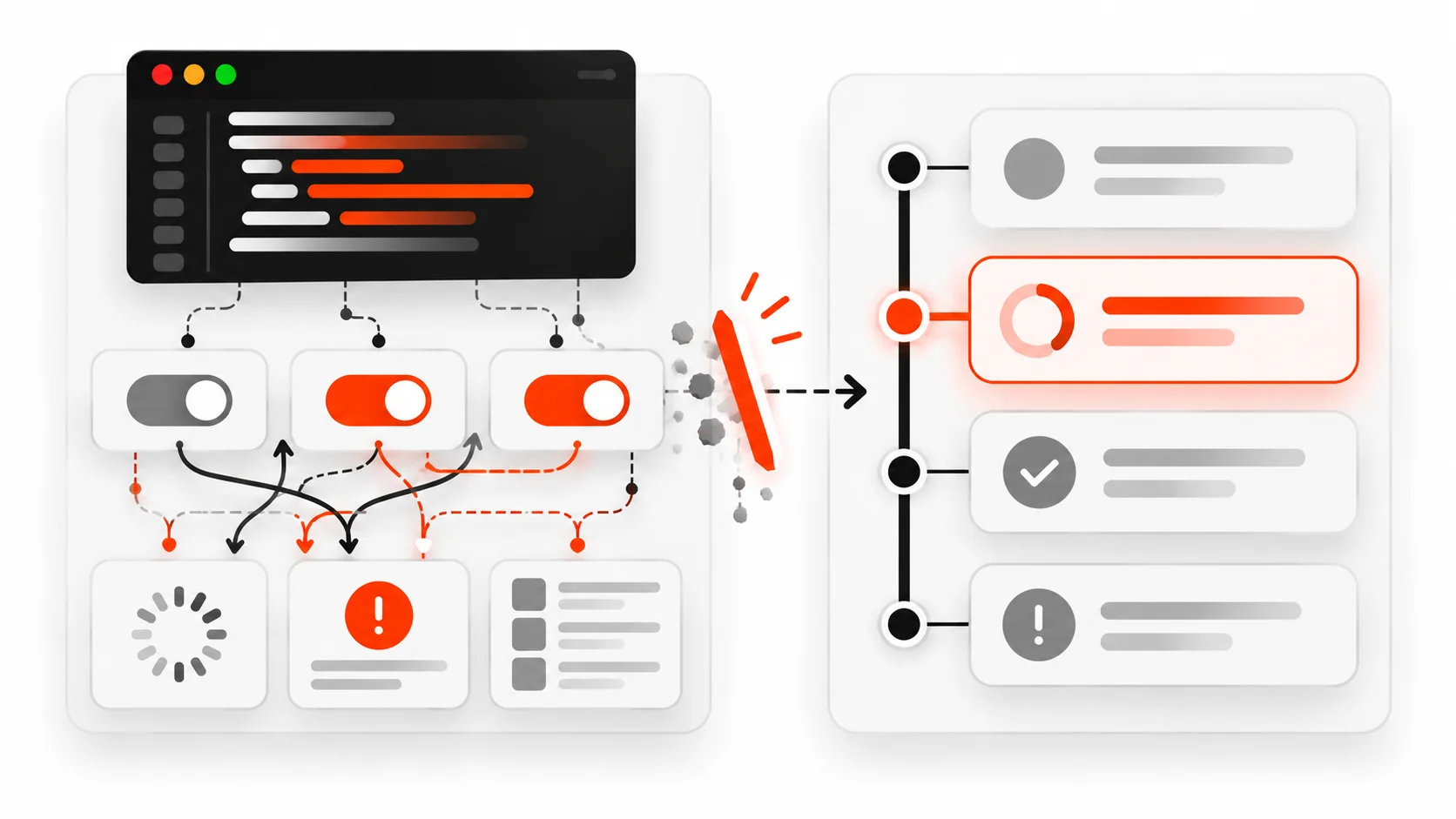
    Vector illustration of exclusive UI state branches splitting from one status tag, representing TypeScript discriminated unions

    I used to ship UI state like this:

    type BadUiState = {
      loading: boolean;
      error: string | null;
      data: Item[] | null;
    };

    It looks harmless. It compiles. Product managers approve the mock. Then a real user hits a screen that is somehow loading, showing yesterday's list, and flashing an error toast at the same time.

    That is not a React bug. That is a type design bug.

    Three independent fields create eight combinations. Most of them are nonsense. TypeScript will happily let you render every nonsense combination unless you stop modeling state as a bag of booleans.

    Discriminated unions are how I stop that in 2026. One tag. One payload shape per tag. Impossible states become unrepresentable — not "hopefully avoided in a code review," but rejected by tsc before the PR lands.

    This guide is the practical playbook: what a discriminated union is, how to model async UI, how narrowing and exhaustiveness checks work, how satisfies and never keep you honest, and the traps that make teams abandon the pattern too early.

    What a discriminated union actually is

    A union type is "this value is one of these shapes." A *discriminated* union adds a shared literal field — the discriminant — so TypeScript can tell the shapes apart.

    type Idle = { status: "idle" };
    type Loading = { status: "loading" };
    type Success = { status: "success"; data: Item[] };
    type Failure = { status: "error"; error: string };
    
    type UiState = Idle | Loading | Success | Failure;

    status is the discriminant. Every member has it. Each member uses a different string literal. Once you check state.status === "success", TypeScript narrows state to Success and you get data for free. On "error", you get error. On "loading", there is no data field to accidentally read.

    That last part is the whole point. You cannot write state.data without narrowing. The type system deletes the footgun.

    Compare that to the boolean soup version: data can be non-null while loading is true and error is a string. The type says that is fine. Your UI says that is a bug.

    Why this matters more for UI in 2026

    Frontend state got denser. Streaming responses, optimistic updates, server components with client islands, multi-step checkout, and "save as draft / publish / schedule" flows all multiply the number of real states a screen can be in.

    If you model those with independent flags, bugs show up as flicker, double toasts, empty tables during "success," and spinners that never die. Users do not file tickets titled "non-exclusive boolean state." They say the app feels broken.

    Discriminated unions push the hard thinking to type design time:

    1. List the states that are actually possible.
    2. Give each state only the fields it needs.
    3. Force every render and reducer path to handle every state.

    You still need good runtime logic. Types do not fetch data for you. They just stop you from describing a world where loading and error and success are all true.

    Infographic comparing boolean soup UI state with a clean discriminated union of idle loading success and error
    Left: independent loading, error, and data flags create impossible combinations. Right: one status tag, one payload shape per state.

    The async fetch state machine I actually ship

    Here is the pattern I use for a list page, a detail drawer, or any "load something when the query changes" view.

    type Item = { id: string; title: string };
    
    type FetchState =
      | { status: "idle" }
      | { status: "loading"; previous?: Item[] }
      | { status: "success"; data: Item[] }
      | { status: "error"; error: string; previous?: Item[] };
    
    async function loadItems(
      query: string,
      previous: Item[] | undefined,
      signal: AbortSignal
    ): Promise<FetchState> {
      try {
        const res = await fetch(`/api/items?q=${encodeURIComponent(query)}`, {
          signal,
          headers: { Accept: "application/json" },
        });
    
        if (!res.ok) {
          return {
            status: "error",
            error: `Request failed (${res.status})`,
            previous,
          };
        }
    
        const data = (await res.json()) as Item[];
        return { status: "success", data };
      } catch (err) {
        if (err instanceof DOMException && err.name === "AbortError") {
          // Caller already moved on; do not invent a failure UI.
          return { status: "idle" };
        }
        return {
          status: "error",
          error: err instanceof Error ? err.message : "Unknown error",
          previous,
        };
      }
    }

    Notice previous lives only on loading and error. That is intentional. Soft refresh can keep the old list visible under a subtle loading affordance. Hard first load has no previous data, so the loading branch renders a skeleton. Success never carries an error string. Error never pretends to be success with empty data.

    That is make-impossible-states-unrepresentable in one screenshot of a type.

    Narrowing with switch (and why if-chains get messy)

    You can narrow with if, but switch on the discriminant scales better and pairs cleanly with exhaustiveness checks.

    function renderList(state: FetchState) {
      switch (state.status) {
        case "idle":
          return "Type to search.";
        case "loading":
          return state.previous?.length
            ? `Updating… showing ${state.previous.length} cached items`
            : "Loading…";
        case "success":
          return state.data.length
            ? state.data.map((item) => item.title).join(", ")
            : "No items matched.";
        case "error":
          return `Something broke: ${state.error}`;
        default: {
          const _exhaustive: never = state;
          return _exhaustive;
        }
      }
    }

    The default branch with never is the seatbelt. If a teammate adds { status: "stale"; ... } to FetchState and forgets to update renderList, TypeScript errors on the assignment to never. That is the exhaustiveness check people mean when they say "the compiler keeps the switch honest."

    Without it, a new status silently falls through and you ship a blank panel.

    Infographic of a switch on status with a never exhaustiveness check catching a missing union member
    Switch on the discriminant, then assign the leftover state to never so new variants fail at compile time.

    Exhaustiveness via never in reducers too

    The same trick belongs in reducers and event handlers.

    type Event =
      | { type: "QUERY_CHANGED"; query: string }
      | { type: "LOADED"; data: Item[] }
      | { type: "FAILED"; error: string }
      | { type: "RESET" };
    
    function reduce(state: FetchState, event: Event): FetchState {
      switch (event.type) {
        case "QUERY_CHANGED":
          return {
            status: "loading",
            previous: state.status === "success" ? state.data : undefined,
          };
        case "LOADED":
          return { status: "success", data: event.data };
        case "FAILED":
          return {
            status: "error",
            error: event.error,
            previous: state.status === "success" ? state.data : undefined,
          };
        case "RESET":
          return { status: "idle" };
        default: {
          const _exhaustive: never = event;
          return _exhaustive;
        }
      }
    }

    Events are a second discriminated union. State is the first. Together they form a tiny typed state machine without pulling in a library. For many screens, that is enough.

    Infographic of a multi-step wizard modeled as tagged union steps with only legal fields on each step
    Each wizard step is a variant with only the fields that step is allowed to hold — illegal jumps become type errors.

    Forms, modals, and wizards: where unions shine

    Boolean soup is especially painful in multi-step UI.

    // Painful
    type BadWizard = {
      step: number;
      email?: string;
      planId?: string;
      paymentMethodId?: string;
      submitting: boolean;
      submitError?: string;
    };

    step is a number, so step 1 can somehow have a paymentMethodId. Submitting can be true on the email step. The type will not stop you.

    A union per step will:

    type Wizard =
      | { step: "email"; email: string }
      | { step: "plan"; email: string; planId: string }
      | {
          step: "pay";
          email: string;
          planId: string;
          paymentMethodId: string;
        }
      | {
          step: "submitting";
          email: string;
          planId: string;
          paymentMethodId: string;
        }
      | {
          step: "done";
          email: string;
          planId: string;
          receiptId: string;
        }
      | {
          step: "failed";
          email: string;
          planId: string;
          paymentMethodId: string;
          error: string;
        };

    Now "go to pay" must carry planId. "done" must carry receiptId. "failed" must carry error. Your transition functions become the API of the wizard, and illegal jumps become type errors.

    I use this for checkout, onboarding, and any modal that is secretly a state machine with a pretty face.

    Discriminants that are not strings

    String literals are the common case. Numbers and booleans can work, but booleans are a trap when you only have two states that later grow. Prefer string tags once a feature might gain a third mode.

    Symbols are rarely worth it for UI state. Stick to string literals your team can read in Redux DevTools, logs, and React Query style dumps.

    You can also discriminate on a shared field that is already domain data:

    type Result =
      | { ok: true; value: Item[] }
      | { ok: false; error: string };

    ok is a boolean discriminant. Fine for Result types. For screens with four or five modes, I still prefer status: "…".

    satisfies keeps config objects aligned without widening

    In 2026, satisfies is part of how I keep maps of handlers typed without losing literal inference.

    const handlers = {
      idle: () => "Start a search",
      loading: (s: Extract<FetchState, { status: "loading" }>) =>
        s.previous ? "Refreshing…" : "Loading…",
      success: (s: Extract<FetchState, { status: "success" }>) =>
        `${s.data.length} items`,
      error: (s: Extract<FetchState, { status: "error" }>) => s.error,
    } satisfies {
      [K in FetchState["status"]]: (
        state: Extract<FetchState, { status: K }>
      ) => string;
    };

    If you add a status to FetchState and forget a handler key, satisfies fails. If a handler's parameter shape drifts, it fails. You get a keyed exhaustiveness check without a giant switch — useful for component maps and route tables.

    Pattern matching libraries vs native switch

    Libraries like ts-pattern are nice when nested matching gets deep. For most UI state, native switch plus never is enough, zero dependency, and easy for juniors to read in review.

    My rule: if a single discriminant switch is hard to follow, the state model is probably too wide. Split the union. Nested matching often means you stuffed two machines into one type.

    React wiring without fighting the type checker

    A minimal React sketch:

    import { useEffect, useState } from "react";
    
    export function ItemSearch({ query }: { query: string }) {
      const [state, setState] = useState<FetchState>({ status: "idle" });
    
      useEffect(() => {
        if (!query) {
          setState({ status: "idle" });
          return;
        }
    
        const controller = new AbortController();
        const previous =
          state.status === "success" ? state.data : undefined;
    
        setState({ status: "loading", previous });
    
        loadItems(query, previous, controller.signal).then((next) => {
          if (!controller.signal.aborted) {
            setState(next);
          }
        });
    
        return () => controller.abort();
        // eslint-disable-next-line react-hooks/exhaustive-deps -- intentional: only re-run on query
      }, [query]);
    
      switch (state.status) {
        case "idle":
          return <p>Search for items.</p>;
        case "loading":
          return (
            <div>
              <p>Loading…</p>
              {state.previous ? <ItemList items={state.previous} dimmed /> : null}
            </div>
          );
        case "success":
          return <ItemList items={state.data} />;
        case "error":
          return (
            <div role="alert">
              <p>{state.error}</p>
              {state.previous ? <ItemList items={state.previous} dimmed /> : null}
            </div>
          );
        default: {
          const _exhaustive: never = state;
          return _exhaustive;
        }
      }
    }

    The render switch cannot forget a branch. The loading UI can use previous only because that field exists on that member. AbortController still cancels the fetch; the union still models the screen.

    Common mistakes that make unions feel "too heavy"

    1. Union-washing every prop. Not every boolean needs a tagged union. isOpen on a presentational modal is fine. Use discriminated unions where combinations explode or where fields only exist in some modes.

    2. Optional fields on every member. If data?: Item[] appears on all variants, you reintroduced boolean soup inside a costume. Put data only on success (and maybe previous on loading/error if you truly need soft refresh).

    3. Stringly status without literals. status: string destroys discrimination. Use "loading" as const or type the field as the literal union.

    4. Narrowing with truthiness instead of the tag. Prefer state.status === "success" over if (state.data). Truthiness checks do not teach TypeScript which variant you are in as reliably as the discriminant.

    5. Forgetting serialization boundaries. JSON from an API is unknown until you validate. A Zod schema (or similar) that outputs your discriminated union is how runtime reality meets compile-time hope. Types alone do not parse network payloads.

    Zod (or any parser) as the bridge from API to union

    import { z } from "zod";
    
    const ItemSchema = z.object({
      id: z.string(),
      title: z.string(),
    });
    
    const ApiSuccessSchema = z.object({
      status: z.literal("success"),
      data: z.array(ItemSchema),
    });
    
    const ApiErrorSchema = z.object({
      status: z.literal("error"),
      error: z.string(),
    });
    
    const ApiStateSchema = z.discriminatedUnion("status", [
      ApiSuccessSchema,
      ApiErrorSchema,
    ]);
    
    type ApiState = z.infer<typeof ApiStateSchema>;

    z.discriminatedUnion mirrors the TypeScript idea at runtime. Invalid payloads fail loudly at the boundary instead of poisoning your UI state machine.

    When a library state machine is worth it

    XState and friends earn their keep for long-lived, multi-actor flows with parallel regions, delayed transitions, and visualizer needs. For a search page, a settings form, or a three-step onboarding, a discriminated union plus a reducer is usually clearer and easier to delete later.

    Start with the union. Graduate to a library when the transition table no longer fits in your head or your PR description.

    A quick refactor checklist

    When you smell boolean soup:

    1. Write down every UI screenshot that should be possible.
    2. Name each screenshot as a status literal.
    3. Attach only the data that screenshot needs.
    4. Replace flag updates with events that return a whole new state object.
    5. Render with switch + never.
    6. Parse API input into the union at the boundary.
    7. Delete the old booleans in the same PR so nobody keeps writing to them.

    Do that on one painful screen. The next screen goes faster because the team has a pattern to copy.

    Performance and bundle size: not the blocker

    Discriminated unions are a type-level tool. They erase at compile time. Your bundle does not grow because you modeled state correctly. Runtime cost is the same object shapes you would have built anyway — usually smaller, because you stop storing contradictory fields.

    What *can* cost you is over-normalized deep cloning in reducers. Return new objects only for the branches that change. That is normal React advice, not a union tax.

    How this pairs with the rest of a 2026 TypeScript stack

    • React Server Components: keep server props narrow; use unions on the client islands that own interactive state.
    • Next.js app router: search params and route state still deserve typed unions when they drive exclusive UI modes.
    • tRPC / typed REST: generate or share the success/error union so client and server agree on the discriminant.
    • Testing: assert on status first. Snapshotting a whole soup object hides illegal combinations. Testing a union branch is obvious.

    The mindset shift

    Stop asking "what flags do I need?" Start asking "what situations can this UI actually be in?"

    Flags describe knobs. Unions describe moments. Users experience moments. Types should too.

    When a designer adds a "partial success with warnings" mock, that is a new variant — not a new boolean piled onto success. Name it. Give it fields. Update the switch. Let never find the call sites you missed.

    That is the whole craft: make illegal screens untypable, then sleep better.

    Wrap-up

    TypeScript discriminated unions are not academic. They are how you stop shipping loading-plus-error-plus-stale-data screens in 2026.

    Model exclusive UI modes as tagged variants. Narrow on the tag. Prove exhaustiveness with never. Parse at the boundary. Keep optional fields from leaking into every member. Use satisfies when you want keyed handler maps. Reach for heavier state machines only when the flow outgrows a clean union.

    If your types can represent a nonsense screen, eventually a user will see that screen. Delete the nonsense from the type, and a whole class of bugs loses its oxygen.

    Next time you reach for loading, error, and data as siblings, pause. Write the union instead. Your future self — and your QA board — will notice.

  • AbortController in 2026: Cancel Fetch Requests Before They Waste Bandwidth

    AbortController in 2026: Cancel Fetch Requests Before They Waste Bandwidth

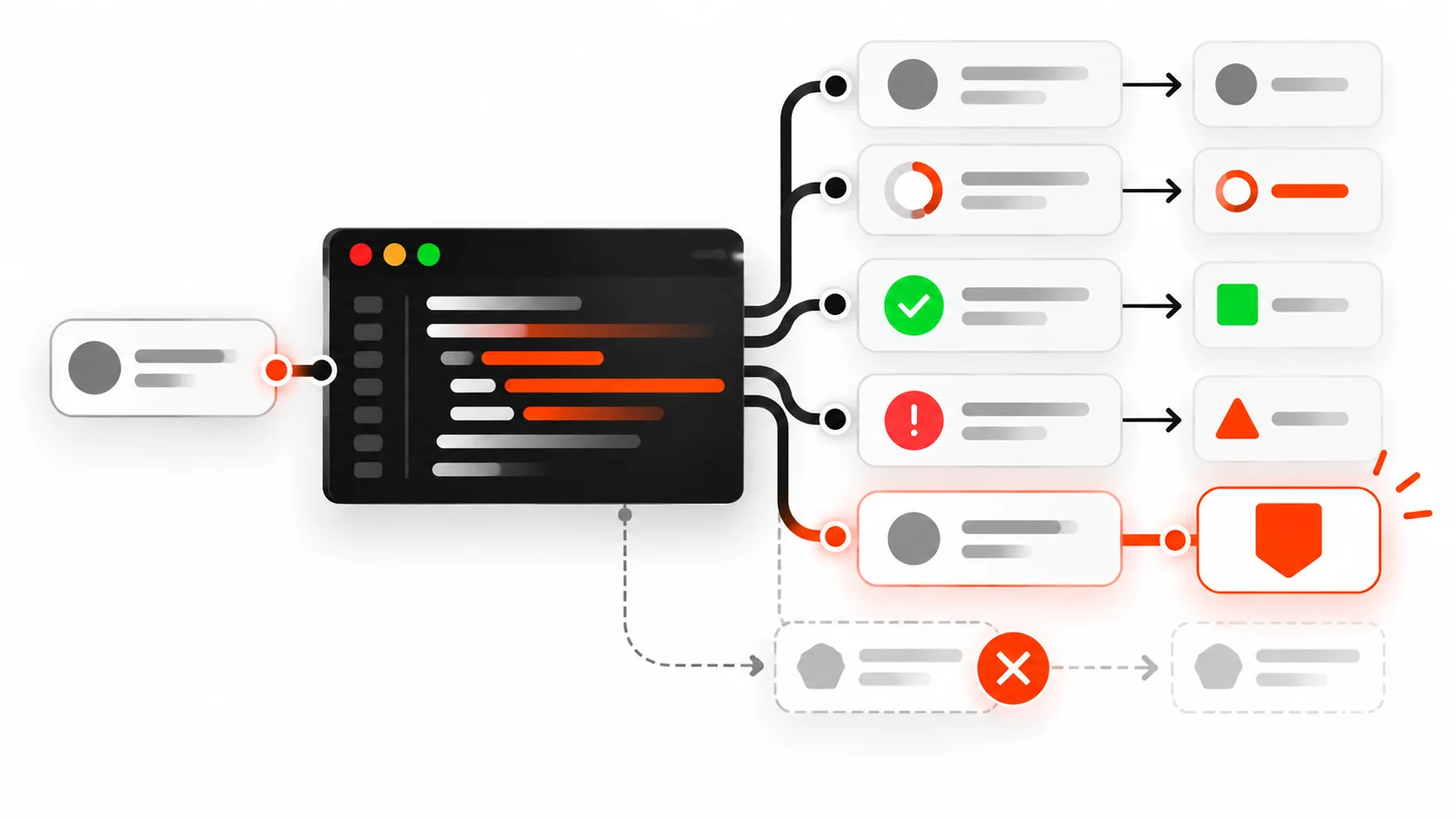
    Vector illustration of a network request being canceled mid-flight while a fresh request continues, representing AbortController and fetch cancellation

    If you have ever typed into a search box, changed routes mid-load, or closed a modal while a spinner was still spinning, you have already met the problem AbortController solves.

    The UI moved on. The network did not.

    In 2026, that gap is no longer a cute edge case. Mobile data still costs money. Battery still matters. Stale responses still overwrite fresher UI state. And Core Web Vitals care about how responsive your page feels after each interaction. Leaving orphan fetches alive is how “fast on paper” apps feel laggy in real hands.

    This guide is the practical AbortController playbook I wish every codebase shipped with: how the API works, how to cancel fetch, how AbortSignal.timeout() and AbortSignal.any() change the patterns, how to wire React cleanup without drama, and the mistakes that make abort look broken when it is not.

    What AbortController actually is

    AbortController is a small browser built-in with one job: create a signal you can flip from “keep going” to “stop.”

    const controller = new AbortController();
    const { signal } = controller;
    
    // later, when the work should die:
    controller.abort();
    // optional reason in modern browsers:
    // controller.abort(new Error("User left the page"));

    Anything that accepts an AbortSignal can listen for that flip. The big one is fetch:

    const controller = new AbortController();
    
    const response = await fetch("/api/search?q=hooks", {
      signal: controller.signal,
    });

    When you call controller.abort(), the browser rejects the fetch promise with a DOMException named AbortError (or, if you passed a custom reason, that reason may surface depending on the browser and call site). Your job is to treat that rejection as an expected exit, not a toast-worthy failure.

    That is the whole mental model:

    1. Create a controller when a unit of work starts.
    2. Pass signal into every async API that supports it.
    3. Call abort() when the result no longer matters.
    4. Catch AbortError and stay quiet.

    Why canceling fetch matters more in 2026

    Three forces make this a default skill, not an advanced trick.

    1. UI is more interruptible. Soft navigations, typeahead, infinite scroll, optimistic UI, and streaming responses mean users constantly invalidate in-flight work.

    2. Bandwidth is not free. A 2 MB JSON payload for a search the user already abandoned is not “harmless.” On flaky networks it also queues behind real requests.

    3. Correctness races are ugly. Request A starts. Request B starts. A finishes last and paints yesterday’s data over today’s screen. Aborting A when B starts is the boring, correct fix.

    If your product has search, filters, tabs, or route changes, you need abort (or an equivalent cancellation token) somewhere in the stack.

    Infographic comparing an abandoned fetch that still downloads with a canceled fetch stopped by AbortController
    Left: the UI moved on but the old request keeps downloading. Right: AbortController stops the stale request so only the work you still need continues.

    The minimal cancelable fetch

    Here is the pattern I use in plain JavaScript when a user action should kill the previous request:

    let activeController = null;
    
    async function search(query) {
      if (activeController) {
        activeController.abort();
      }
    
      const controller = new AbortController();
      activeController = controller;
    
      try {
        const res = await fetch(`/api/search?q=${encodeURIComponent(query)}`, {
          signal: controller.signal,
          headers: { Accept: "application/json" },
        });
    
        if (!res.ok) {
          throw new Error(`Search failed: ${res.status}`);
        }
    
        const data = await res.json();
    
        // Only apply if this controller is still the latest one.
        if (activeController !== controller) return;
        renderResults(data);
      } catch (err) {
        if (err?.name === "AbortError") {
          return; // expected
        }
        showError(err);
      }
    }

    Key details:

    • Abort the previous controller before starting a new one.
    • Still guard with “am I still the latest controller?” after await, because abort is cooperative around your own post-processing.
    • Swallow only AbortError. Real network failures should still surface.

    AbortSignal.timeout(): deadlines without duct tape

    For years we all wrote the same fragile timeout helper: setTimeout plus abort() plus cleanup. In modern browsers you can skip that.

    const res = await fetch("/api/report", {
      signal: AbortSignal.timeout(8_000),
    });

    AbortSignal.timeout(8000) returns a signal that aborts automatically after 8 seconds. The rejection is still an abort-style error (commonly TimeoutError in timeout cases — check err.name in your catch and handle both AbortError and TimeoutError if you care about messaging).

    Use timeouts when an API is known to hang under load, when you would rather fail fast and let the user retry than leave a spinner forever, or when you are calling a third-party endpoint you do not control. Do not use absurdly short timeouts on large downloads. Canceling a legitimate slow response is still a cancellation.

    Infographic of AbortSignal.timeout cutting off a hanging request at a deadline
    AbortSignal.timeout gives a request a deadline. When the clock hits the limit, the signal aborts and your code can stop waiting.

    AbortSignal.any(): user cancel OR timeout

    Sometimes you want either a manual cancel or a deadline to win. AbortSignal.any() combines signals:

    const controller = new AbortController();
    
    const signal = AbortSignal.any([
      controller.signal,
      AbortSignal.timeout(10_000),
    ]);
    
    button.addEventListener("click", () => controller.abort());
    
    try {
      const res = await fetch("/api/export", { signal });
      // ...
    } catch (err) {
      if (err?.name === "AbortError" || err?.name === "TimeoutError") {
        // user canceled or deadline hit
        return;
      }
      throw err;
    }

    This is cleaner than nesting controllers or sharing mutable timeout IDs across helpers.

    React: cancel on unmount (and on dependency change)

    React Strict Mode double-invokes effects in development. That used to make people scared of abort. The right response is not “skip abort.” It is “treat AbortError as normal.”

    import { useEffect, useState } from "react";
    
    export function UserProfile({ userId }) {
      const [user, setUser] = useState(null);
      const [error, setError] = useState(null);
    
      useEffect(() => {
        const controller = new AbortController();
    
        async function load() {
          try {
            setError(null);
            const res = await fetch(`/api/users/${userId}`, {
              signal: controller.signal,
            });
            if (!res.ok) throw new Error("Failed to load user");
            const json = await res.json();
            setUser(json);
          } catch (err) {
            if (err?.name === "AbortError") return;
            setError(err);
          }
        }
    
        load();
        return () => controller.abort();
      }, [userId]);
    
      if (error) return <p>Could not load profile.</p>;
      if (!user) return <p>Loading…</p>;
      return <h1>{user.name}</h1>;
    }

    When userId changes, React runs cleanup for the previous effect, which aborts the old fetch, then starts a new one. That is exactly what you want.

    Typeahead with debounce + abort

    Debounce reduces how often you fire. Abort makes sure an older fire cannot win.

    import { useEffect, useState } from "react";
    
    export function SearchBox() {
      const [query, setQuery] = useState("");
      const [results, setResults] = useState([]);
    
      useEffect(() => {
        if (!query.trim()) {
          setResults([]);
          return;
        }
    
        const controller = new AbortController();
        const handle = setTimeout(async () => {
          try {
            const res = await fetch(`/api/search?q=${encodeURIComponent(query)}`, {
              signal: controller.signal,
            });
            const data = await res.json();
            setResults(data.items ?? []);
          } catch (err) {
            if (err?.name === "AbortError") return;
            console.error(err);
          }
        }, 250);
    
        return () => {
          clearTimeout(handle);
          controller.abort();
        };
      }, [query]);
    
      return (
        <>
          <input value={query} onChange={(e) => setQuery(e.target.value)} />
          <ul>
            {results.map((item) => (
              <li key={item.id}>{item.title}</li>
            ))}
          </ul>
        </>
      );
    }

    Cleanup clears the pending debounce timer and aborts an in-flight request. Fast typists stop creating a pile of zombie network calls.

    Infographic of React effect cleanup aborting a fetch when the user changes route or search query
    In React, effect cleanup should abort the in-flight fetch when the dependency changes or the component unmounts, so stale responses never update state.

    Next.js / App Router notes

    Server Components can still benefit from cancellation when you pass a signal into fetch during a request that may be aborted by the platform, but the everyday product win is on the client: route transitions, client components, and interactive widgets.

    If you wrap data fetching in a client hook (SWR, React Query / TanStack Query, or your own), prefer libraries that already accept or create abort signals. TanStack Query aborts outgoing queries when they become obsolete. If you roll your own loader in a Client Component, use the useEffect cleanup pattern above.

    On the server, prefer short timeouts for upstream calls you control with AbortSignal.timeout, and fail loudly in logs when upstreams hang. Do not confuse “server took 12 seconds” with “browser should keep a spinner forever.”

    Aborting more than fetch

    fetch is the headline feature, but signals show up elsewhere:

    • addEventListener supports an options object with signal so the listener auto-removes on abort.
    • Streams and readers can be canceled; pair them with the same user intent that aborted the fetch.
    • Your own async functions can check signal.aborted or listen to signal.addEventListener("abort", ...).

    Example: a long client-side job that should stop when the user navigates away.

    async function processChunks(chunks, signal) {
      for (const chunk of chunks) {
        if (signal.aborted) {
          throw new DOMException("Aborted", "AbortError");
        }
        await heavyWork(chunk);
      }
    }

    Once you start passing signals through your async stack, cancellation becomes a design feature instead of a pile of boolean flags named isCancelled.

    What happens on the wire

    People ask: “Does abort really stop the download?”

    Practically:

    • Your JavaScript stops waiting. You will not parse the body into JSON after an abort you handled correctly.
    • Browsers generally cancel the HTTP request. You may still see a canceled request in DevTools Network.
    • Proxies, HTTP/2 multiplexing, and already-buffered bytes mean you should think of abort as best-effort network savings plus hard client-side correctness — not a guarantee that zero bytes left the server.

    That is still enough reason to do it. Correctness alone pays for the pattern.

    Axios, ky, and friends

    Native fetch takes { signal }. So do most modern wrappers.

    ky

    import ky from "ky";
    
    await ky.get("/api/items", { signal: controller.signal }).json();

    axios (modern)

    await axios.get("/api/items", { signal: controller.signal });

    Older axios code used CancelToken. If you maintain a legacy app, migrate toward signal so one AbortController can cancel fetch and axios the same way.

    Testing cancellation

    You do not need a flaky integration test to prove abort works. A focused unit test is enough:

    1. Start a fetch against a delayed mock (Mock Service Worker, undici MockAgent, or a local handler that waits).
    2. Abort the controller.
    3. Assert the promise rejects with AbortError.
    4. Assert your UI store did not apply the late payload.

    In Playwright or Cypress, assert that rapid typing does not leave the results list on an older query. That UI-level check catches missing abort faster than reading source.

    Common mistakes (and how to spot them)

    1. Creating a controller but never passing signal. Aborting does nothing if nobody is listening. Grep for new AbortController and confirm each one reaches fetch or equivalent.

    2. Catching all errors and showing a toast. Users should not see “Something went wrong” because they typed another character. Branch on err.name === "AbortError".

    3. Aborting in the wrong place. If you abort inside the success path, or share one global controller for unrelated requests, you will cancel work you still need. Scope controllers to one logical operation.

    4. Forgetting to abort on dependency change. Unmount-only cleanup is incomplete for search boxes and filters. Cleanup must run whenever the effect re-runs.

    5. Assuming abort replaces request IDs. Abort helps, but after await res.json() you may still want a generation counter or “is this controller still current?” check before writing to state.

    6. Using timeouts that are shorter than your p95 latency. You will manufacture failures. Measure first.

    7. Trying to abort completed work. Calling abort() after the promise settled is a no-op for that request. Harmless, but it will not roll back state you already applied — that is your responsibility.

    A production checklist

    Before you merge a feature that fires network requests from the client, ask:

    • Can the user invalidate this request before it finishes?
    • Do we abort the previous request when a newer one starts?
    • Do we ignore AbortError in UI error reporting?
    • Do lists/search/filters debounce and abort?
    • Do route transitions cancel in-flight loaders?
    • Do long upstream calls on the server use AbortSignal.timeout?
    • Do DevTools show canceled requests when we navigate away mid-flight?

    If you can answer yes to the ones that apply, you are ahead of most apps I audit.

    Copy-paste utility I keep around

    export function createCancellableFetch(baseFetch = fetch) {
      let controller = null;
    
      return {
        abort() {
          controller?.abort();
          controller = null;
        },
        async fetch(input, init = {}) {
          controller?.abort();
          controller = new AbortController();
    
          const userSignal = init.signal;
          const signal = userSignal
            ? AbortSignal.any([controller.signal, userSignal])
            : controller.signal;
    
          return await baseFetch(input, { ...init, signal });
        },
      };
    }

    Wire that into a search module or a small data client and you stop re-implementing the same eight lines in every feature.

    When you should not obsess over abort

    Not every GET of a 2 KB config file on first paint needs a ceremony. Focus abort where invalidation is common: search, filters, live polling you replace with newer polls, tabbed panels, and navigations. For fire-and-forget analytics pings, cancellation may not be worth the noise — though you still should not let analytics block UI.

    Also remember: abort is not an authorization boundary. Never assume “we aborted, so the server did not process it.” Mutations need idempotency keys and honest server semantics.

    Wrap-up

    AbortController is not exotic anymore. It is how you keep client-side async honest.

    • Create a controller per logical operation.
    • Pass signal into fetch (and anything else that accepts it).
    • Abort when the user or the UI moves on.
    • Use AbortSignal.timeout() for deadlines and AbortSignal.any() to combine reasons.
    • In React, abort in effect cleanup and treat AbortError as success-path silence.
    • Guard state updates so a late response cannot win a race.

    Ship those habits and you will waste less bandwidth, see fewer “wrong results flashed on screen” bugs, and make interactions feel as snappy as your Lighthouse scores claim they are.

    If you want the deeper performance angle after you clean up request races, pair this with solid INP work: less main-thread contention plus fewer late network completions is how responsive UIs actually feel in 2026.